Question

Disable Deleting Browser History in Google Chrome iOS

  • Jan 9, 2024 3:51 AM UTC
  • 3 replies
  • 210 views

Forum|alt.badge.img+3

Disable Deleting Browser History in Google Chrome iOS?

I have tried adding the following command to the payload:


   <key>AllowDeletingBrowserHistory</key>
   <boolean>false</boolean>

Is there a different key for iOS? Surely it can be done. I was able to disable Incognito with very little documentation. This must be possible as well.

3 replies

Bol
Forum|alt.badge.img+11
  • Contributor
  • Jan 9, 2024 4:07 PM UTC

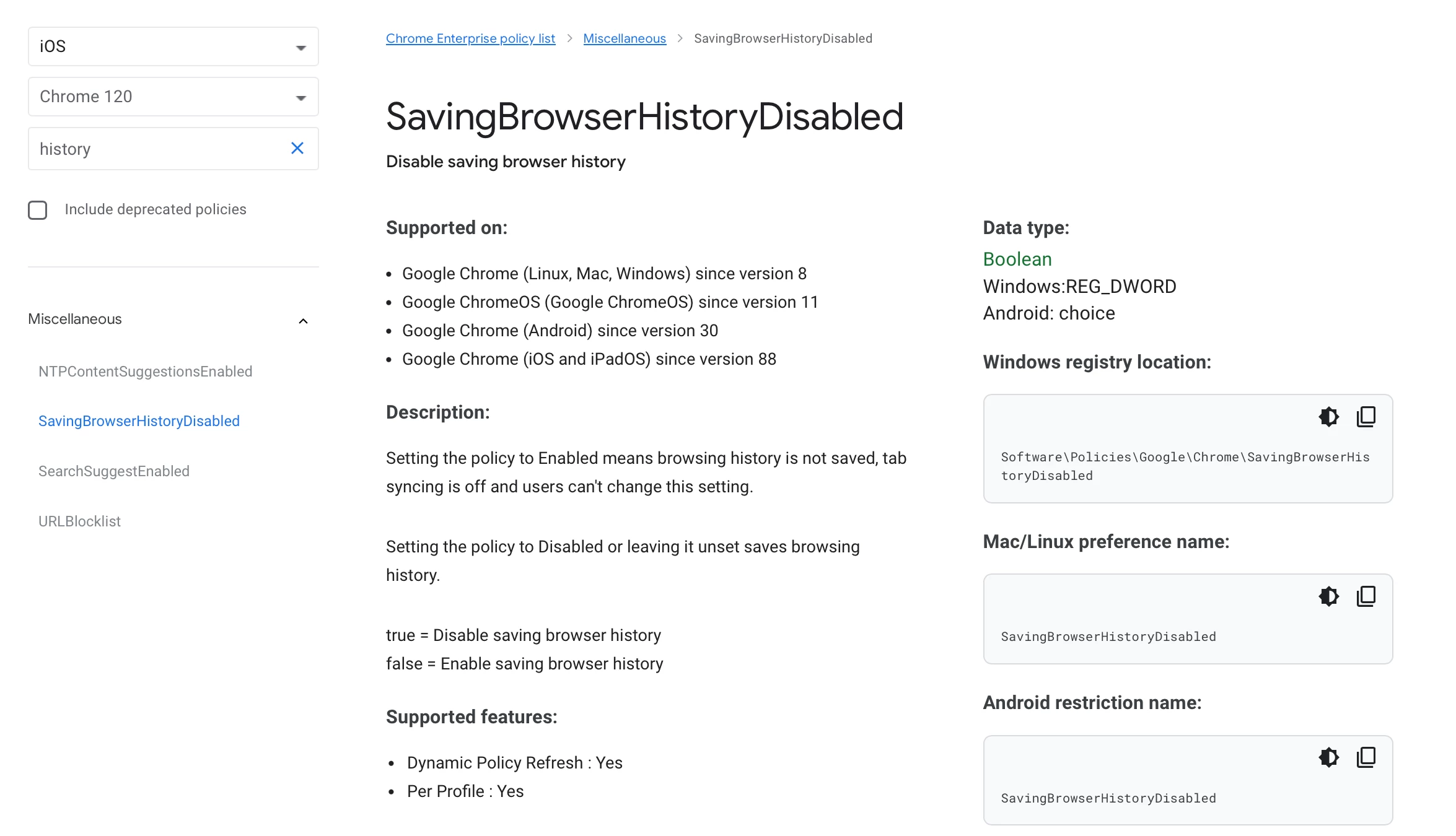
Don't believe so, see here for what is available to work with..

https://chromeenterprise.google/policies/#SavingBrowserHistoryDisabled


Forum|alt.badge.img+3
  • Author
  • New Contributor
  • Jan 9, 2024 4:12 PM UTC

That would be Saving Browser History. Which is enabled by default, and is acceptable. What I am trying to do is prevent the users from Deleting Browser History. (This is also a DISA STIG requirement). 

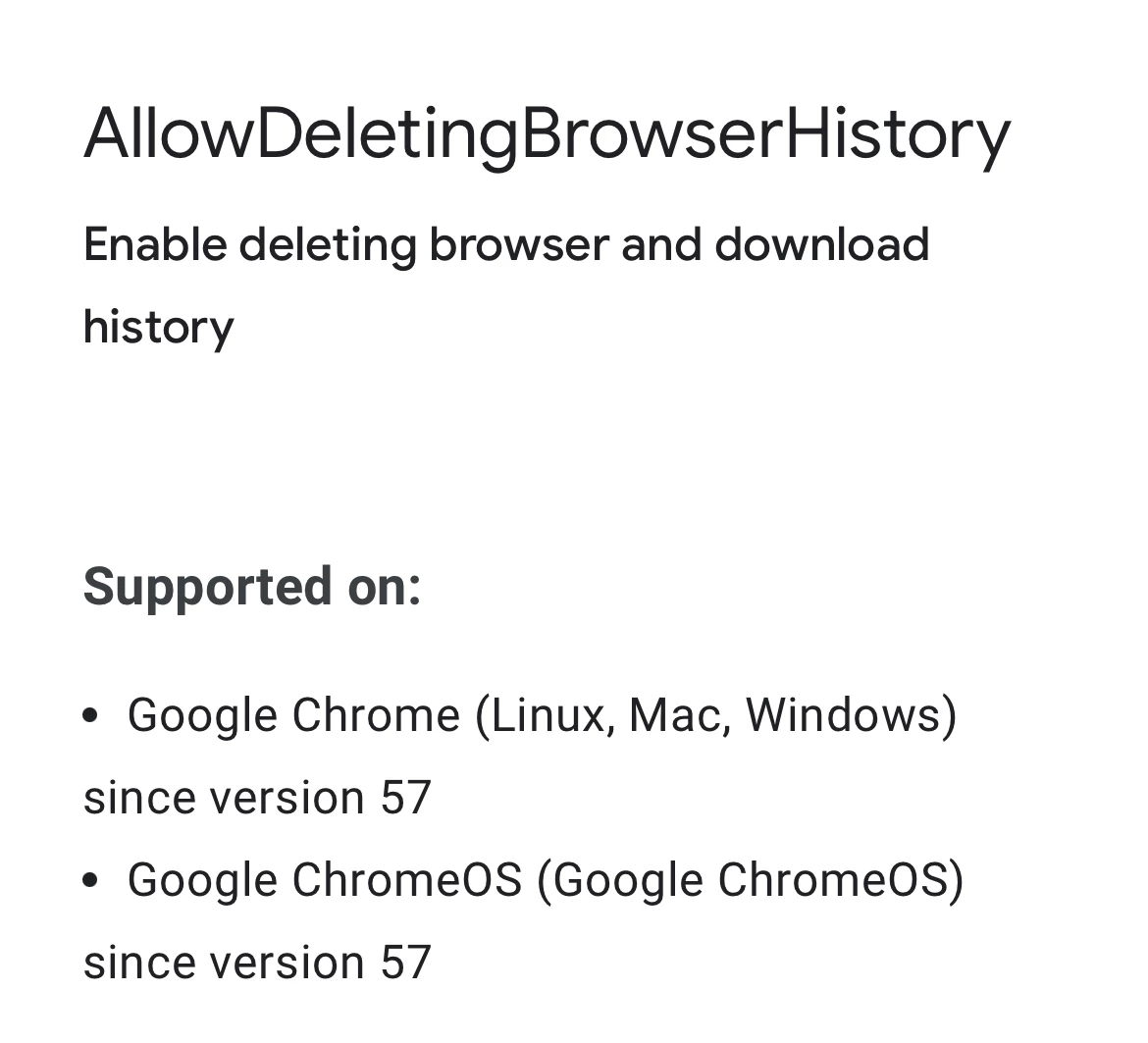
I did find this Google documentation. 

But as I mentioned above, this payload did not work:

   <key>AllowDeletingBrowserHistory</key>
   <boolean>false</boolean>


Bol
Forum|alt.badge.img+11
  • Contributor
  • Jan 9, 2024 4:41 PM UTC

I probably shouldn’t have posted like that, sorry for the confusion..

You don’t see the option in what I posted as there is no option, only the managed settings that are available for iOS.

This is confirmed in the documentation you have linked.