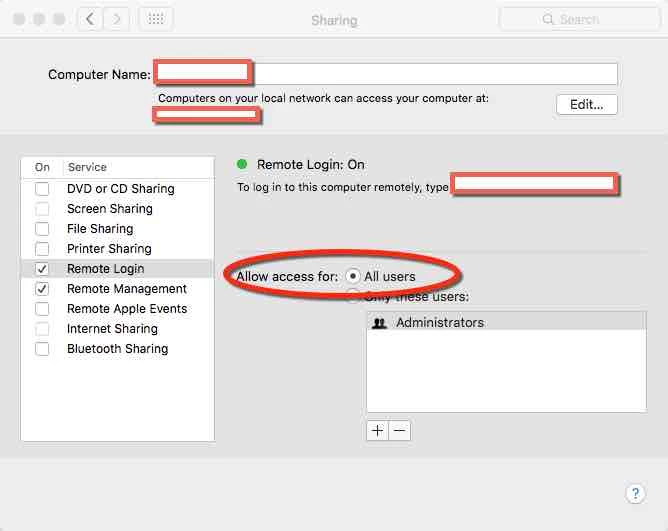
We use Casper Suite to manage devices at our school district. Today, we discovered that students are finding other student devices using the Network list and enabling a Screen Sharing session, connecting with the student victim's username and password (attained previously), and causing issues with taking over their computer, etc.
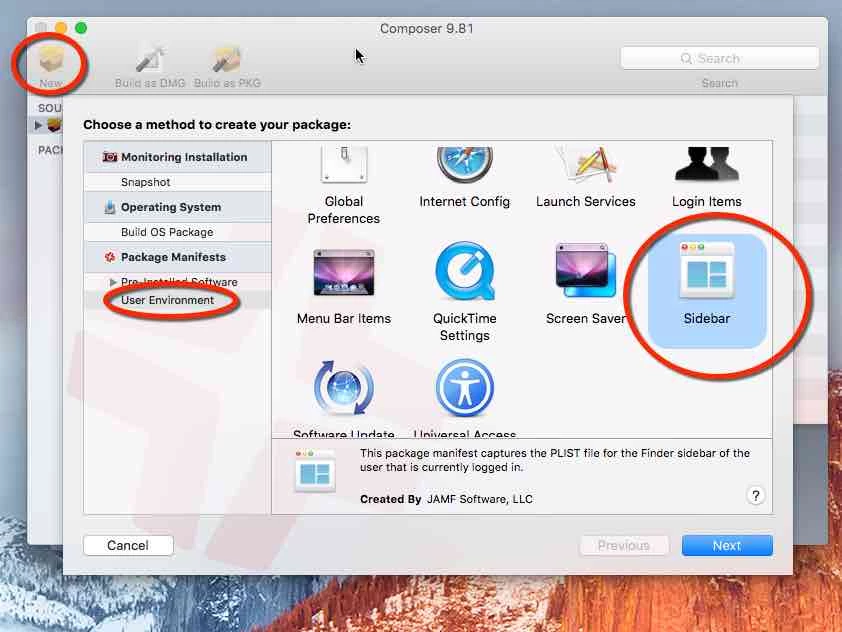
We are now tasked to disable the Network visibility all-together for the student MacBook Airs so they can't even see other devices on the network. I do not see the option in the Finder configuration profile definition. Is this something that can be done with built-in JSS functionality, or will I have to upload some type of MCX to config profile file into a Config Profile?
We do have Apple Remote Desktop client and VNC client running on each of these computers.
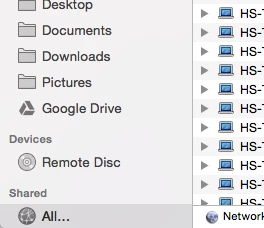
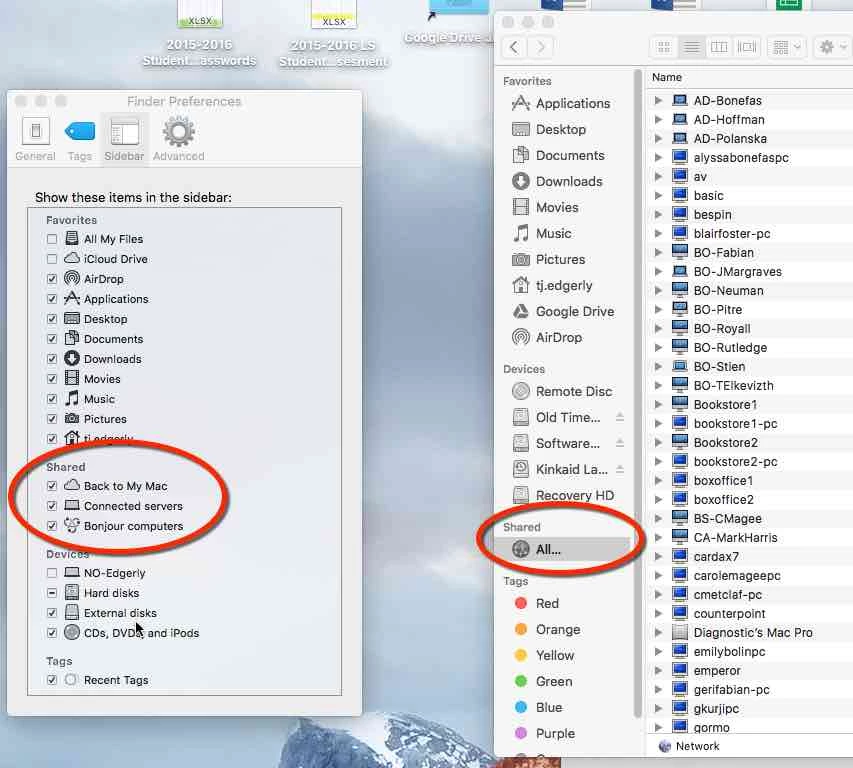
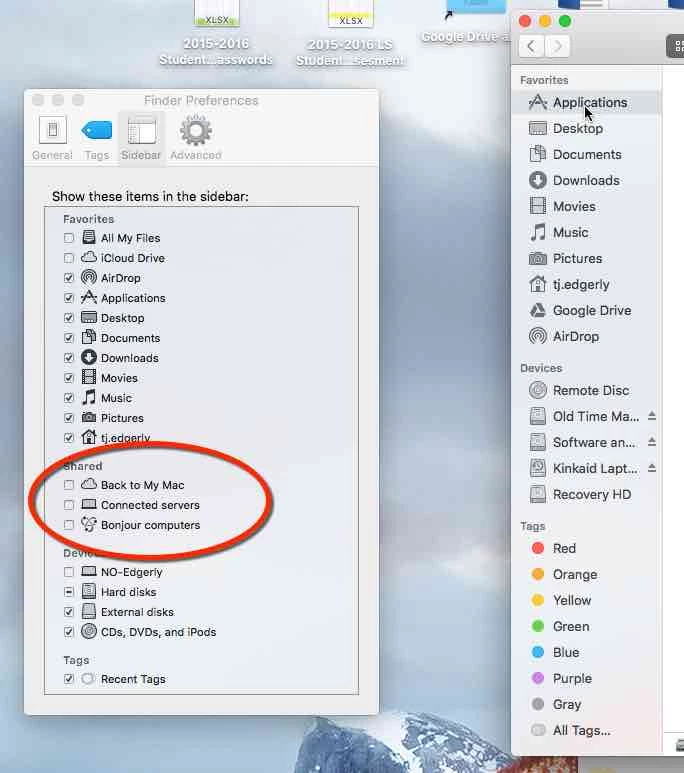
See screenshot for the sidebar item we want to hide and disable: