Question

Disable USB Storage access

  • February 8, 2019
  • 12 replies
  • 82 views

Forum|alt.badge.img+3
  • New Contributor

I've seen it asked a couple times before but it seems something has recently changed in macOS 10.14.2

I need to disable all external drive access R/RW. We've been doing it by preventing the kext from loading but users are reporting they suddenly have access again.
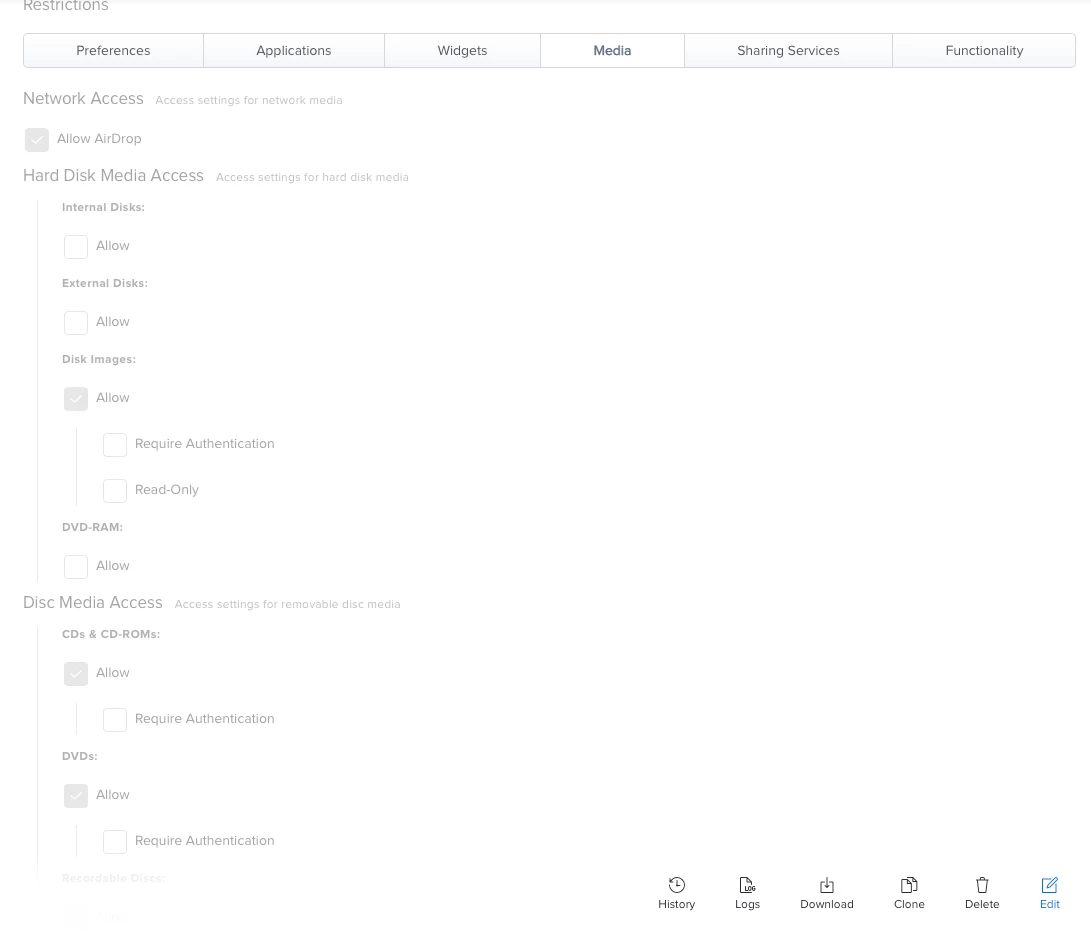
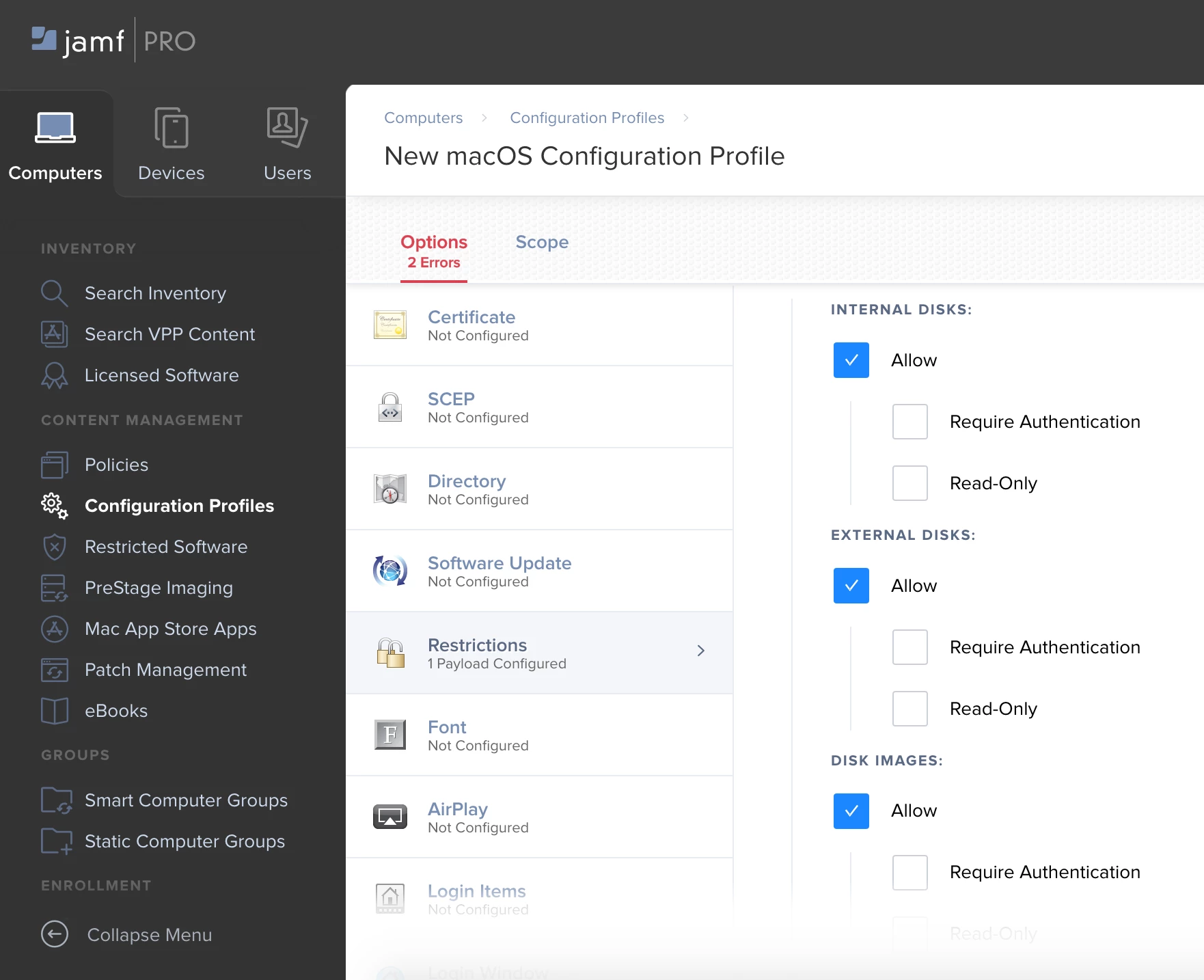
I found this setting in config profiles. Anyone using this successfully?
12 replies

Forum|alt.badge.img+9
  • New Contributor
  • February 8, 2019

We've recently implemented this in JP 10.9. Simply uncheck the Allow box and push the profile to your users. Once the profile is received, the drives are prevented from mounting as storage.


Forum|alt.badge.img+5

Doesn't work for me, Ive applied the configuration and unticked external drives and it still mounts a drive.


sdagley
Forum|alt.badge.img+25
  • Jamf Heroes
  • August 20, 2020

@jonathan.rudge Have you restarted the Mac after pushing the profile? Or at least logged out and back in again? It's been a while since I tried this setting, but IIRC it didn't take effect until restart/login.


Forum|alt.badge.img+7

I use that, here is a screen grab of my configuration.


mani2care
Forum|alt.badge.img+7
  • Contributor
  • December 2, 2020

Yep I was tried but there is any way to know the extension attribute to aware of the blocked status "USB"


Forum|alt.badge.img+1
  • New Contributor
  • July 20, 2021

Any way to disable USB mass storage device in macOS 11 without third party software, may be script or JAMF proposed a new kind of solution


Forum|alt.badge.img+7
  • Valued Contributor
  • October 21, 2021

I was messing around with this, and noticed that in Read Only Access Iphones can still get files transferred to them.


Has anyone else experienced this or found a way to block this?   The only change I have in my config policy is External Disks are set to read only.


ergi
Forum|alt.badge.img
  • New Contributor
  • December 9, 2021

Is this going away on Big Sur and above ?


Forum|alt.badge.img+1
  • New Contributor
  • December 10, 2021

Is this going away on Big Sur and above ?


It already gone and now we need third party software to control USB devices, as I could remember symantec is doing the job


Forum|alt.badge.img+6
  • Contributor
  • February 18, 2022

Jamf has announced support for this in Jamf Protect:

https://www.jamf.com/blog/jamf-protect-beta-new-usb-storage-controls-jnuc-2021/


sdagley
Forum|alt.badge.img+25
  • Jamf Heroes
  • February 18, 2022

Jamf has announced support for this in Jamf Protect:

https://www.jamf.com/blog/jamf-protect-beta-new-usb-storage-controls-jnuc-2021/


Version 2022.1 of Google's Santa tool added support for USB Mass Storage blocking: https://github.com/google/santa


Forum|alt.badge.img
  • New Contributor
  • May 3, 2023

We've recently implemented this in JP 10.9. Simply uncheck the Allow box and push the profile to your users. Once the profile is received, the drives are prevented from mounting as storage.


Jamf Protect is currently not working for me to disable USB ports.