Hello Friends!
A quick resolution update here! Hooray! Thanks to the help of the Jamf Team, we were able to identify this as a couple of different factors. Not all of them might apply to you future "peruser" of this post. . . but hopefully it will spark something for you that helps resolve the issue.
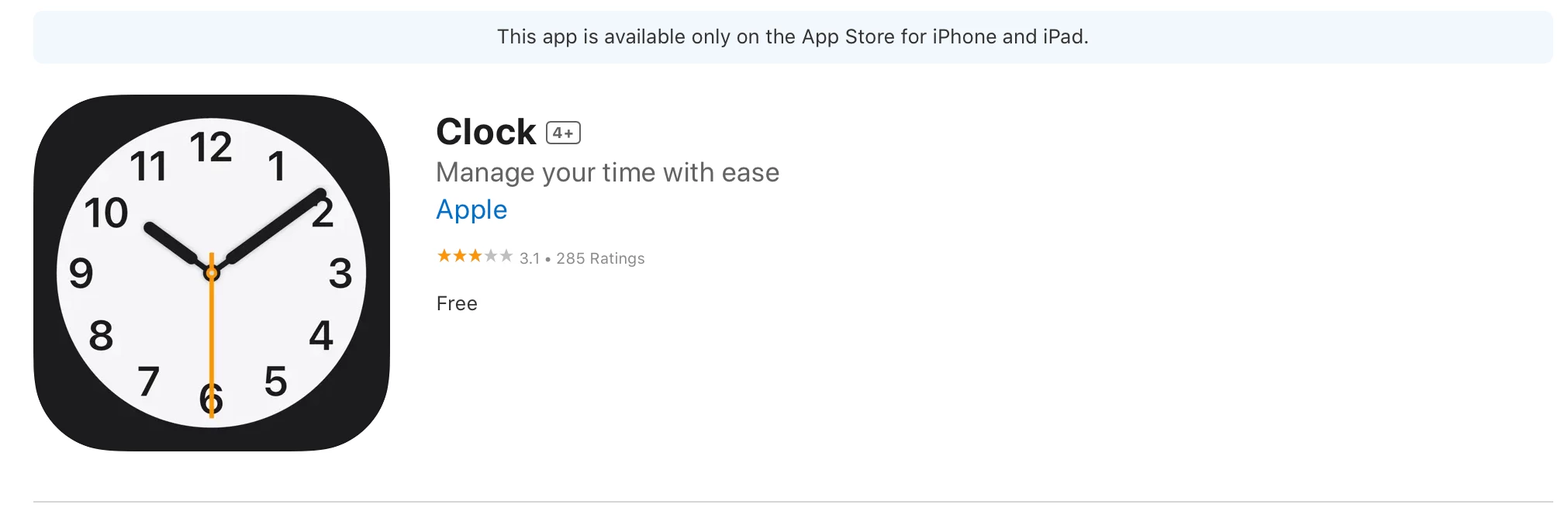
Issue 1) iOS version -- The translate app wasn't made available until Version 15 -- so if your device is NOT updated to that version (which frustratingly, my test devices were not) they will not show up regardless of what settings you have entered. a little frustrated at myself for not thinking through this originally.
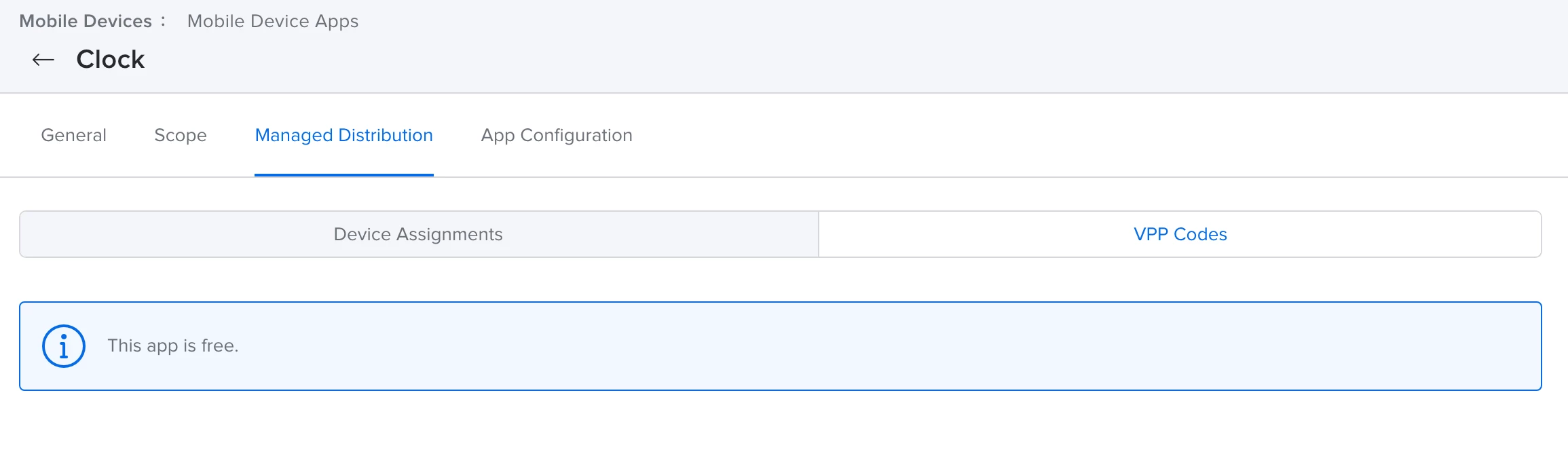
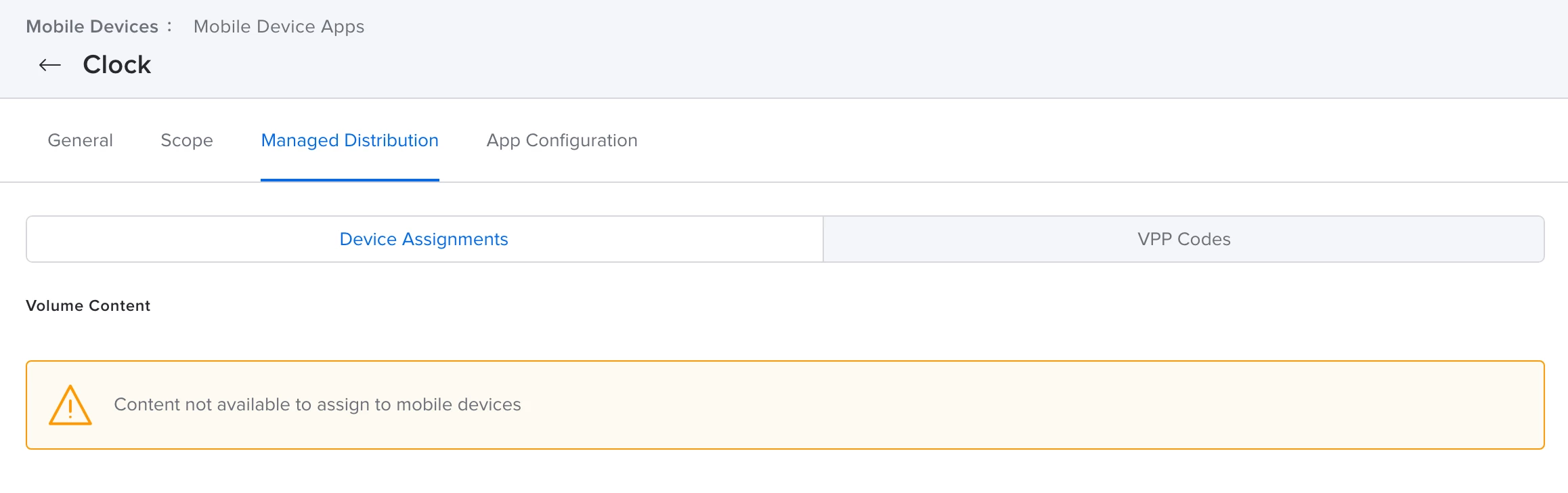
Issue 2) because these were EXCLUDED from the original install -- they WILL need to be included in the Allowed Apps configuration -- they DO NOT need to be purchased from the App Store or ABM App. . . but they need to have BOTH a name AND a Bundle ID included in the config profile in order to appear. (see Screenshot below), only having one or the other will NOT have it populate.

Issue 3) Conflicting Config profiles -- i had been adding in the Apps into multiple config profiles and this was creating a bit of a conflict/contradiction. So i have made an overarching change in all of my settings to only have apps deployed in one config profile and then we have "Home Page Layout" in another profile. PLEASE NOTE: these apps are NOT required to be included in a Home Page Layout for them to be added to the device, they will just live nicely next to the settings app, but if you DO want to assign it to a specific spot it will take that recommendation if you do.
Hope this helps you Future Reader!!! Big thank you to this community and all of the folks that helped reply and offer their two cents. It means a ton to me!!