Solved

El Capitan - Login Window images no longer blurred

  • September 30, 2015
  • 9 replies
  • 22 views

scottb
Forum|alt.badge.img+18

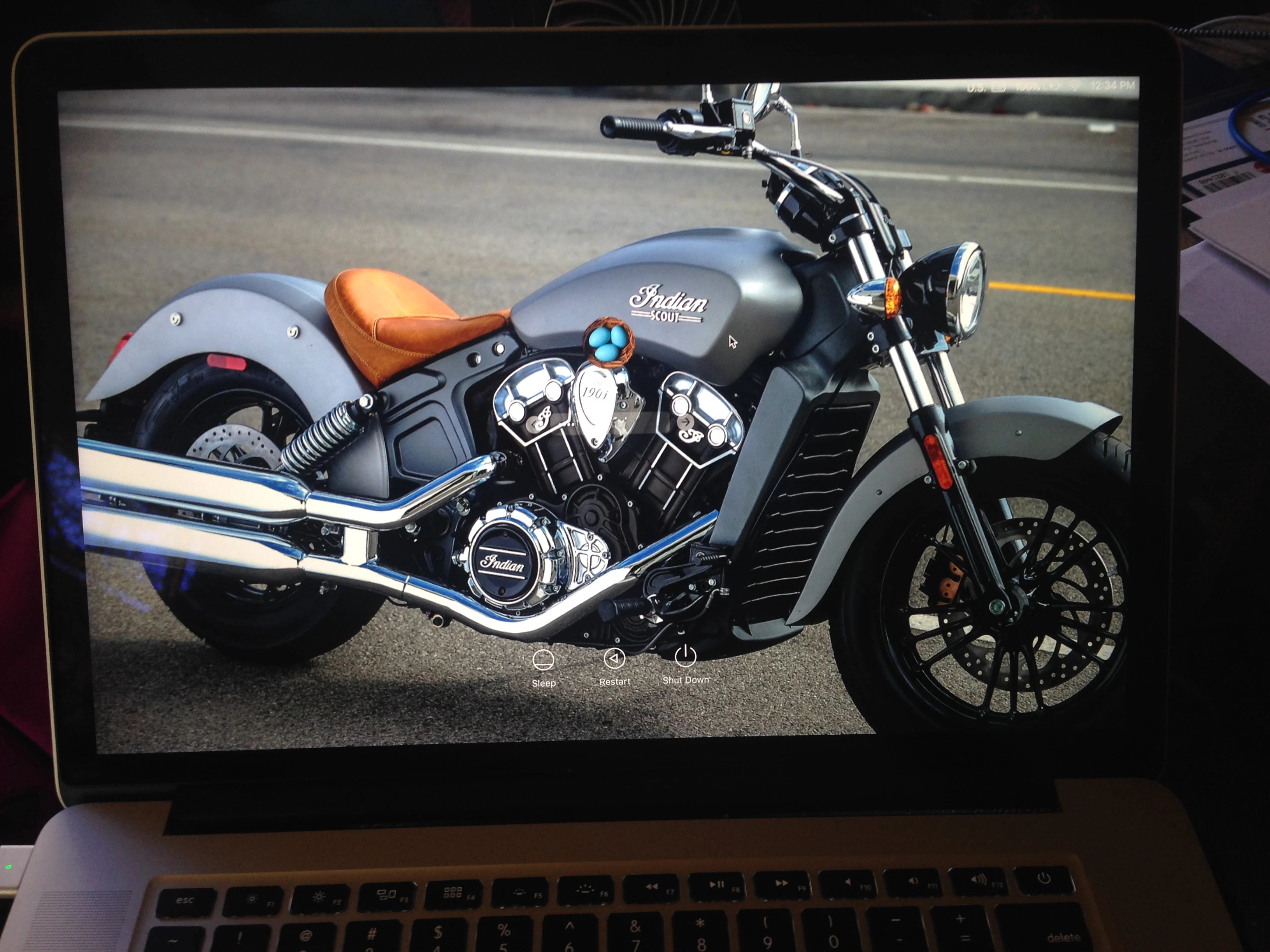
Nice change in the 10.11 builds. Images used for custom login screens no longer need to be messed with. Of course the install of 10.11 blew out the /Library/Caches folder, but the good news is that if you need/want a custom login window, they look good now.

If you haven't done it, the process is to use a graphic (I use .png) named:

"com.apple.desktop.admin.png"

Place it into /Library/Caches

Best answer by scottb

@TomDay - really? Mine are showing up crystal clear. Not sure why I'm seeing this and you're not...
I'll take a pic and post it up.

EDIT: Just did on a freshly updated Mac.

9 replies

Forum|alt.badge.img+22
  • Honored Contributor
  • October 8, 2015

Was excited to read this, since Yosemite killed our custom login background for all our clients with the blurred mess. No luck for me on this though; the login screen is the blurred El Cap background and the lock screen is gray :-(


scottb
Forum|alt.badge.img+18
  • Author
  • Valued Contributor
  • Answer
  • October 8, 2015

@TomDay - really? Mine are showing up crystal clear. Not sure why I'm seeing this and you're not...
I'll take a pic and post it up.

EDIT: Just did on a freshly updated Mac.


Forum|alt.badge.img+22
  • Honored Contributor
  • October 8, 2015

Wow yea that looks great. I'll try deleting a couple of .plists.
-Tom


scottb
Forum|alt.badge.img+18
  • Author
  • Valued Contributor
  • October 8, 2015

FYI, I tried it on a 10.11 release build and 10.11.1 seed build. Both working on two different MBP's...


Forum|alt.badge.img+22
  • Honored Contributor
  • October 11, 2015

Got the login screen background working now! The file had "no access" for
Everyone, needs 'read". Now just have to get the lock screen background to
match now, its still gray. I'll play with it this week @ JNUC. Thx for the help.


Forum|alt.badge.img+22
  • Honored Contributor
  • November 13, 2015

@scottb Really happy with the way this is working! getting ready to release 10.11 to our community and wanted to get a custom background image out to Everyone when they update. Are you doing this? Any idea how to get one deployed?


scottb
Forum|alt.badge.img+18
  • Author
  • Valued Contributor
  • November 17, 2015

@TomDay - you could easily use Composer for this I think.
Get your image, name it, give the right permissions, then open Composer. Should be built with the read perm's as you found and then save as a package since it's not a /User file, but a system file.


Forum|alt.badge.img+22
  • Honored Contributor
  • December 4, 2015


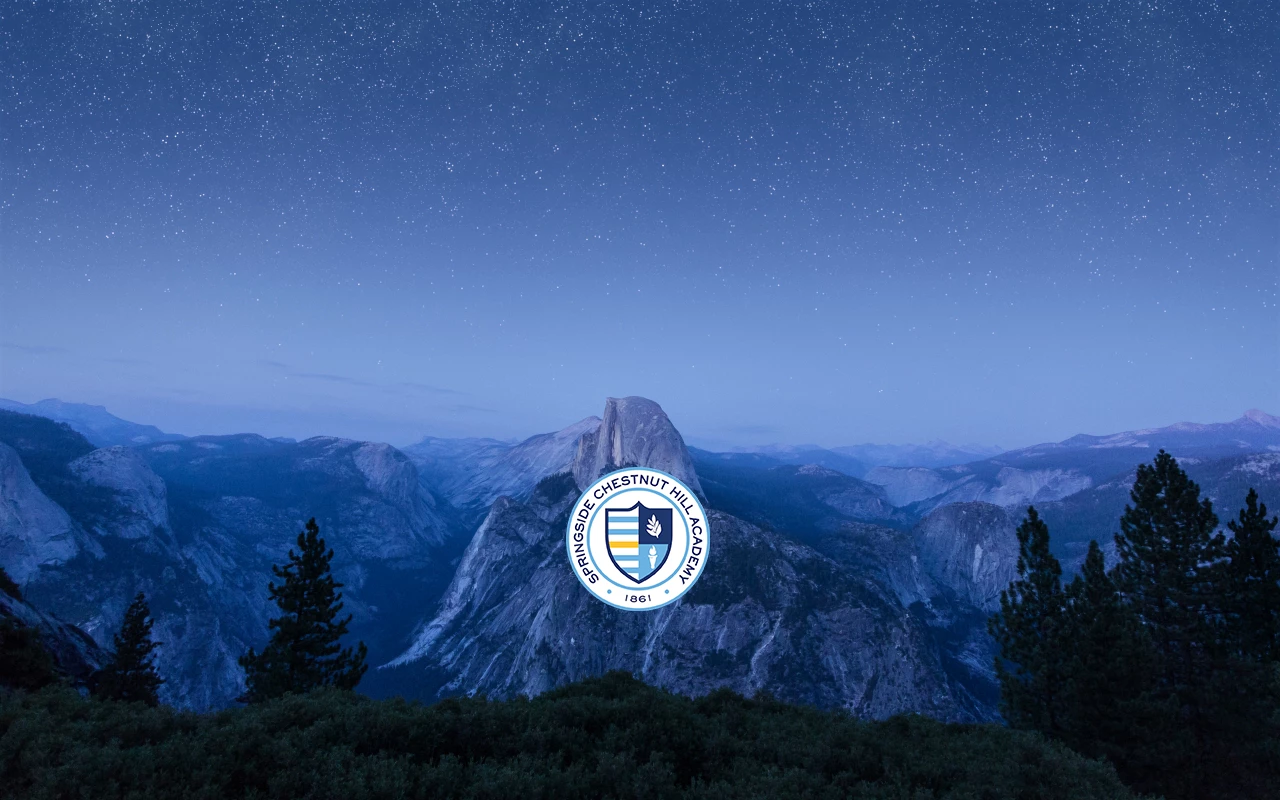
@scottb Thx, yes Composer definitely worked for this! Had to create a blank pkg and manually build the directory structure though, then add the file. Attached a screen shot of what were are rolling out. Simple but Everyone seems to like it!


Forum|alt.badge.img+6
  • Contributor
  • December 15, 2016

Hey @TomDay , were you or anyone able to figure out changing the background when the screensaver kicks in on El Capitan? It is still blurred grey for me.