Hi all,
I couldn't find a way to do this via JSS and there doesn't appear to be anything on here about it.
Is there an easy way to pull the serial numbers from every computer in a smart group?

 +6
+6Hi all,
I couldn't find a way to do this via JSS and there doesn't appear to be anything on here about it.
Is there an easy way to pull the serial numbers from every computer in a smart group?
Best answer by stevevalle
This can be done with an Advanced Computer Search!
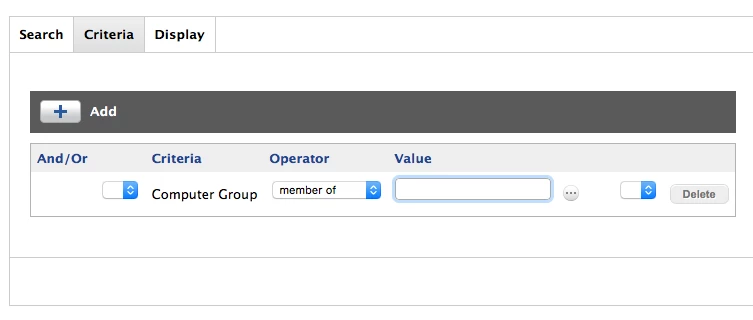
Once you have created your smart group, create a new Advanced Computer Search and add your smart group to the criteria.
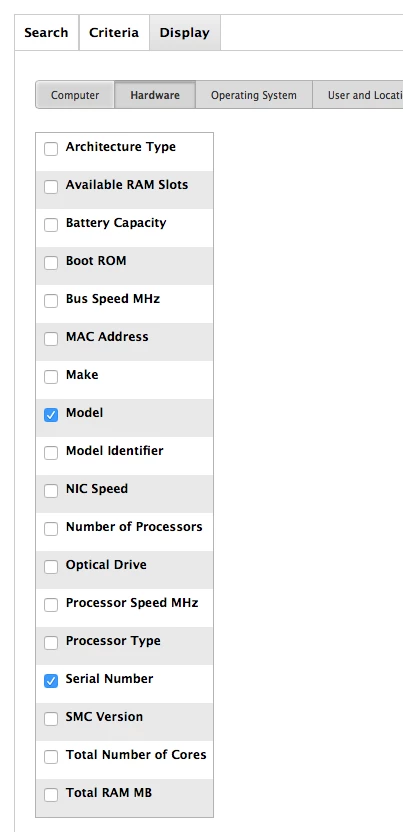
Ensure you have display Serial numbers in the output.
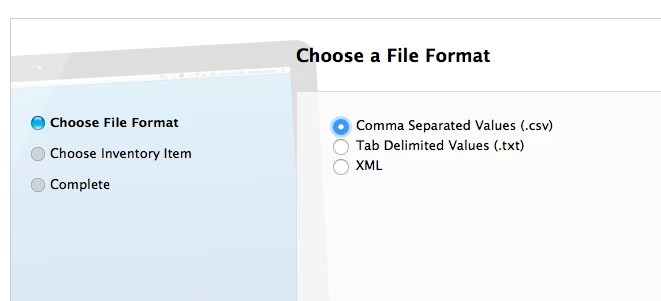
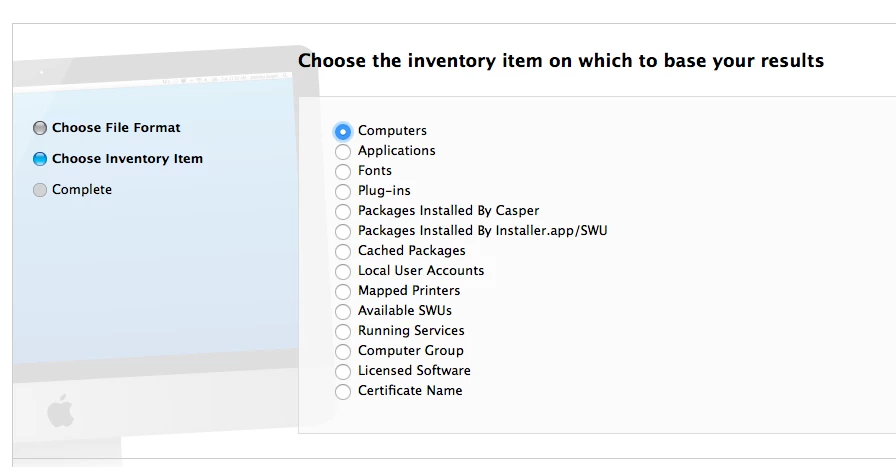
Then you can export the data as a .csv, .txt or xml file
Hope that helps!
Enter your E-mail address. We'll send you an e-mail with instructions to reset your password.

