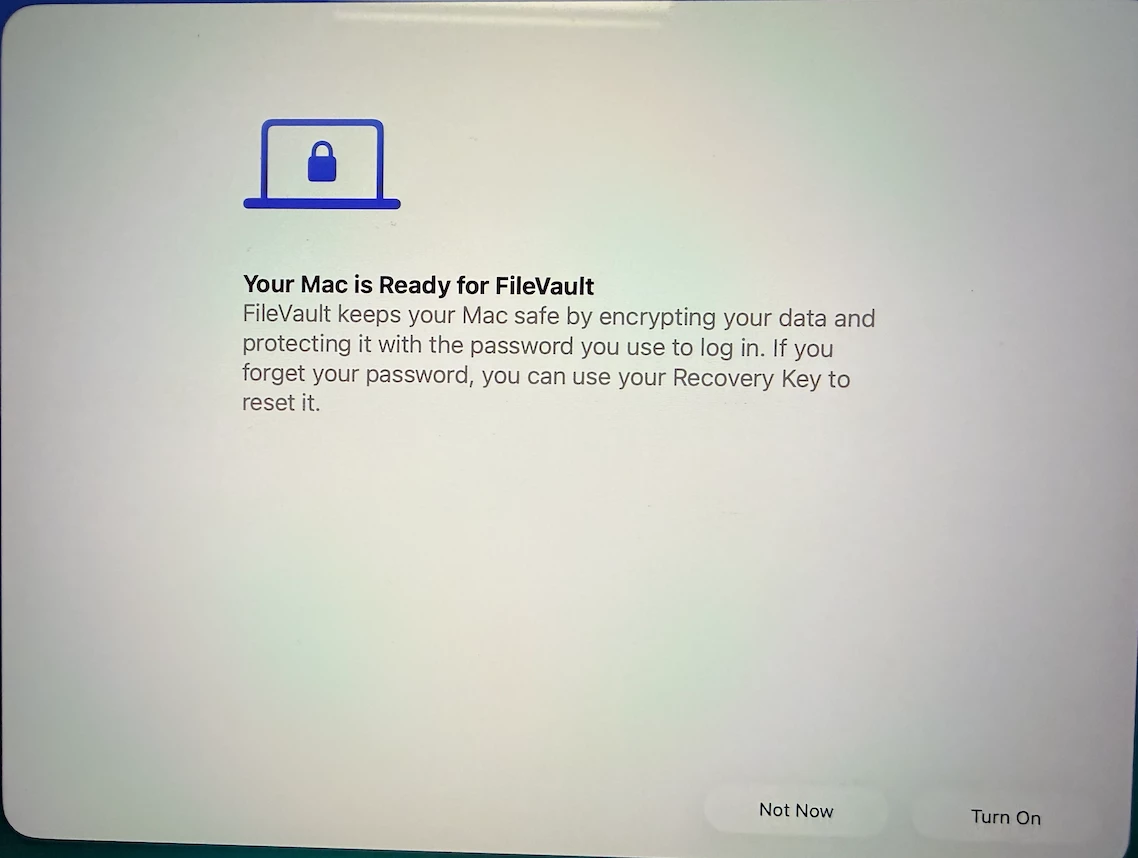
Your Mac is Ready for FileVault
FileVault keeps your Mac safe by encrypting your data and
protecting it with the password you use to log in. If you
forget your password, you can use your Recovery Key to
reset it.


 +7
+7
Your Mac is Ready for FileVault
FileVault keeps your Mac safe by encrypting your data and
protecting it with the password you use to log in. If you
forget your password, you can use your Recovery Key to
reset it.
Best answer by PaulHazelden
There is a profile for that
https://github.com/rtrouton/profiles
SkipFileVaultSetup
It will prevent the FileVault offer
Enter your E-mail address. We'll send you an e-mail with instructions to reset your password.