After the new update many teachers are complaining that when they disconnect from Apple TV via Airplay they are getting the ads for shows/movies . These are in the banner of Apple TV menu, they find them distracting and trying to find a quick way to filter or block them. I've had them scroll down so that the banner isnt on the screen, it is a temporary work around as it will eventually default back up. Looks like there isn't any filters on restrictions on Ad content in JAMF. Any info would be helpful

Solved
FIlter or Block Apple TV ads in classrooms
 +5
+5Best answer by sdamiano
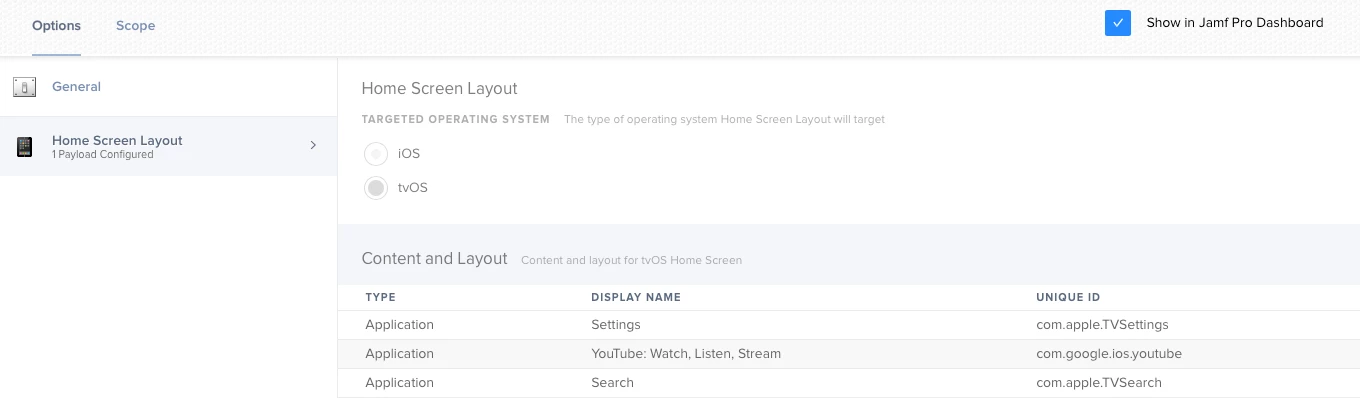
It doesn't seem that a payload exists for this specific ask.
You have two options right now:
- Enable conference room display.
- Have the instructors do the steps listed here.
I don't see a payload in Jamf or in Profile Creator for performing the above steps, however, I'd imagine that it must exist somewhere.



Enter your E-mail address. We'll send you an e-mail with instructions to reset your password.