Question

Fix Wallpaper on MacOS

  • May 28, 2026
  • 5 replies
  • 47 views

Forum|alt.badge.img+1

Hi, 

With my On Prem Jamf Pro Instance, i’ve made a policy to fix a particular wallpaper on all my classroom iMacs.

it works well on mosts of my macs, but i’ve a brand new one, the policy run successfully, the wallpaper is in the folder /users/shared/Wallpaper/xxx.jpg but the wallpaper don’t change on any user accounts.

Is there something new i miss?

5 replies

Forum|alt.badge.img+8
  • Valued Contributor
  • May 28, 2026

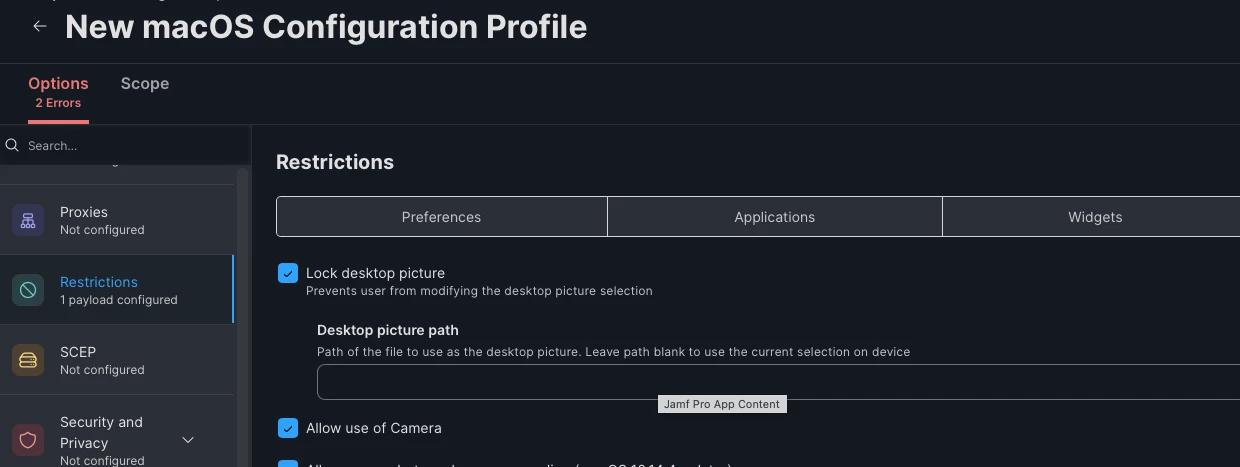
I use a configuration profile for this.


Desktoppr with a launch daemon works well too.

https://github.com/scriptingosx/desktoppr


mvu
Forum|alt.badge.img+22
  • Jamf Heroes
  • May 28, 2026

Do you have two conflicting wallpaper configuration profiles? Unscope the old wallpaper?

Desktoppr is also great!


agungsujiwo
Forum|alt.badge.img+9
  • Contributor
  • May 29, 2026

Hi ​@LaurentCh ,
 

What macOS version is running on the old iMac?
And what macOS version is installed on the brand-new iMac?

If your device is already running the latest macOS Tahoe and you are using a script to set the wallpaper, I would recommend running the script as the current user instead of as root.

From my testing, if the script runs without targeting the current user, the script may execute successfully, but the wallpaper change could apply only to the root account instead of the logged-in user.
 

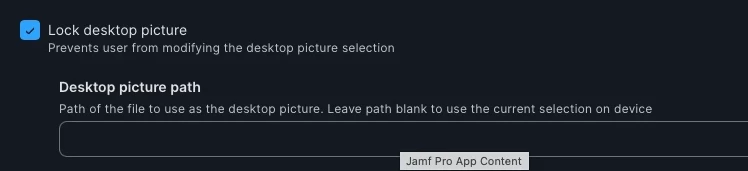
if you are using the Lock Desktop Picture setting from Jamf Pro, I noticed that the old restriction property appears to be deprecated:
 

  • OSX 10.13 Restriction Properties " locked "


It seems Jamf may not have updated it yet to the newer property:

  • allowWallpaperModification

which, based on Apple documentation, supports macOS 10.13 and newer versions.


Forum|alt.badge.img+1
  • Author
  • New Contributor
  • May 29, 2026

Thank you for all your answers.

The old Mac who have the policy to apply the desktop Wallpaper is on Mac OS Sequoia, and the new one is on MacOS Tahoe.

I will try what you suggest and i’ll tell you if it works,

Thanks


Jay-payglocal
Forum|alt.badge.img

Try log-out and log-in from the profile.