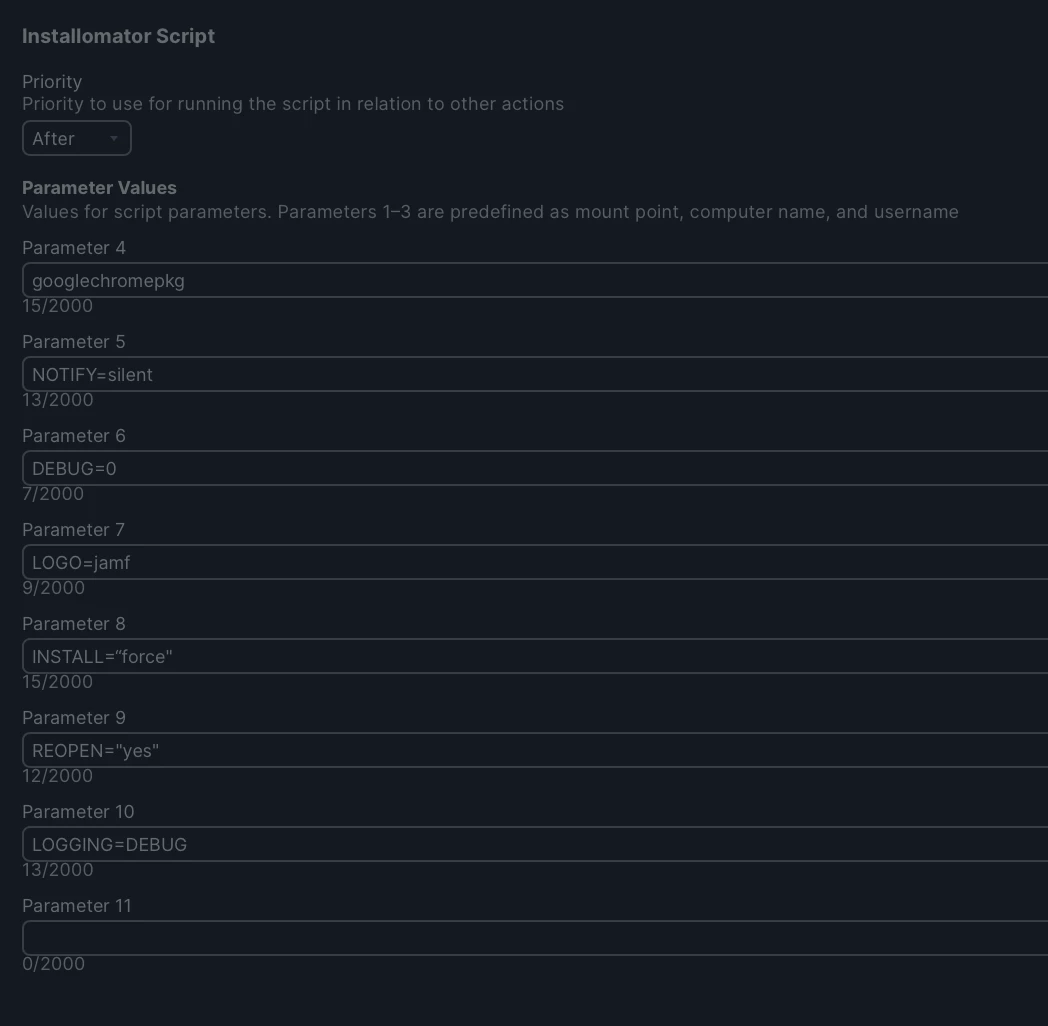
We’ve been using a script that automatically downloads and installs the latest version of Google Chrome when we push a prestage policy to our Macs. This script no longer works on Tahoe. This is the error that shows up in the logs:
Script result: Wed Jan 21 16:08:00 CST 2026: Create temporary directory
Wed Jan 21 16:08:00 CST 2026: Download 'https://dl.google.com/chrome/mac/universal/stable/GGRO/googlechrome.dmg' Wed Jan 21 16:30:23 CST 2026: Check downloaded DMG hdiutil: attach failed - no mountable file systems find: : No such file or directory
I’d like to find out how I can update this script to work with Tahoe.
Here’s the script we’re currently using:
#!/bin/bash
bundle="Google Chrome.app"
tmp="/private/tmp/GoogleChrome"
echo "$(date): Create temporary directory"
mkdir -p "${tmp}"
echo "$(date): Download 'https://dl.google.com/chrome/mac/universal/stable/GGRO/googlechrome.dmg'"
curl -s -o "${tmp}"/"GoogleChrome.dmg" "https://dl.google.com/chrome/mac/universal/stable/GGRO/googlechrome.dmg"
echo "$(date): Check downloaded DMG"
volume=$(hdiutil attach -noautoopen -noverify -nobrowse "${tmp}/GoogleChrome.dmg" | egrep "Volumes" | grep -o "/Volumes/.*")
if [ "$(find "${volume}" -name "${bundle}" -execdir echo '{}' ';' -print | sed -n 1p)" == "${bundle}" ]; then
bundlepath=$(find "${volume}" -name "${bundle}" -print | sed -n 1p)
bundlename=$(find "${volume}" -name "${bundle}" -execdir echo '{}' ';' -print | sed -n 1p)
echo "$(date): '${bundle}' was found in '${bundlepath}'"
if [ ! -s "${bundlepath}" ]; then
echo "$(date): No bundle found"
rm -rf "${tmp}"
hdiutil detach $(/bin/df | /usr/bin/grep "${volume}" | awk '{print $1}') -quiet -force
exit 1
else
if [ -s "/Applications/${bundle}" ]; then
echo "$(date): Delete installed '${bundle}'"
rm -rf "/Applications/${bundle}"
fi
echo "$(date): Move '${bundlepath}' to '/Applications'"
rsync -ar "${bundlepath}" "/Applications/"
fi
echo "$(date): Unmount '${volume}'"
hdiutil detach $(/bin/df | /usr/bin/grep "${volume}" | awk '{print $1}') -quiet -force
echo "$(date): Purge temporary directory"
rm -rf "${tmp}"
else
rm -rf "${tmp}"
exit 1
fi