Solved

Google Chrome script for installing either Intel or M1 (Apple Silicon) no packaging needed.

  • October 29, 2021
  • 35 replies
  • 357 views

Show first post

35 replies

Forum|alt.badge.img+7
  • Author
  • Contributor
  • November 17, 2021

I think I see where it errored. In the 2nd script. It failed to launch an app that doesn't exist. I did check the app installed. Thank you for your help.


We want the launch one to run last, that's why I put a "z -" in the title.


kiltedtenor
Forum|alt.badge.img+8
  • Contributor
  • November 19, 2021

I'm looking to run this script and it runs fine in terminal, but does not run when deployed via Self Service. Chrome isn't our primary browser, so it's only available there and will be left up to the user to update. No part of the script, from beginning to end runs properly. It's like self service isn't even trying to run it. Any ideas on where this could be hanging up? It has been copied and pasted directly from the latest script above.


Forum|alt.badge.img+7
  • Author
  • Contributor
  • November 19, 2021

I'm looking to run this script and it runs fine in terminal, but does not run when deployed via Self Service. Chrome isn't our primary browser, so it's only available there and will be left up to the user to update. No part of the script, from beginning to end runs properly. It's like self service isn't even trying to run it. Any ideas on where this could be hanging up? It has been copied and pasted directly from the latest script above.


I've had this happen before, what happens when you delete the policy and try again?


Forum|alt.badge.img+7
  • Author
  • Contributor
  • November 19, 2021

I'm looking to run this script and it runs fine in terminal, but does not run when deployed via Self Service. Chrome isn't our primary browser, so it's only available there and will be left up to the user to update. No part of the script, from beginning to end runs properly. It's like self service isn't even trying to run it. Any ideas on where this could be hanging up? It has been copied and pasted directly from the latest script above.


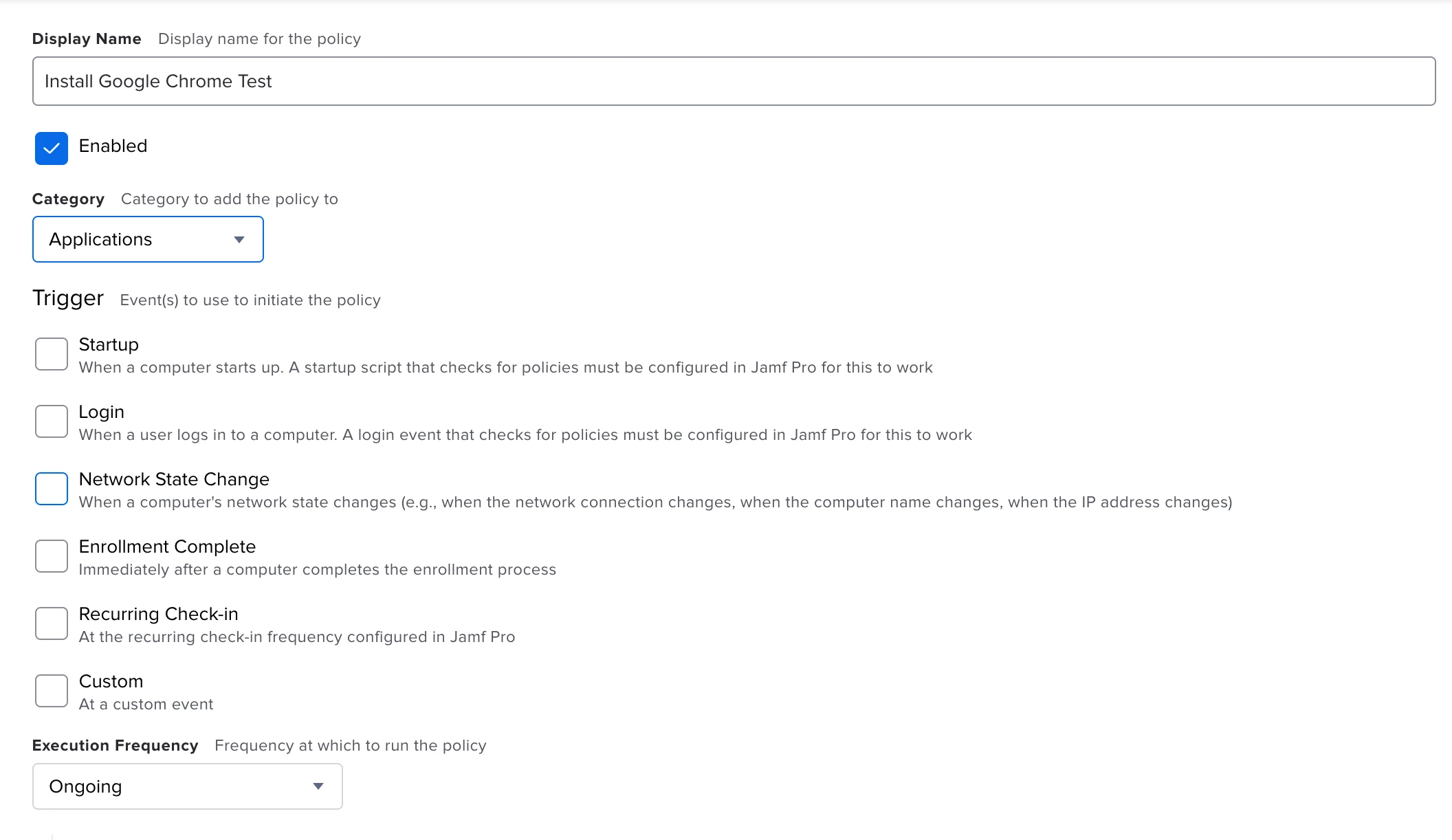
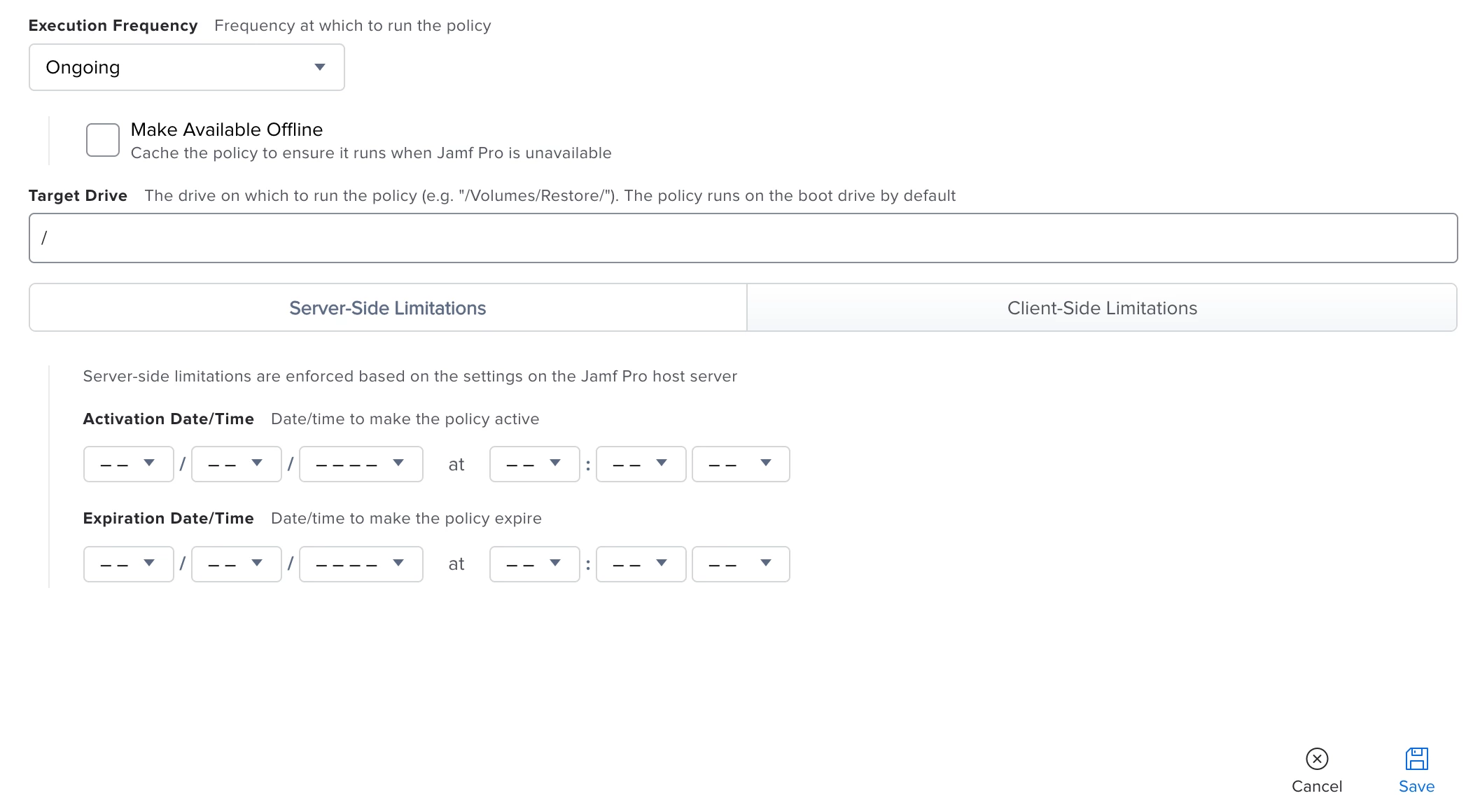
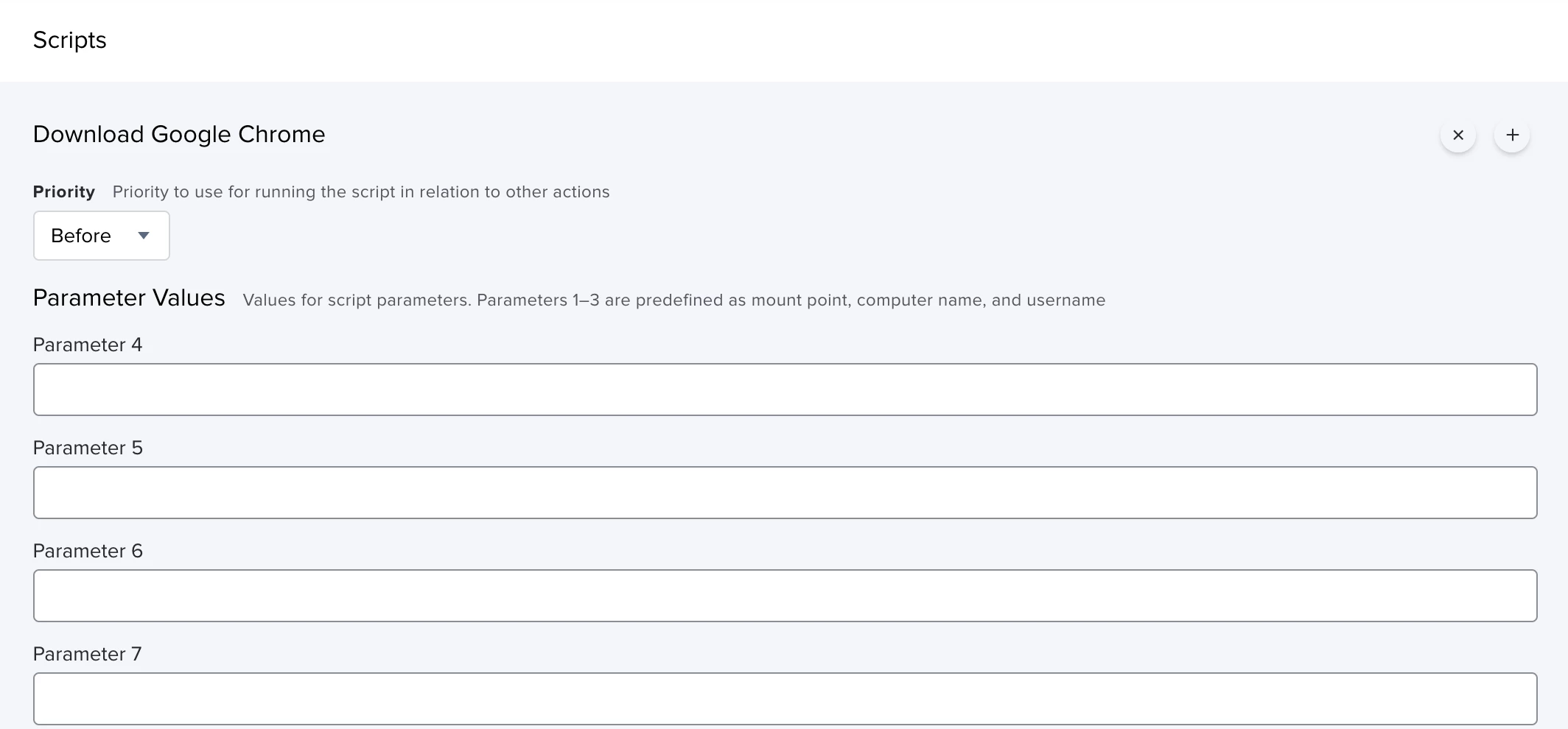
Also screenshots of the elements of the policy may help us as well if after recreation it is still not working 🙂


kiltedtenor
Forum|alt.badge.img+8
  • Contributor
  • November 22, 2021

I ended up with the same result. Just a failure notification from Self Service and seemingly no activity takes place. I'm watching /tmp for the googlechrome folder to appear as my point of reference for if the script is even trying to run. I've also looked for logs, but luck there either.


Forum|alt.badge.img+7
  • Author
  • Contributor
  • December 2, 2021

I ended up with the same result. Just a failure notification from Self Service and seemingly no activity takes place. I'm watching /tmp for the googlechrome folder to appear as my point of reference for if the script is even trying to run. I've also looked for logs, but luck there either.


Very Strange, have you tried choosing a trigger (I know it's not needed with Self Service) or recreating it from scratch, I have had multiple policies fail on me (no indication of running) and had to recreate them for some reason, or is there anything that might prevent this from running on the machine, like another policy?


kiltedtenor
Forum|alt.badge.img+8
  • Contributor
  • December 13, 2021

Very Strange, have you tried choosing a trigger (I know it's not needed with Self Service) or recreating it from scratch, I have had multiple policies fail on me (no indication of running) and had to recreate them for some reason, or is there anything that might prevent this from running on the machine, like another policy?


I finally broke down and hit up Jamf support. Looks like something just happened to be broken on the couple machines that I was testing on, regarding the device certificate for Jamf. I renewed it through terminal and archived the old one. That seemed to do the trick. It was weird because all of the other functions of Jamf were working through self service. App installation, etc. and the device was sending inventory and check-ins to our Jamf Pro server, but JUST scripts were broken. We're good now and the script works perfectly as written, so thank you for sharing it!


Forum|alt.badge.img+7
  • Author
  • Contributor
  • December 13, 2021

I finally broke down and hit up Jamf support. Looks like something just happened to be broken on the couple machines that I was testing on, regarding the device certificate for Jamf. I renewed it through terminal and archived the old one. That seemed to do the trick. It was weird because all of the other functions of Jamf were working through self service. App installation, etc. and the device was sending inventory and check-ins to our Jamf Pro server, but JUST scripts were broken. We're good now and the script works perfectly as written, so thank you for sharing it!


You are very welcome, glad you eventually got it up and running! 🙂


Forum|alt.badge.img+20
  • Contributor
  • May 11, 2022

does anyone have a working script that will install Google Chrome web browser (universal)?

I'm using this old script but i've recently noticed on both Intel & M1 it's now not installing the most current Google Chrome version of 101.***. it's installing at version 98.*****

I'm testing that script from @Geissbuhler 


Forum|alt.badge.img+4

Thanks for this script @Geissbuhler .   We ran into an issue where Chrome wouldn't autoupdate on our MacBooks.  We don't give the staff local admin so they weren't able to do the reinstall that the Macs were requiring them to do.  Set the script up in Self Service and it runs flawlessly for this.