Question

How to disable Home Screen Widgets & App Library on iPadOS 15?

  • September 20, 2021
  • 4 replies
  • 203 views

MrRoboto
Forum|alt.badge.img+9

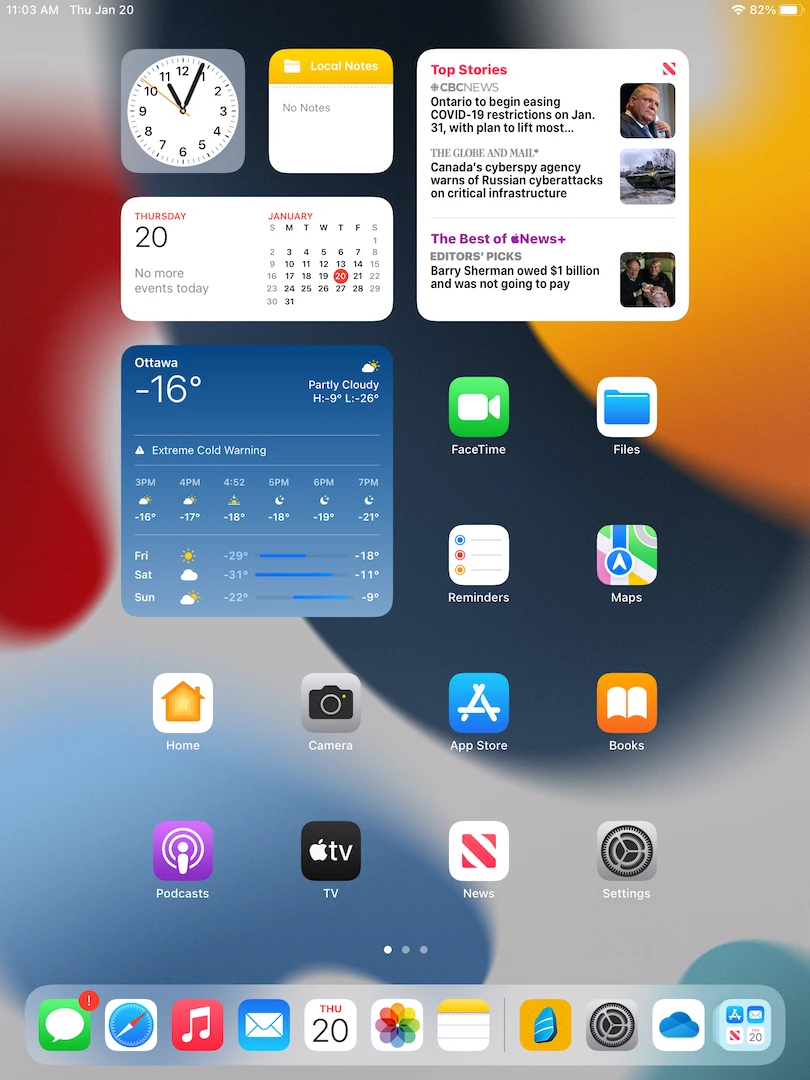
For shared devices not using "Shared iPad" we lock down the apps and Home Screen. In iPadOS 15 users can remove apps from the Home Screen and they get sent to the App Library. Also by default there are a few widgets and the ability to add more. Anyway to prevent this via built in restrictions profile?

4 replies

MrRoboto
Forum|alt.badge.img+9
  • Author
  • Valued Contributor
  • September 20, 2021

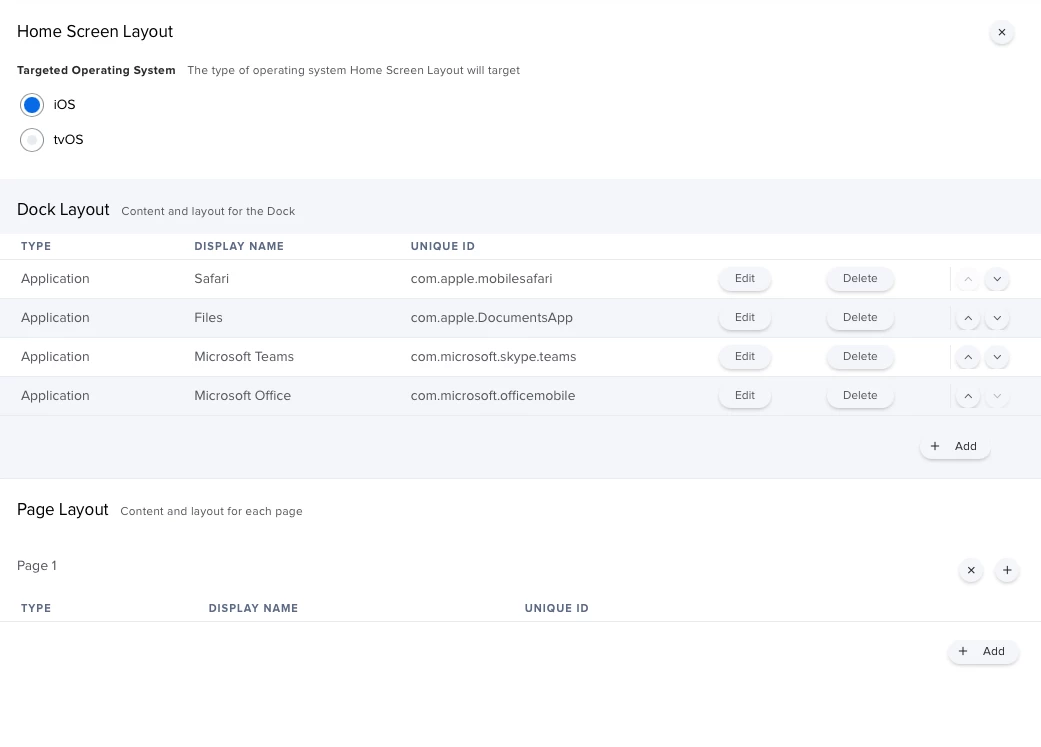
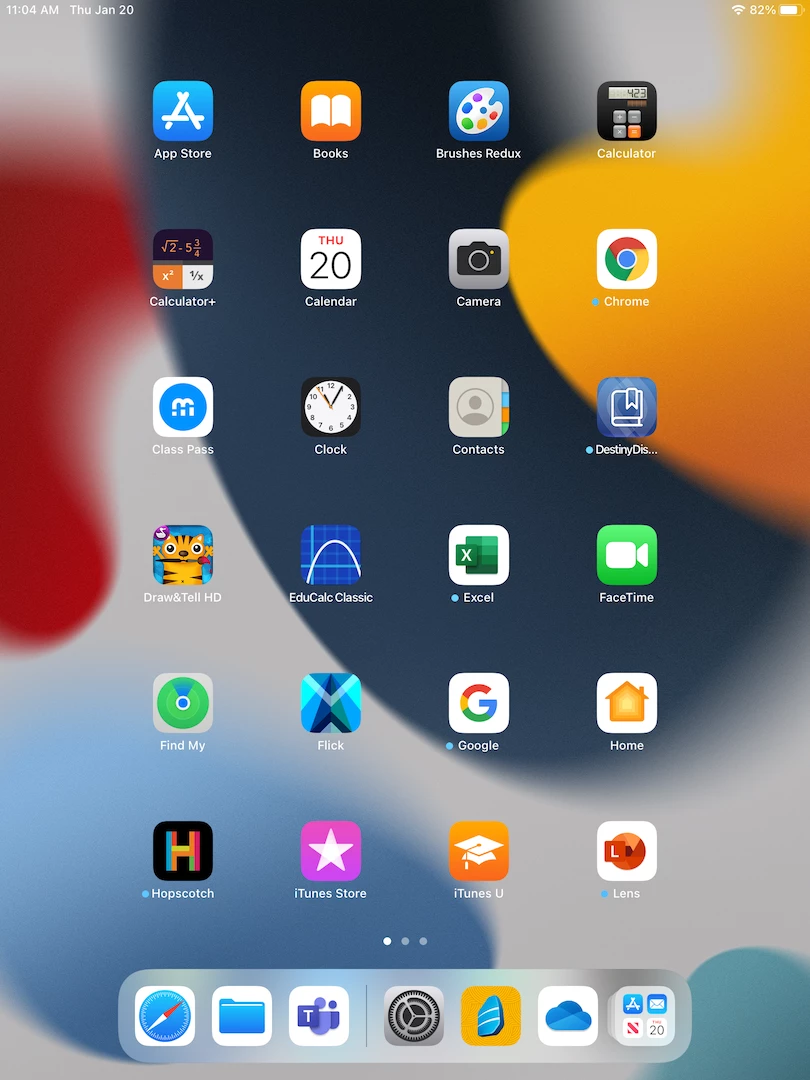
Using a Home Screen Layout profile works... no widgets on the first page and can't add any new ones. Also can't remove apps from the Home Screen.


CaptainAwesome
Forum|alt.badge.img+1
  • New Contributor
  • January 20, 2022

Using a Home Screen Layout profile works... no widgets on the first page and can't add any new ones. Also can't remove apps from the Home Screen.


So I am making a config profile for a test environment.

basically everything is off / hidden, locked or restricted.

I have a homescreen to force the only allowed browser to display "chrome", but  a user can simply swipe on the home screen to the side and get the prebaked in widgets, I am trying to disable these.

how exactly did you do it?


MrRoboto
Forum|alt.badge.img+9
  • Author
  • Valued Contributor
  • January 20, 2022

So I am making a config profile for a test environment.

basically everything is off / hidden, locked or restricted.

I have a homescreen to force the only allowed browser to display "chrome", but  a user can simply swipe on the home screen to the side and get the prebaked in widgets, I am trying to disable these.

how exactly did you do it?


I created a Home Screen Layout profile with a few core apps in the Dock, no Page Layout apps needed for my devices. Before the profile there are widgets on the first Home Screen page, after the profile there are none. There is still a widget overlay page that you can access by swiping left of the Home Screen, I'm not sure if you can disable this.


CaptainAwesome
Forum|alt.badge.img+1
  • New Contributor
  • January 20, 2022

So I am making a config profile for a test environment.

basically everything is off / hidden, locked or restricted.

I have a homescreen to force the only allowed browser to display "chrome", but  a user can simply swipe on the home screen to the side and get the prebaked in widgets, I am trying to disable these.

how exactly did you do it?


Cheers Roboto,

Tis the overlay that I cannot get rid of either.

Much appricate the quick reply though.

Kind Regards

Captain Awesome