Solved

how to manage sidebar on selfservice

  • May 21, 2015
  • 3 replies
  • 17 views

Forum|alt.badge.img+6

Hi All

how to manage and edit sidebar on self service? like below, how to add and remove an item on the sidebar?
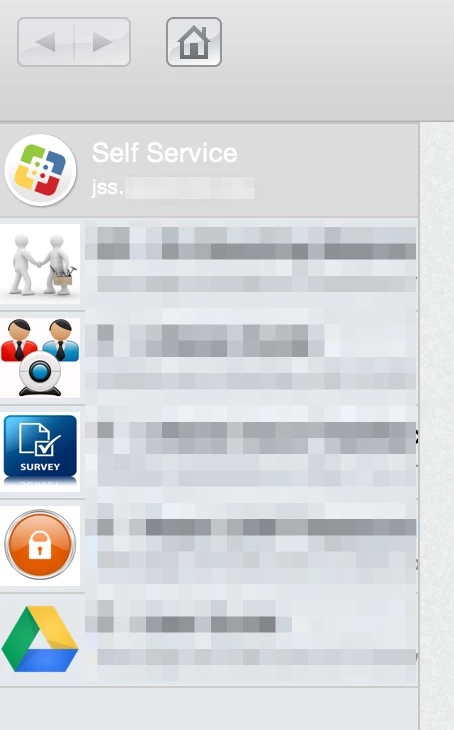

Best answer by Look

In the JSS
Computers
Management Settings
Self Service Plugins

3 replies

Forum|alt.badge.img+16
  • Valued Contributor
  • Answer
  • May 21, 2015

In the JSS
Computers
Management Settings
Self Service Plugins


Forum|alt.badge.img+11
  • Contributor
  • May 21, 2015

Hey @Dalmatian

Those are all referred to as "Self Service Plug-In's"

While logged into your JSS, management of Self Service Plug-In's can be found by going to Computer Management > In the bottom section called "Computer Management - Management Framework"

You can add/delete/edit your JSS Plug-In's from there


Forum|alt.badge.img+6
  • Author
  • Contributor
  • May 26, 2015

thanks All. it works