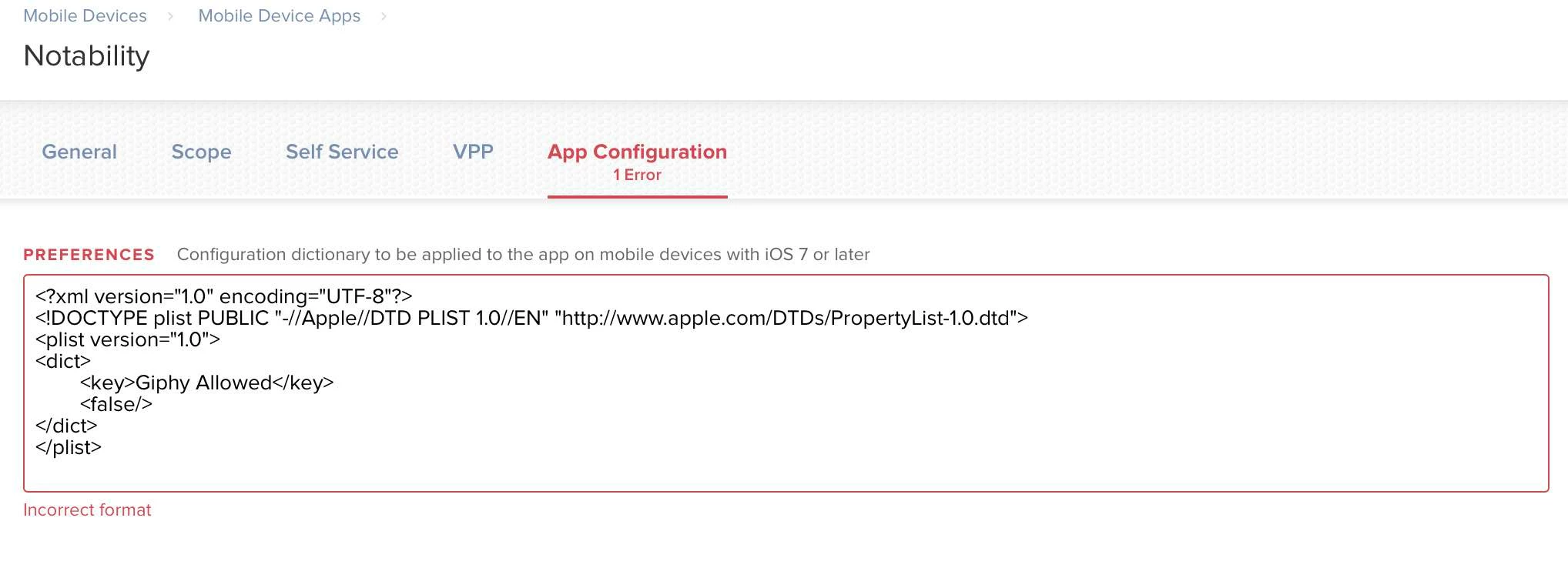
Brand new to Jamf. Looking to customize our school's copy of Notability so that it can't access content from Giphy (as outlined here). I'm attempting to upload the .plist file into the app but can't find anywhere to do something like that. I have a hunch it'll be pretty easy once I know where to look – can someone point me in the right direction? Thanks!

Solved
How to upload .plist to configure a mobile app
 +6
+6Best answer by bananapatata
The solution was to remove header tags:
<dict>
<key>Giphy Allowed</key>
<false/>
</dict>

Enter your E-mail address. We'll send you an e-mail with instructions to reset your password.