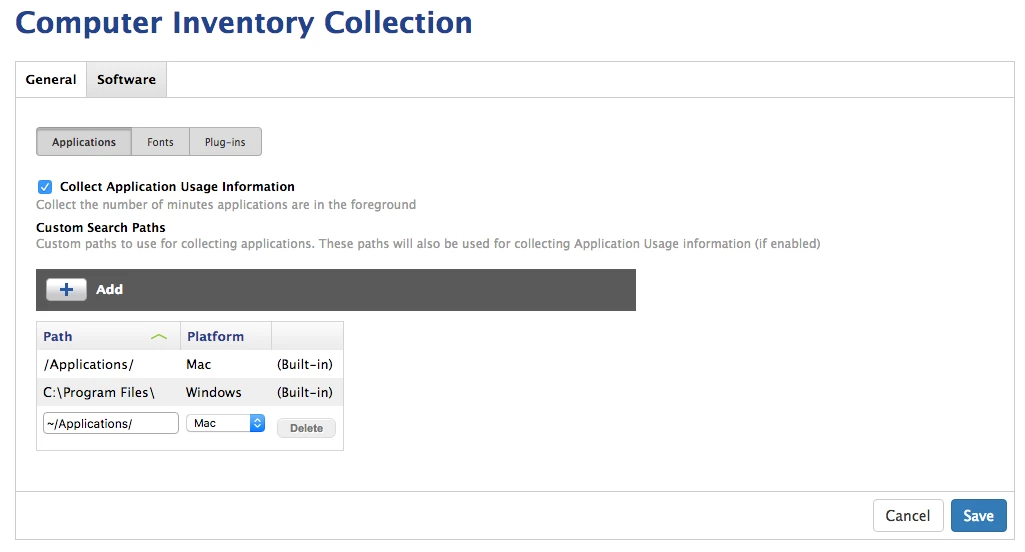
So any app, regardless of where it is from, should show up in the Applications section of the Inventory report, right? I have students who were streaming music via Spotify. I could see the program icon in their docks when I pulled them up via ARD. But when I go into the JSS and look up their devices, Spotify does not show up in the list.
Any reason why that is happening?
BTW, I did just add Spotify to the restricted software section and I'm watching it disappear from those students' docks...curiouser and curiouser...
TIA for any insight.