Hello Folks,
I am uploading push certificates on the jamf account, In the process of creating I used csr later on jamf account. Once I signed the csr and got the "JAMFSignedCSR.plist" and used this on identity.apple.com, I got an error "Invalid certificate signing request". Is there any solution to this problem?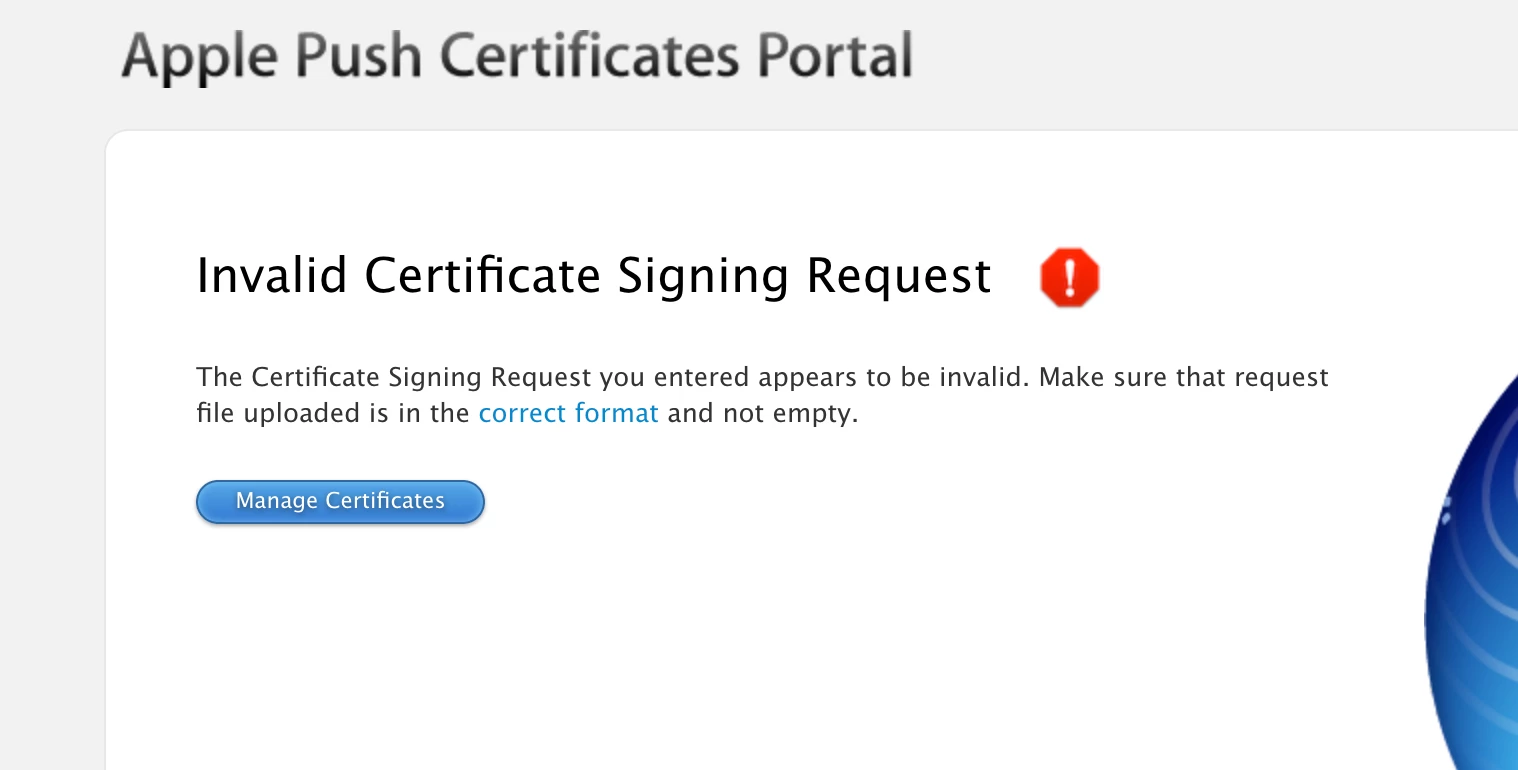

Solved
Invalid CSR file on Apple.
 +1
+1Best answer by SammyO
Try these steps:
Jamf Pro > Settings > Push Cert > Download CSR and sign later using Jamf Account > Next *(leave this web page open, for the next steps just have another tab or window open, we do not want to lose our spot in renew process)*
Navigate to https://account.jamf.com/products/jamf-pro/csr-signer and upload the latest certSigningRequest > Sign Cert > plist file should download
Navigate to Apple Push Portal, upload the plist just downloaded from Jamf Account > Download the Push Certificate > Head back to Jamf Pro and upload the Push Cert
Just be sure to use all of the latest download files through the process.


Enter your E-mail address. We'll send you an e-mail with instructions to reset your password.