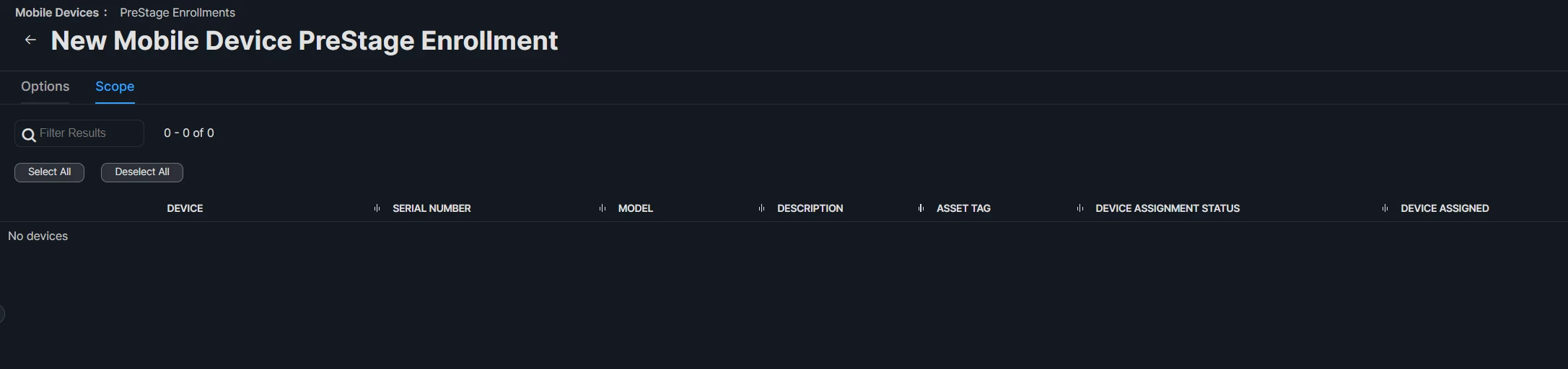
Go to newly created “PreStage Enrollment profile” → Scope → Select the iPad from the list (basically you are adding the iPad to “Newly created PreStage Enrollment profile” )
05. Follow the steps on the iPads screen it will be similar to enrolling a new iPad to the JAMF Pro
We had nearly 80 iPads with this issue and had to repeated the above steps (which was not fun) 😤😤😤😤😤😤😤😤
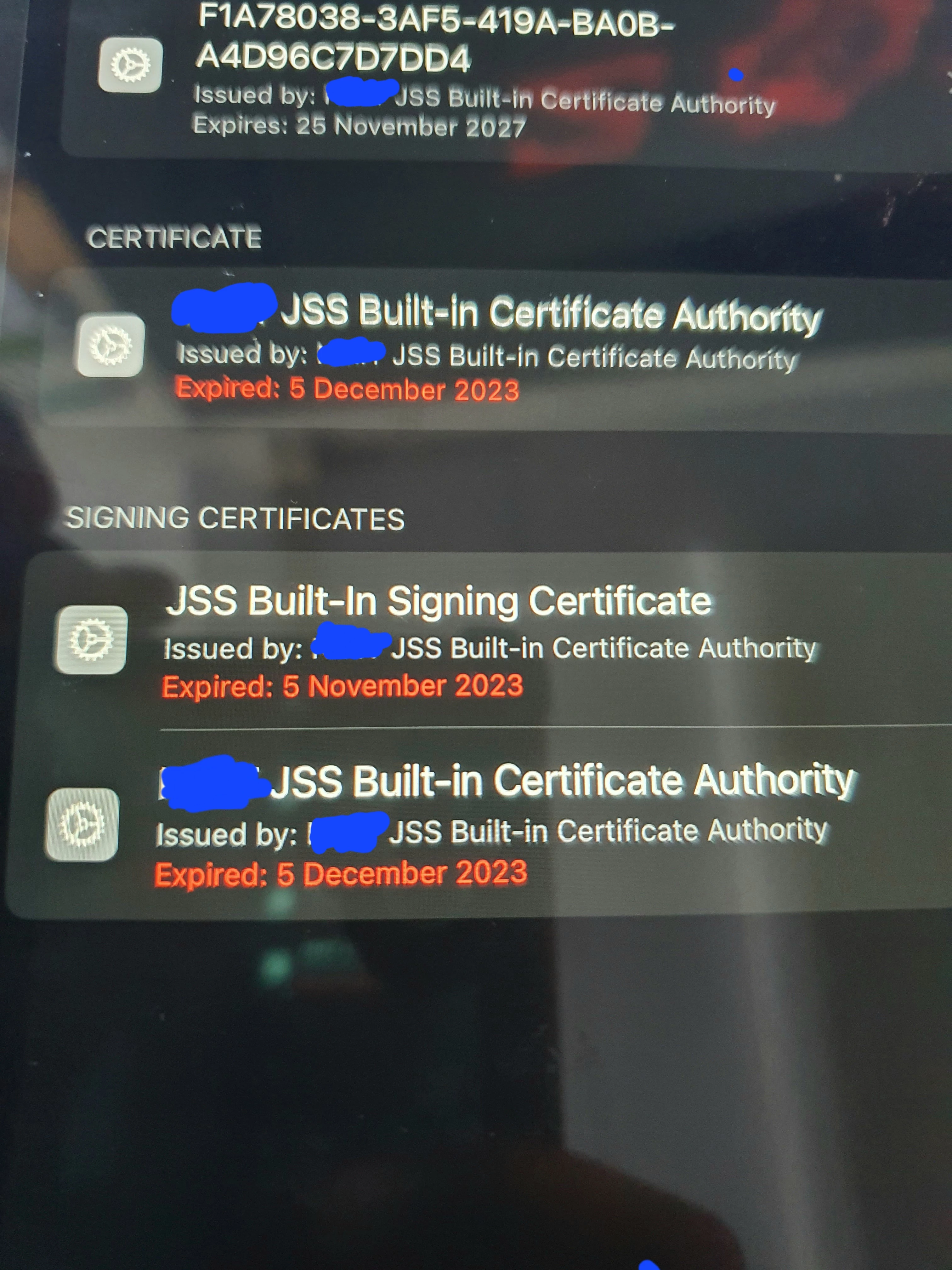
You will need to erase the iPad and reenroll, if that is blocked in settings you can use DFU mode to wipe it.
Thanks for your reply Is that the only option 😥😥😥😥? We have some Piad apps installed on this iPad it won't get affected? What is the DFU mood could you please give more information?
Could you provide more details about erasing the iPad and reenrolling it (Any article etc..)
Thanks for your reply Is that the only option 😥😥😥😥? We have some Piad apps installed on this iPad it won't get affected? What is the DFU mood could you please give more information?
Could you provide more details about erasing the iPad and reenrolling it (Any article etc..)
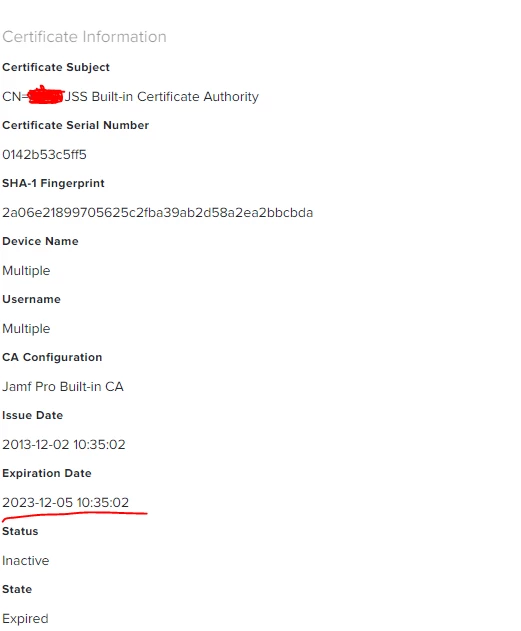
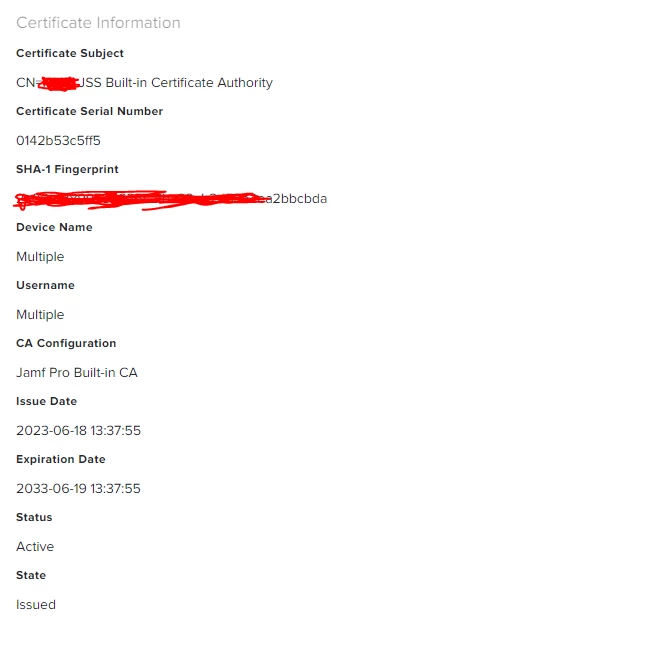
Once the cert expires there is not much you can do.
Apps should be assigned to your organization or an appleID. When the device is enrolled (or logged in to with the same appleID) the apps can be reinstalled.
DFU mode is a tool that allows you flash the firmware on macOS and iOS/iPadOS which allows you to force reinstall the OS.
Once the cert expires there is not much you can do.
Apps should be assigned to your organization or an appleID. When the device is enrolled (or logged in to with the same appleID) the apps can be reinstalled.
DFU mode is a tool that allows you flash the firmware on macOS and iOS/iPadOS which allows you to force reinstall the OS.
Go to newly created “PreStage Enrollment profile” → Scope → Select the iPad from the list (basically you are adding the iPad to “Newly created PreStage Enrollment profile” )
05. Follow the steps on the iPads screen it will be similar to enrolling a new iPad to the JAMF Pro
We had nearly 80 iPads with this issue and had to repeated the above steps (which was not fun) 😤😤😤😤😤😤😤😤
Can you use a usb-c → ethernet adapter to hard wire it in to the network? I’ve done that before. Or get a mobile hot spot to connect to a wifi to re-enroll
Can you use a usb-c → ethernet adapter to hard wire it in to the network? I’ve done that before. Or get a mobile hot spot to connect to a wifi to re-enroll
To re-enroll I was able to connect the iPad to the WIFI