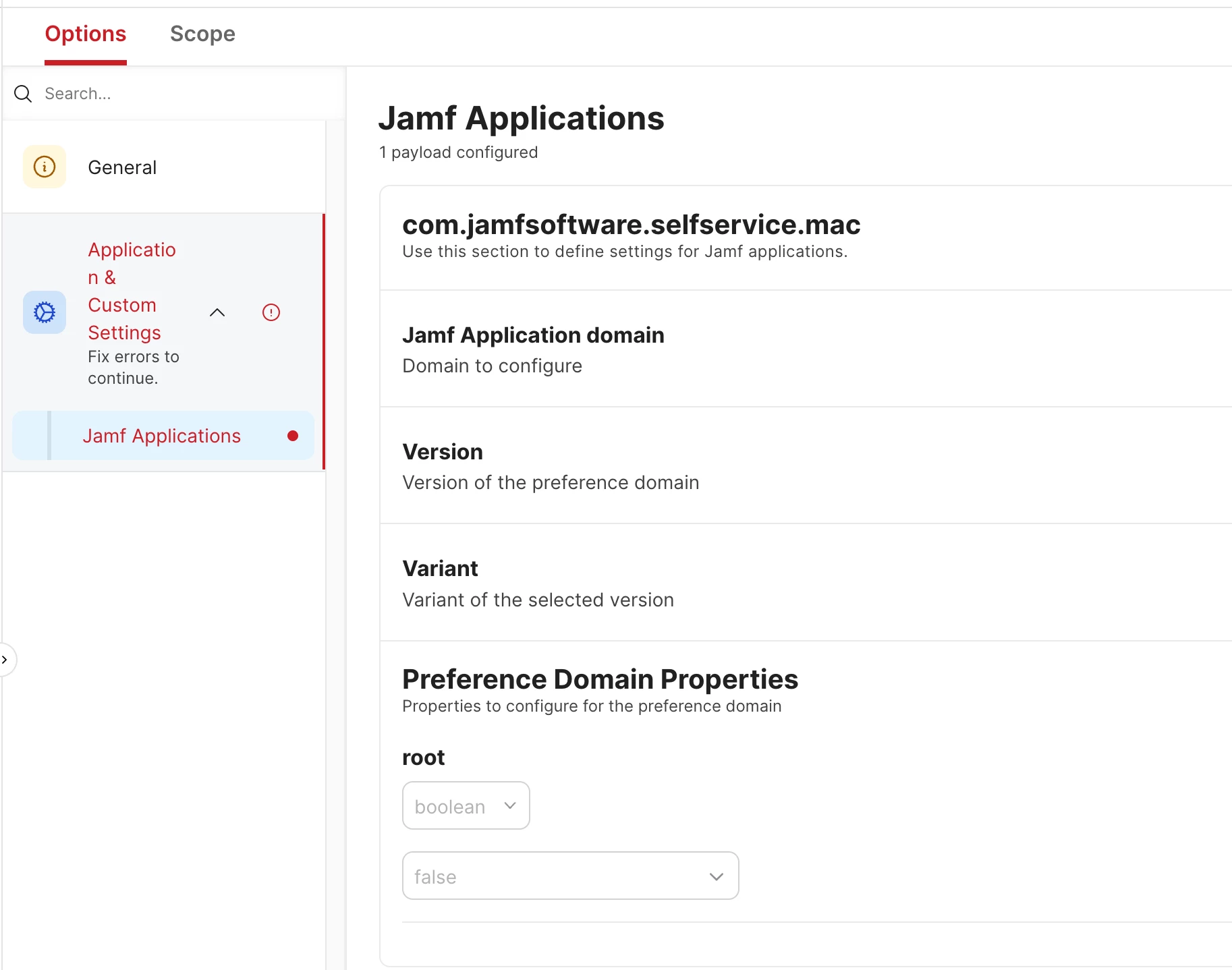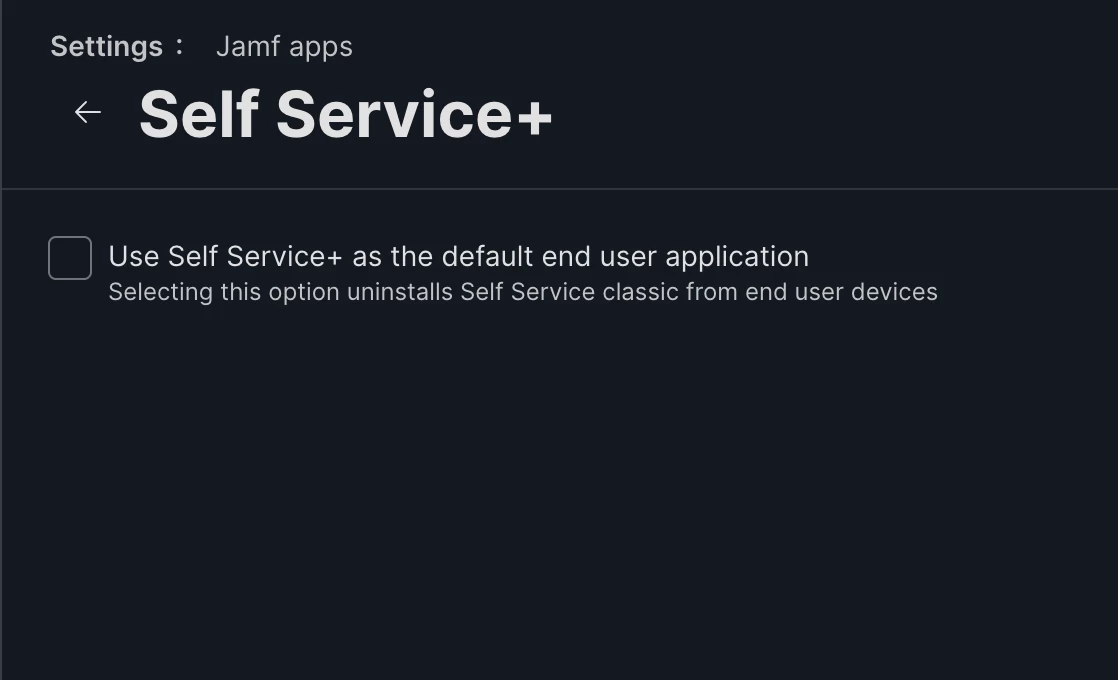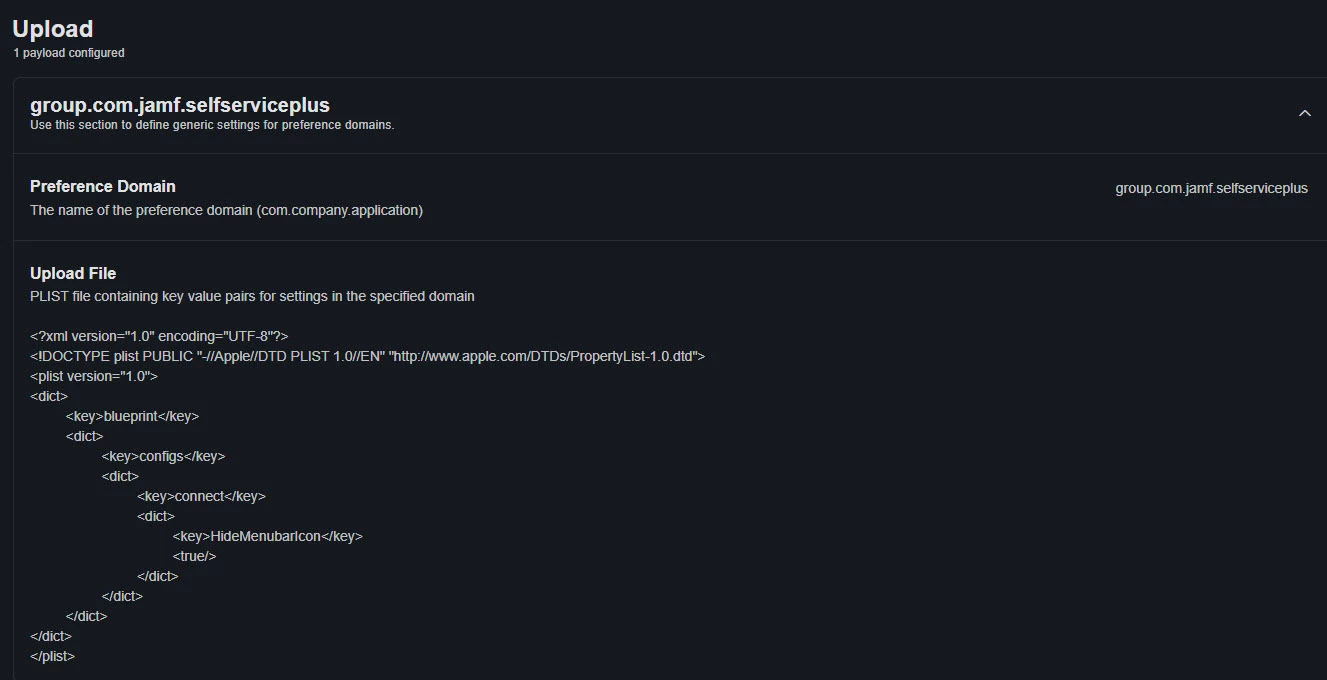

So as we approach the inevitable coming of Self Service + we have noticed something that would be great to remove if possible to bypass some potential issues.
In the Mac menu bar the Self Service + icon does not go away no matter what at the moment, and it also has a “Get software” option in the menu that does not apply to us.
So I have the following questions:
1: Is there a way to automatically hide or disable the icon from showing up?
or
2: Is there a way to customize what menu options the icon has so that it is more applicable to different use cases where optional software deployed through self service is not a thing?