
Solved

Issues running remote enrollment with recon

  • June 30, 2017
  • 4 replies
  • 35 views

Forum|alt.badge.img+7

Hi Guys,

Has any one seen this? We don't enroll many macs using the recon app so have not noticed this until now.

When trying to do a remote enrollment with recon we get the following error.
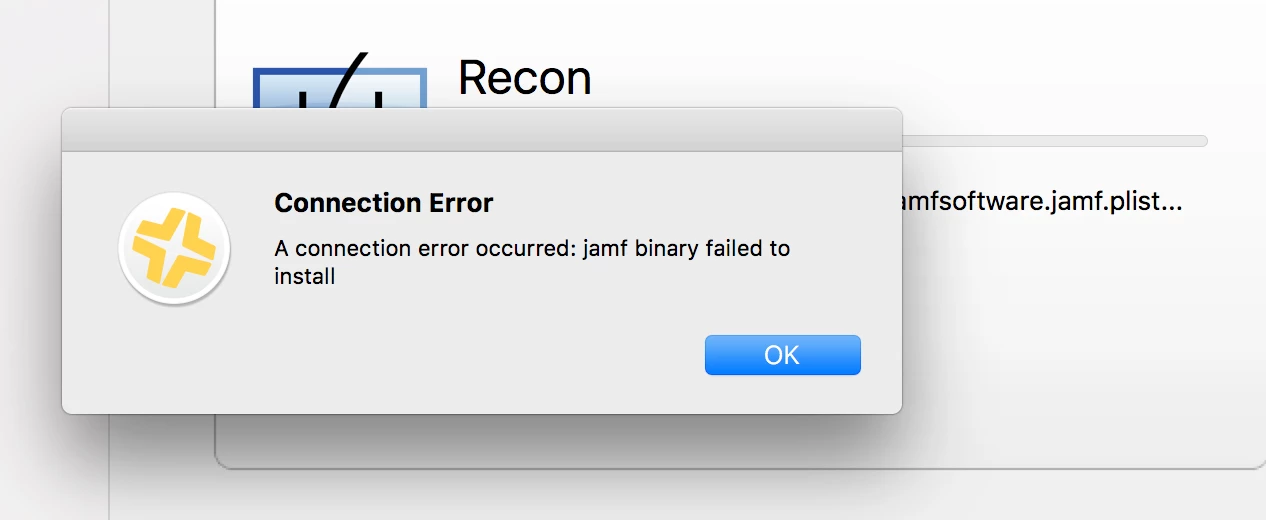
However i can scp over a quick add package and install it via ssh just fine.

Best answer by a_stonham

Solved my own issue. The admin account in question had a $ sign in the password.

4 replies

Forum|alt.badge.img+4
  • Contributor
  • June 30, 2017

Hello stonham,

Try deleting the com.jamfsoftware.jamf.plist file from below location and start the re enroll process.

/Library/Preferences/

Hope it works!

Regards
Vijendra


Forum|alt.badge.img+7
  • Author
  • Contributor
  • July 1, 2017

Hi @jamfvijju

Unfortunately that did not work.
rm /Library/Preferences/com.jamfsoftware.
rm ~/Library/Preferences/com.jamfsoftware.

killall cfprefsd

I even tried from another mac still now luck.

Ash


Forum|alt.badge.img+7
  • Author
  • Contributor
  • July 1, 2017

I just enabled the root user on a test machine and tried enrolling as root and it worked.

Seems to just not work with standard admin accounts.


Forum|alt.badge.img+7
  • Author
  • Contributor
  • Answer
  • July 1, 2017

Solved my own issue. The admin account in question had a $ sign in the password.