Question

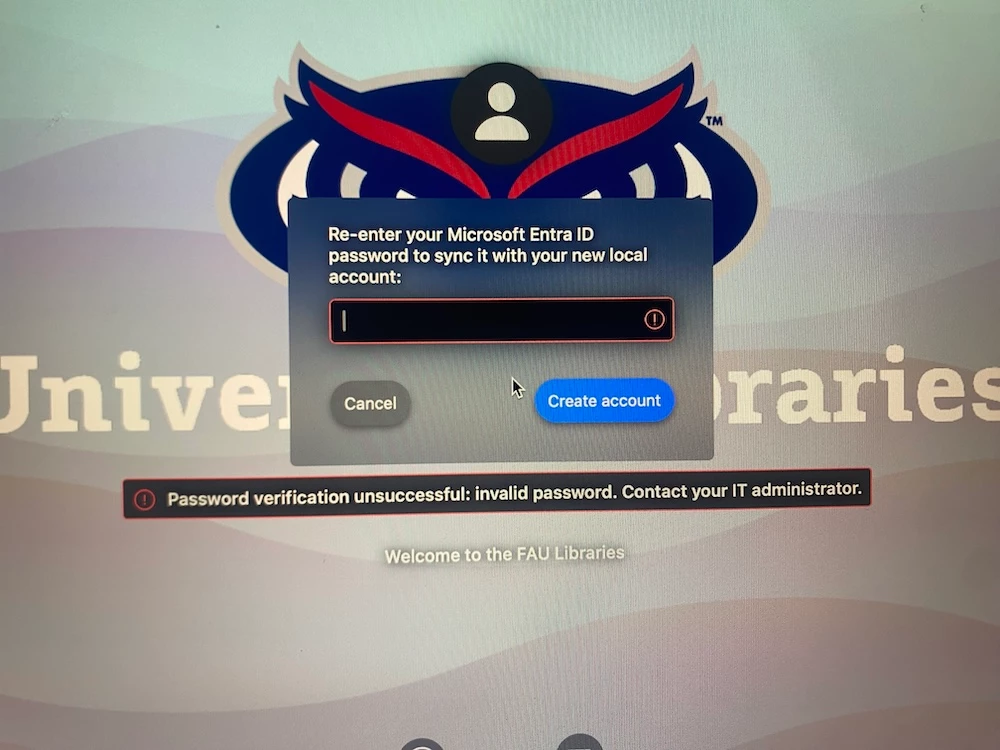
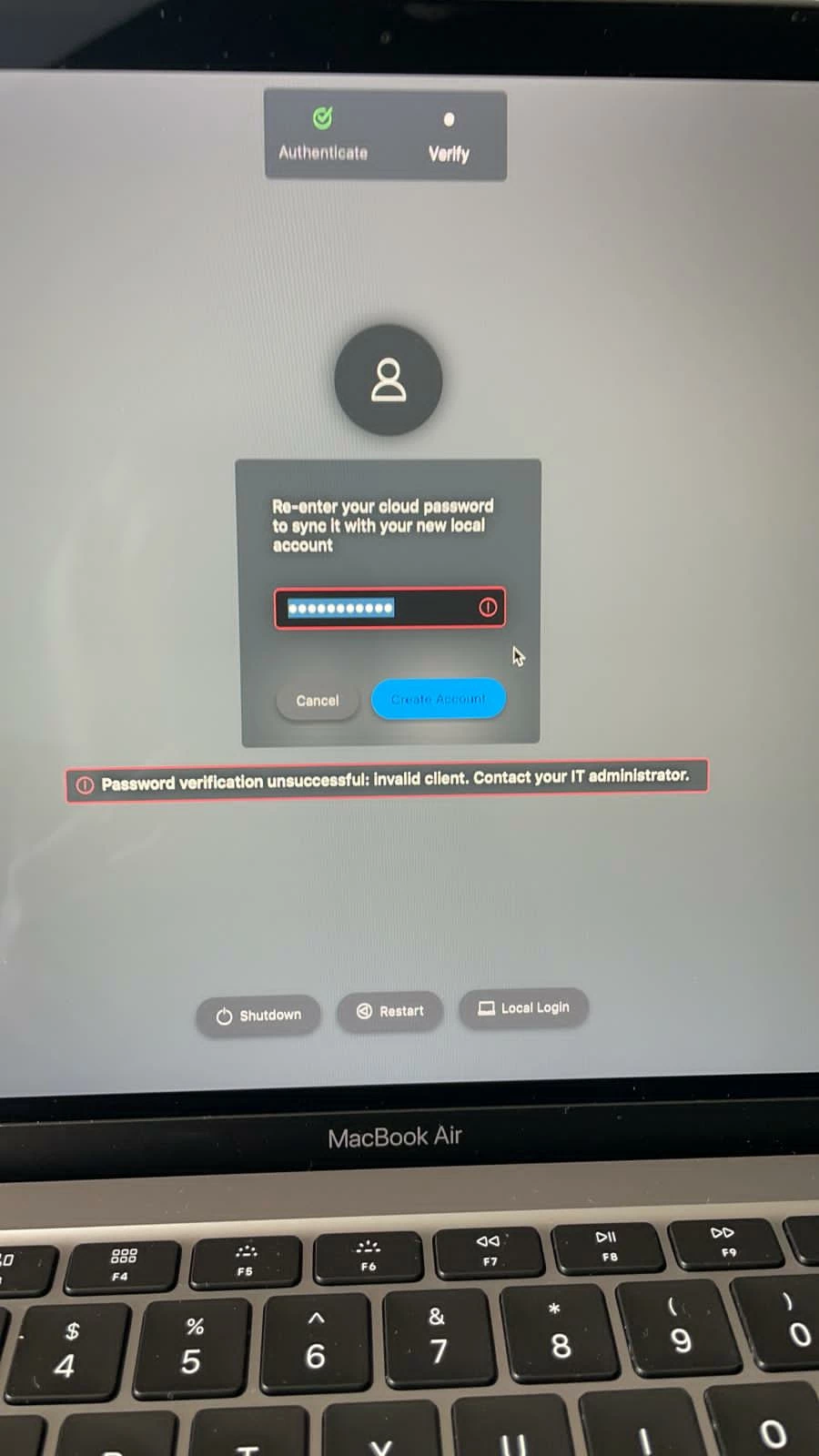
JAMF Connect Invalid Client

  • Apr 28, 2021 2:11 PM UTC
  • 5 replies
  • 117 views

Forum|alt.badge.img+3

Hello, We have been using JAMF Connect tied with Azure AD to setup local user accounts on Mac. However recently we have started to see the error message "Password verification unsuccessful: Invalid Client. Contact your IT Administrator" However the password is correct and before we have been able to shut down the mac turn it back on and it has gone through ok, however this time it doesn't seem to have worked.

Has anyone else had this issue/knows any workarounds?
5 replies

Forum|alt.badge.img+5
  • New Contributor
  • Apr 28, 2021 6:14 PM UTC

Hello, Is this an Intel or an M1?


Forum|alt.badge.img
  • New Contributor
  • Aug 31, 2022 9:59 AM UTC

I am having the same issue.  The Mac that is having the issue is an M1 Max.


MacJunior
Forum|alt.badge.img+9
  • Valued Contributor
  • Jul 1, 2024 7:48 AM UTC

Having the same issue, did you manage to fix it?


JennyGarland
Forum|alt.badge.img+5
  • New Contributor
  • Jul 12, 2024 5:43 PM UTC

We are seeing this issue as well with a brand new setup and  install of Jamf Connect Ver. 2.37.

Submitting Ticket to Jamf for solution.


Quillathe
Forum|alt.badge.img+6
  • New Contributor
  • Aug 22, 2024 6:44 PM UTC

@JennyGarland  Seeing it as well on a brand new M3.  Any news from JAMF with the ticket?