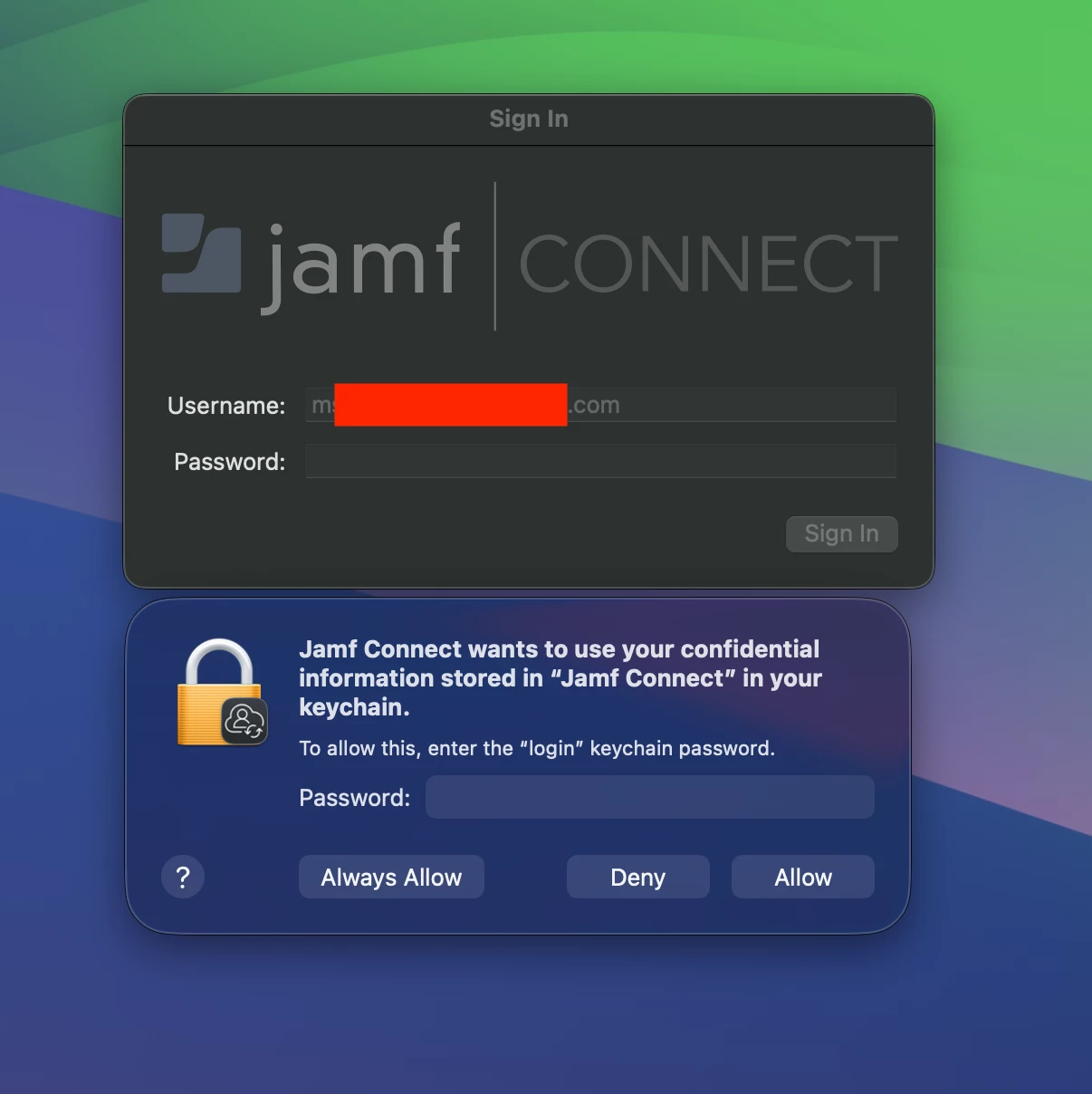
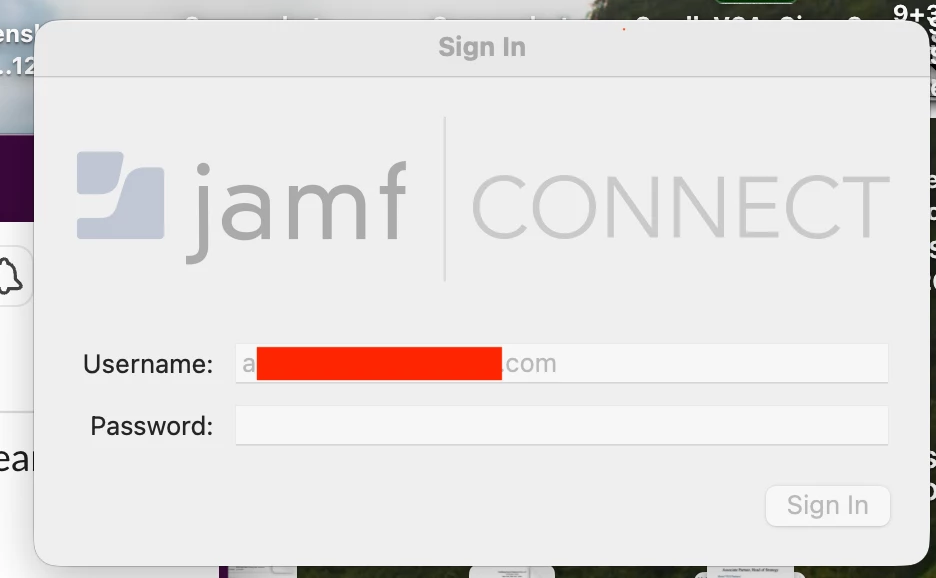
I have a user that has a Jamf connect sign in pop-up window that does not allow them to type into the sign in window, nor close the pop-up.
We use Google Workspace as our IdP, that is connected to our macbooks, allowing users to sign into their systems via Google SSO. This pop-up appeared for a few different users last week, however this one user is not able to close this window.
For all other users that received this pop-up they also received a secondary ‘Jamf connects wants to use your confidential information’ Mac keychain window, where the user’s were able to add their Google Workspace passwords into the keychain pop-up, then choose ‘always allow’, however this one particular user did not receive this Mac keychain window, so she does not have an opportunity to allow for her to add her Google Workspace password to the Mac keychain.
All she sees is a Jamf | CONNECT with her username grayed out, that she can not interact with, or close.
How do I stop this window from continuing to be open, or, how can I make the Mac keychain window open, allowing the user to add her Google Workspace password, then choosing ‘Always Allow’?
Just looking for any insight, thanks all.