Question

Jamf inventory not updating

  • June 12, 2023
  • 7 replies
  • 177 views

Forum|alt.badge.img+4

Hi, 

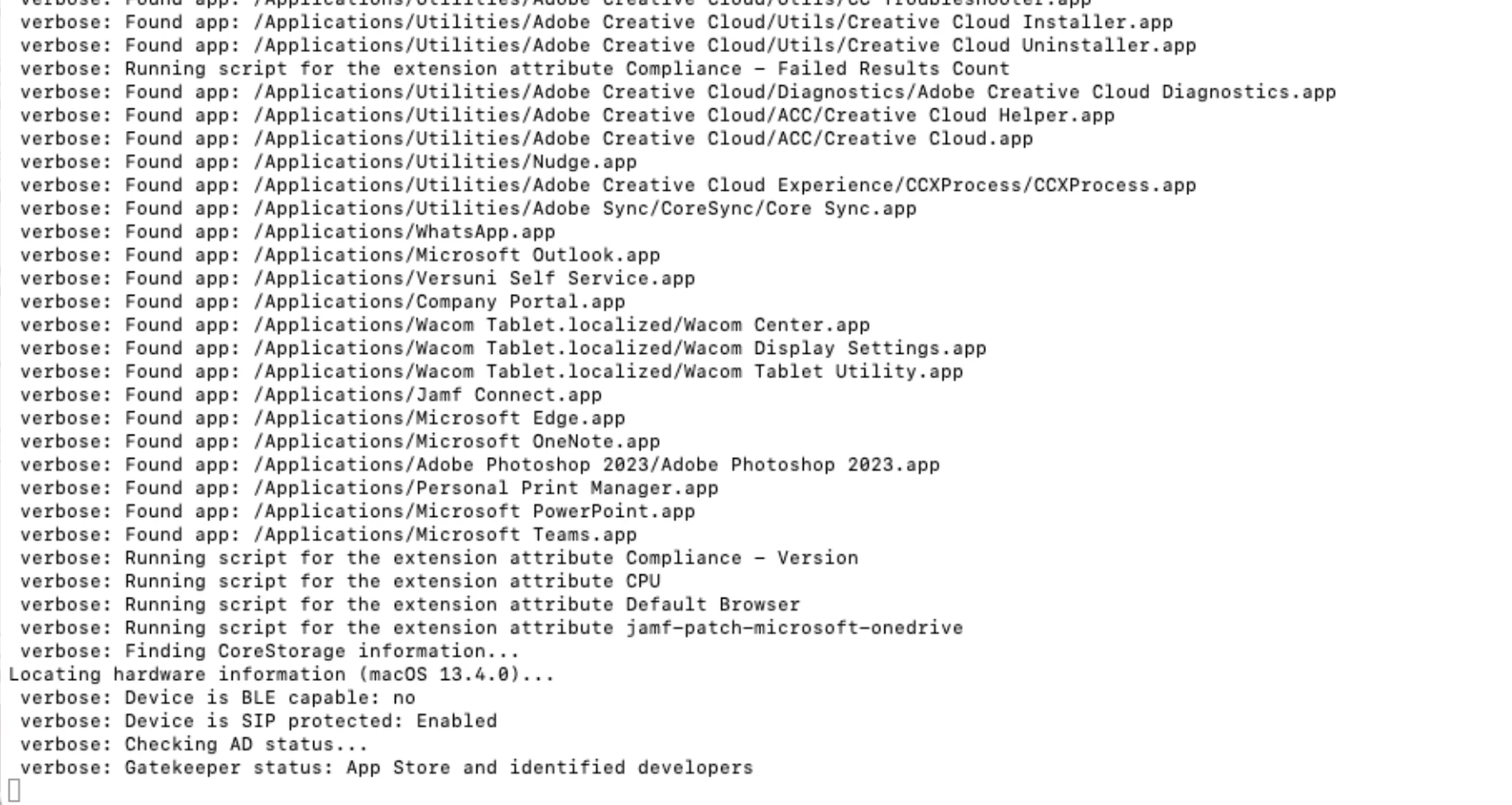
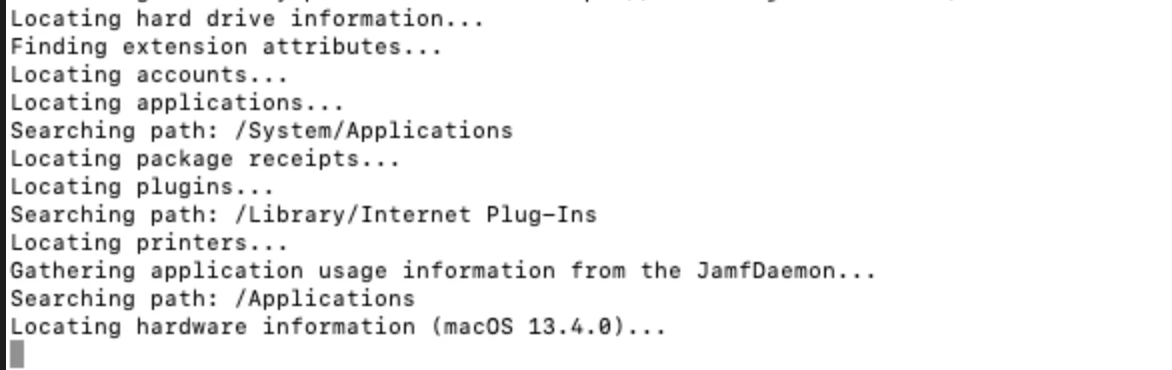
I have few devices in my environment where its not updating inventory even after macOS is updated to 13.4. we have policy for same and i tried manually as well by running "sudo jamf recon" and it gets stuck before sending details to Jamf. (attached is the screenshoot).
Any possible way to resolve this before i reset the device ?
Thanks
 

7 replies

Forum|alt.badge.img+14
  • Honored Contributor
  • June 12, 2023

Run the following to see where it's stuck:

sudo jamf recon --verbose

Also, is "Collect available Software Updates" enabled under Settings > Computer Management > Inventory Collection? If so, this can cause issues.


Forum|alt.badge.img+4
  • Author
  • Contributor
  • June 12, 2023

@jtrant - no settings are made in Jamf. its stuck on Gatekeeper line as shown below.


jamf-42
Forum|alt.badge.img+17
  • Esteemed Contributor
  • June 12, 2023

Forum|alt.badge.img+4
  • Author
  • Contributor
  • June 12, 2023

@jamf-42  went through this link already, except re-enrolling and running this command "sudo launchctl kickstart -k system/com.apple.softwareupdated" i have tried other steps. we have some EAs which are to created since the environment was setup and this issue started last month. 


Forum|alt.badge.img+14
  • Honored Contributor
  • June 12, 2023

@jamf-42  went through this link already, except re-enrolling and running this command "sudo launchctl kickstart -k system/com.apple.softwareupdated" i have tried other steps. we have some EAs which are to created since the environment was setup and this issue started last month. 


Are you collecting available software updates during inventory? If so, disable it and see if the problem resolves.

Failing that, look for the next EA that runs during a verbose recon on a successful Mac and disable that temporarily to see if it resolves the issue on the problem Mac.


Forum|alt.badge.img+4
  • Author
  • Contributor
  • June 12, 2023

Are you collecting available software updates during inventory? If so, disable it and see if the problem resolves.

Failing that, look for the next EA that runs during a verbose recon on a successful Mac and disable that temporarily to see if it resolves the issue on the problem Mac.


@jtrant These are the 2 verbose logs Left side is Problem Mac and right is successful Mac. Which EA i can disable,  i dont see error while EA script is run.


Forum|alt.badge.img+7
  • Contributor
  • June 12, 2023

Hey Siddhi,

Long shot here, but I was having a terrible time trying to find out a similar issue, but just in case this is the answer:

Check if the user assigned to the devices have multiple entries:

  1. Users tab (at the top near Computers and Devices)
  2. Search by user (we had to search first by username, then email, then first name to confirm there were still no duplicates. You can also just click 'search' with an empty search field then scroll down until you find the user
  3. Delete any duplicates (we saved only the user that had a machine tied to them)

After doing that, our machines started recon/policy immediately