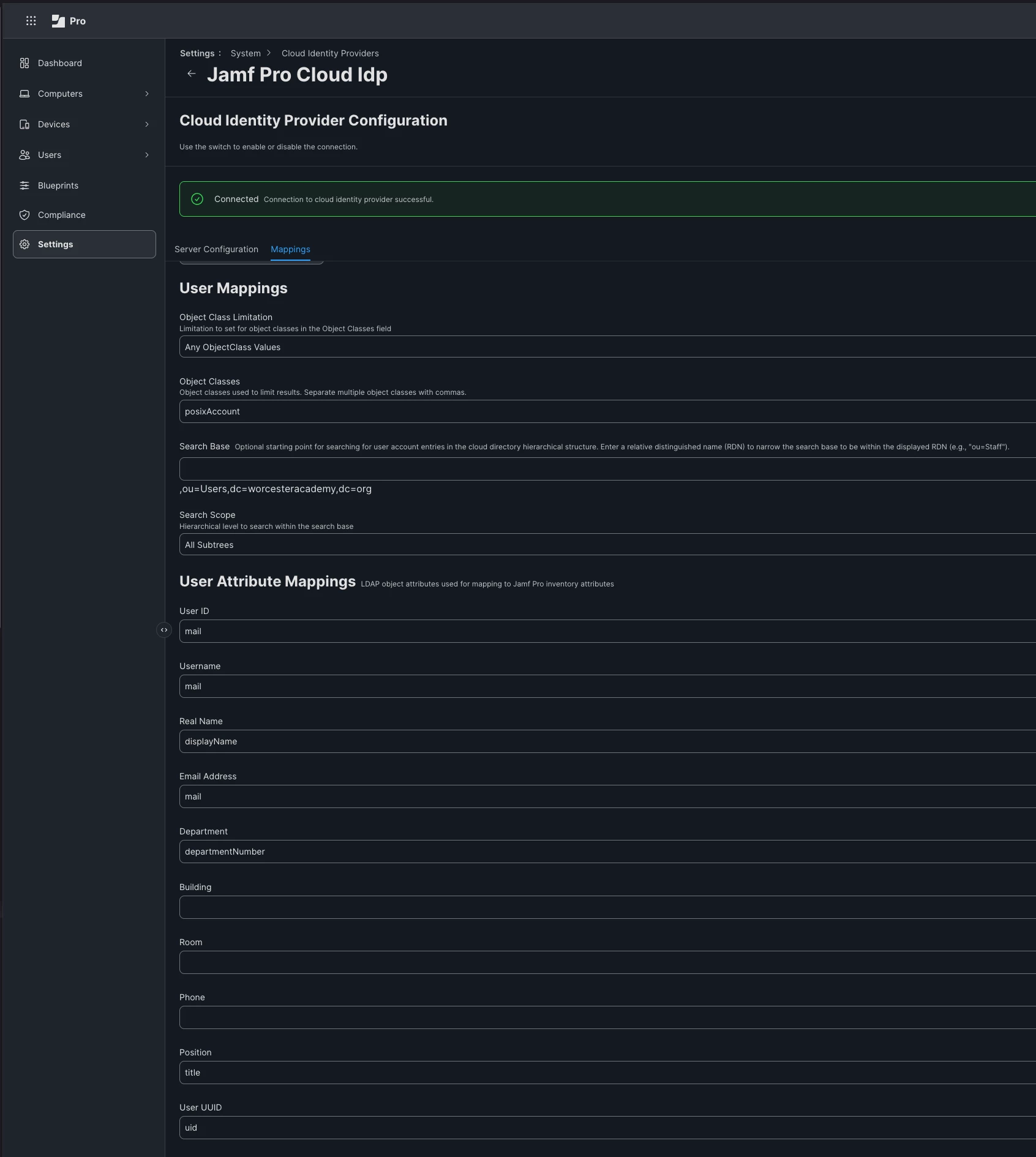
I am using Jamf Pro with Google IdP, Enrollment Customization, PreStage Enrollment, and Single Sign-On. However, no matter what I try, when I enroll a device the fields populate as:
Full name: Firstname Lastname
Username: firstname.lastname@emailaddress
What I want instead is for the username to be first.last.
I created a custom SAML attribute that maps to firstname.lastname, but I have not been able to get it to work. I’m not sure what else to try.
Is it possible to have the home directory set to first.last instead of using the full email address?
When I use $FULLNAME and $REALNAME in Enrollment Customization and PreStage Enrollment, the auto-populated information during device enrollment becomes:
Full Name: Firstname Lastname
Account name (home directory): Firstname Lastname
Not using Jamf Connect