
Question

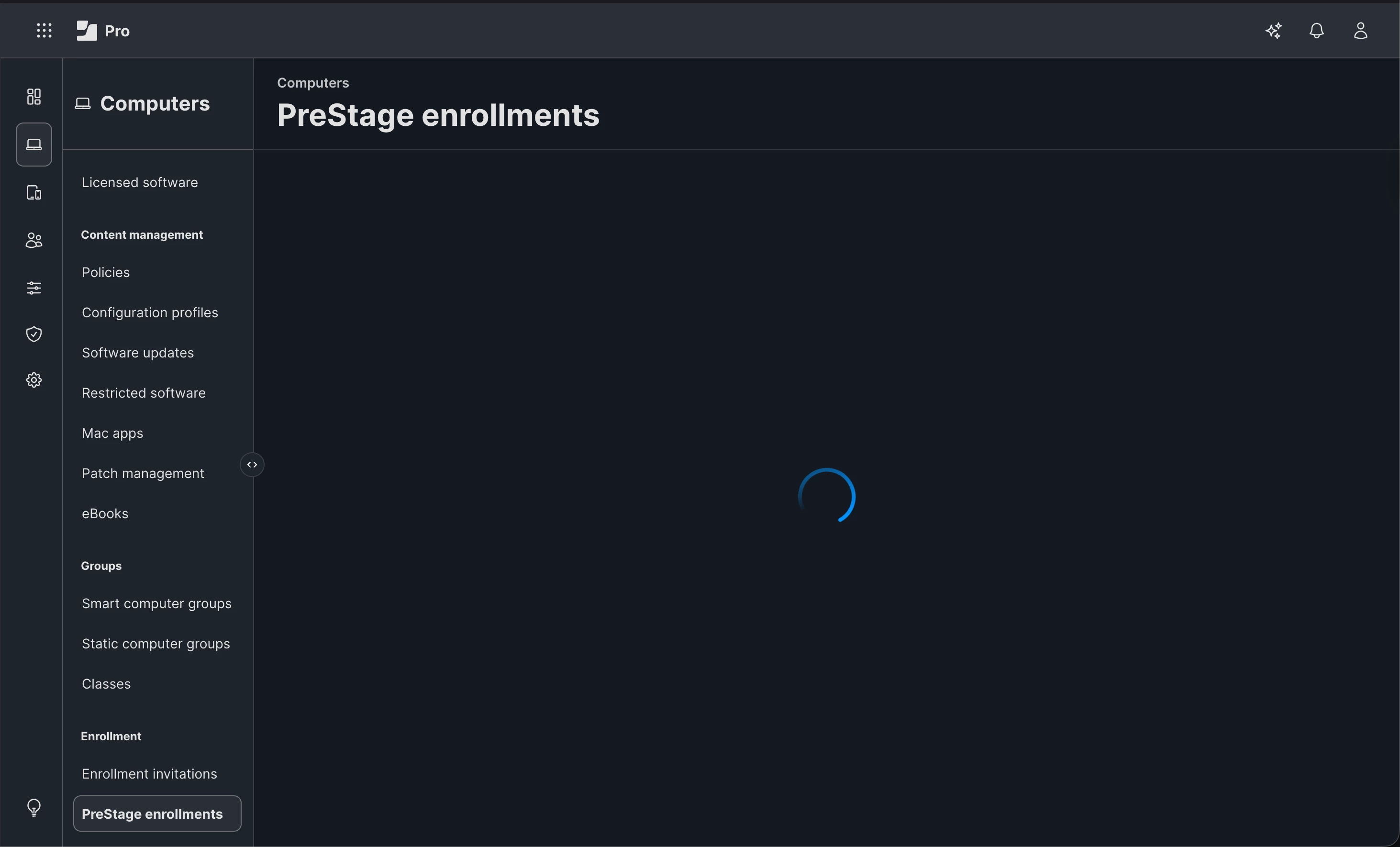
Jamf Pro stuck on "NEW" Prestage Enrollment

  • February 28, 2026
  • 5 replies
  • 85 views

Forum|alt.badge.img+4

I am having an issue creating a  PreStage enrollment in Jamf Pro, The 'New' PreStage button hangs immediately on click. I have verified the ADE token is new and UIE is enabled. I just see a spinning wheel when I click New to create a PreStage enrollment for Computers. The Devices/ios one works fine. I did try chrome, firefox, safari browser, same issue. 


5 replies

Chubs
Forum|alt.badge.img+24
  • Jamf Heroes
  • March 2, 2026

This is going to sound elementary, but did you attempt an incognito window?  Sometimes browser cache can be the culprit of this...or even your local network caching can cause this.


isitfree
Forum|alt.badge.img
  • New Contributor
  • March 5, 2026

@casper_admin Are you using this in a test environment by chance?
I am having the same issue in a test environment but for some reason prestage for mobile devices loads up no problem.


Forum|alt.badge.img+4
  • Author
  • Contributor
  • March 5, 2026

Yes, this is in a test env, but I resolved mine. Will check later to see what it did 


Forum|alt.badge.img+4
  • Author
  • Contributor
  • March 6, 2026

@casper_admin Are you using this in a test environment by chance?
I am having the same issue in a test environment but for some reason prestage for mobile devices loads up no problem.


Here is the fix:

Navigate to Settings > Server> Distribution Point> and enable the Jamf Cloud Distribution Point.


isitfree
Forum|alt.badge.img
  • New Contributor
  • March 6, 2026

Here is the fix:

Navigate to Settings > Server> Distribution Point> and enable the Jamf Cloud Distribution Point.


Yup that was what I needed. Thanks.
