Hello there!
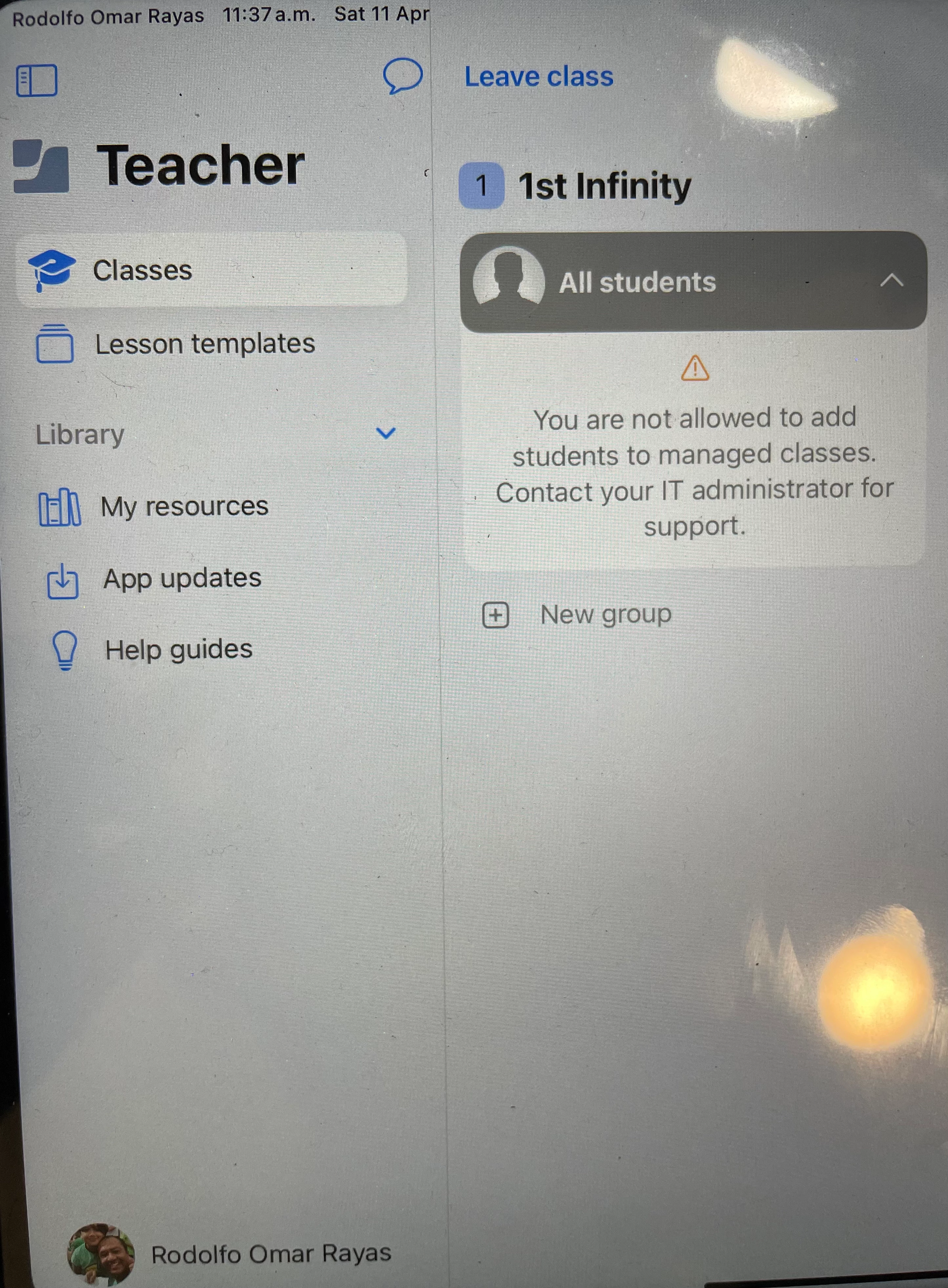
I’m using Jamf School synced with ASM with shared iPads. I wanted to start using Jamf Teacher app on teacher’s shared iPads, so I’ve just configured Jamf Teacher following Jamf’s guidelines. It started working fine with all classes and students showing up correctly. But since I needed to rename all classes. I renamed in ASM, synced Jamf School, and reassigned teachers to their renamed classes. But now I get this error on Teacher’s iPads “You are not allowed to add students to manages classes. Contact your IT administrator for support” (I’m IT support).
Any idea how to resolve this?
Thanks!