

Hi Jamf Guru,
We have the JamfConnect ready in our fleet, agent pushed out to our mac fleet(ver 2.8). The previous license working fine.
NOTE: If I do apply the new license in a SEPARATE config profile it works fine( which is the right recommended approach).
If I want to bundle it in current existing config profile, it does not work.(that is where my question is)
According to this guide: https://docs.jamf.com/jamf-connect/2.8.0/documentation/Installation_and_Licensing.html for license-renewal, I tried both ways:
- Download and upload license file to the Jamf Connect Configuration app
- Copy and paste encoded license string into a configuration profile( which is my preference)
I Copied a Base64 encoded license string from Jamf Account, and then paste it into the License File (LicenseFile) setting of a Jamf Connect configuration profile.
And them scoped to our machines.
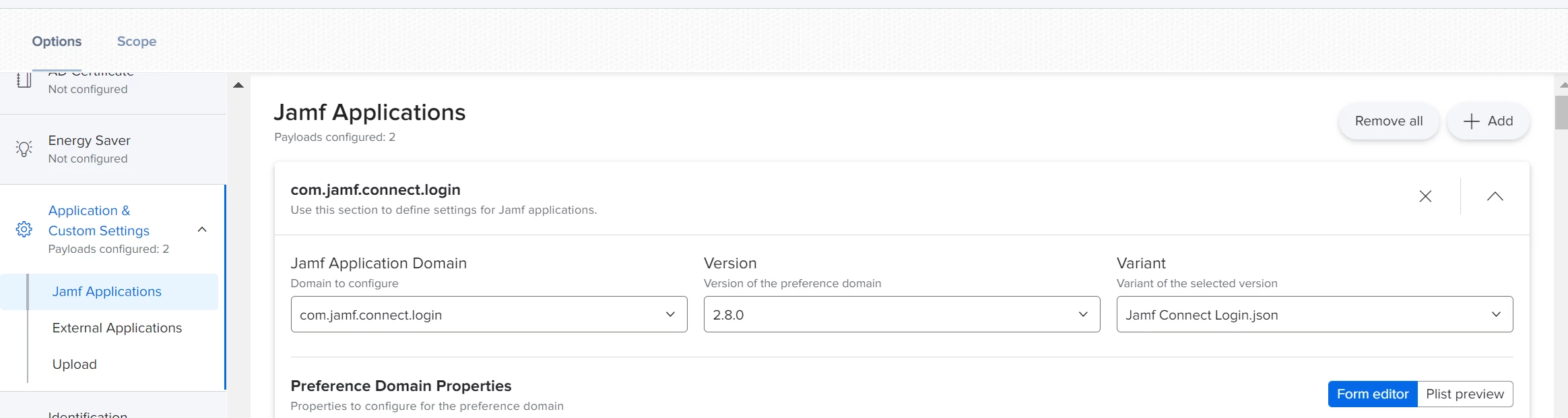

Which still get the red error: Jamf Connect Login, Expires: February 24, 2022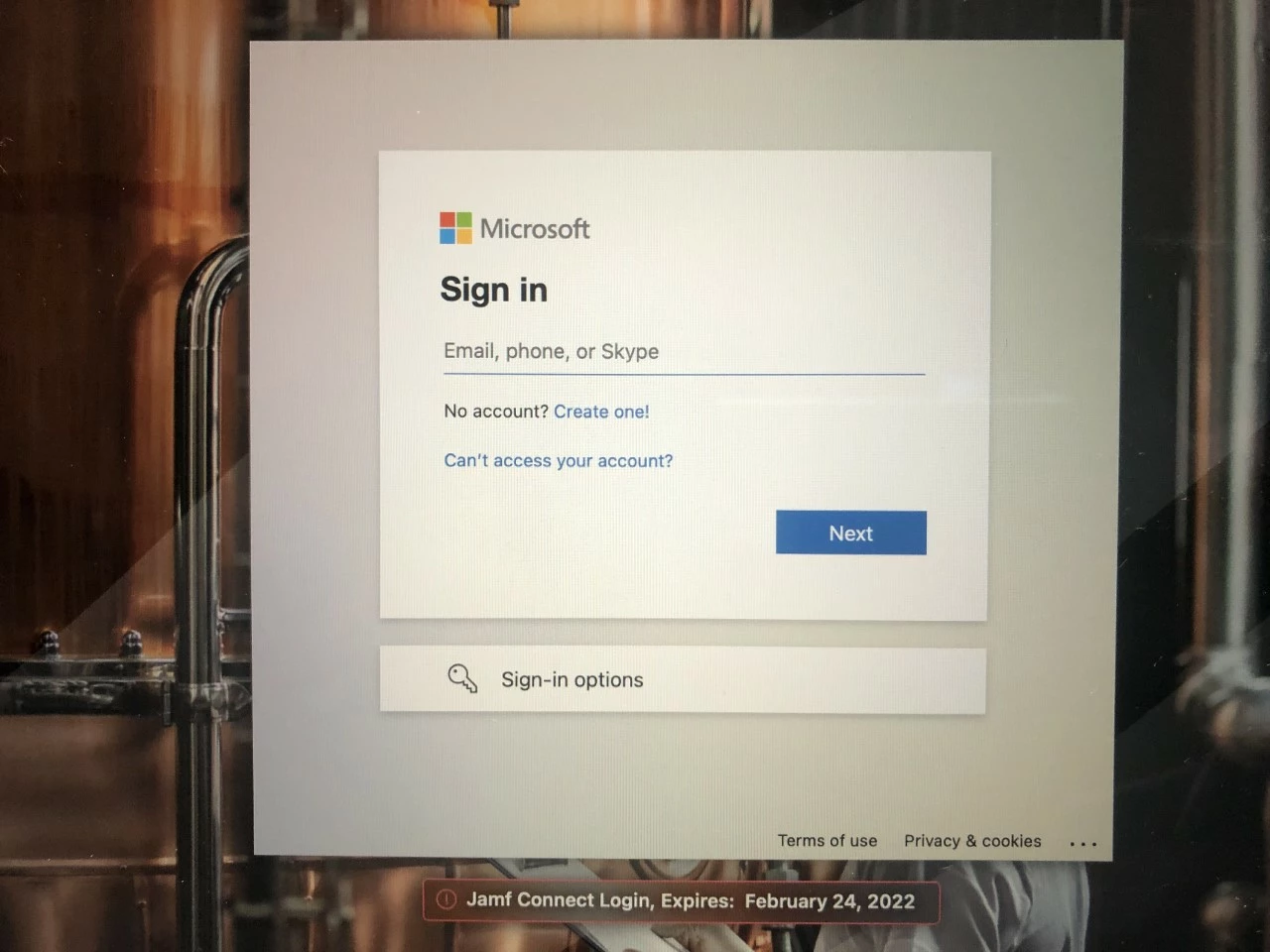
If I want to bundle it in current existing config profile, it does not work.
Has anyone tried to use it at the same config profile? any thoughts?
Thanks in advance for your help,
Ali