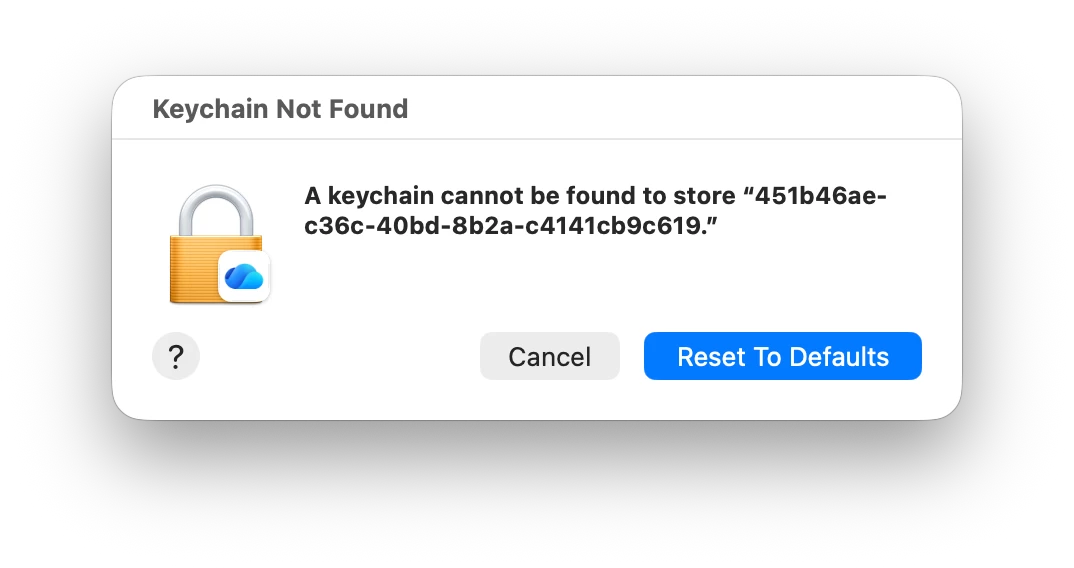
I am seeing a Keychain not found alert after I recently started enforcing OneDrive Desktop and Documents sync. This just happened on my newly enrolled test Mac after I registered platform single sign-on. The alert appeared as I was logging in to OneDrive. There is actually an entry in Keychain. I looked up the ID shown in the screenshot. Reset to Defaults is NOT the right choice. I found that unlinking the Mac from OneDrive and then signing in again helps, but this prompt came up as I was in the process of logging in. We use platform single sign-on so there is no password prompt. Has anyone else seen this and solved it?