Question

Lock Screen Message - Variables

  • Jan 12, 2017 3:51 AM UTC
  • 5 replies
  • 245 views

Forum|alt.badge.img+3

Hi,

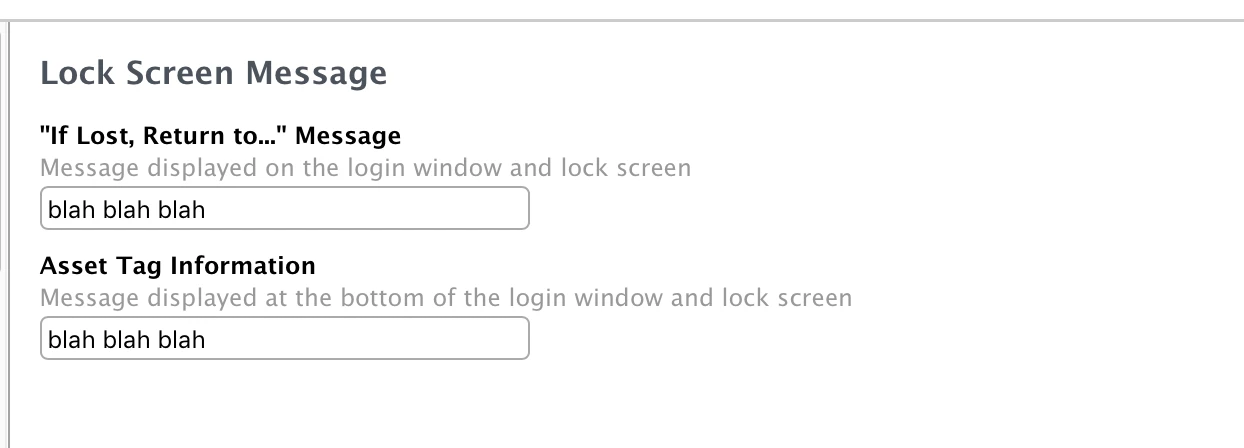
Is it possible to put in variables within these fields such as the serial number of a device easily? This would be very handy to be able to see on the lock screen.

Thanks. :)

5 replies

mscottblake
Forum|alt.badge.img+25
  • Honored Contributor
  • Jan 12, 2017 5:22 AM UTC

Here is a list of variables that can be used in a Mobile Device Configuration Profile.


Forum|alt.badge.img+3
  • Author
  • New Contributor
  • Jan 12, 2017 6:53 AM UTC

Thank you!


chrisgrande
Forum|alt.badge.img+3
  • New Contributor
  • Jan 26, 2017 9:27 PM UTC

FYI, these variables aren't dynamic once on device, so if you use #DEVICENAME it burns that name onto Home Screen and it doesn't update if the device name changes. You need to remove and reapply the config to get the new name.


Forum|alt.badge.img+3
  • New Contributor
  • Nov 30, 2017 4:40 PM UTC

@cgrande thanks for the heads up on this. I noticed that when I automatically enrolled a device through configurator and then later paired a user with the device, the Lock Screen Message was impartial (only showed part of the script). When I excluded the device from the configuration profile and then added it again, the lock screen message stated everything I needed it to. Thanks!


Forum|alt.badge.img
  • New Contributor
  • Jul 16, 2023 11:34 AM UTC

I just tryed it with $USERNAME, its not working. Thar variable is shown on the lock screen. It doesnt mater if i use $ (as in documentation) or # (your example) ...