Question

Login PolicyBanner.rtfd with MacOS26 Tahoe screen size issue

  • February 13, 2026
  • 3 replies
  • 72 views

Forum|alt.badge.img+4

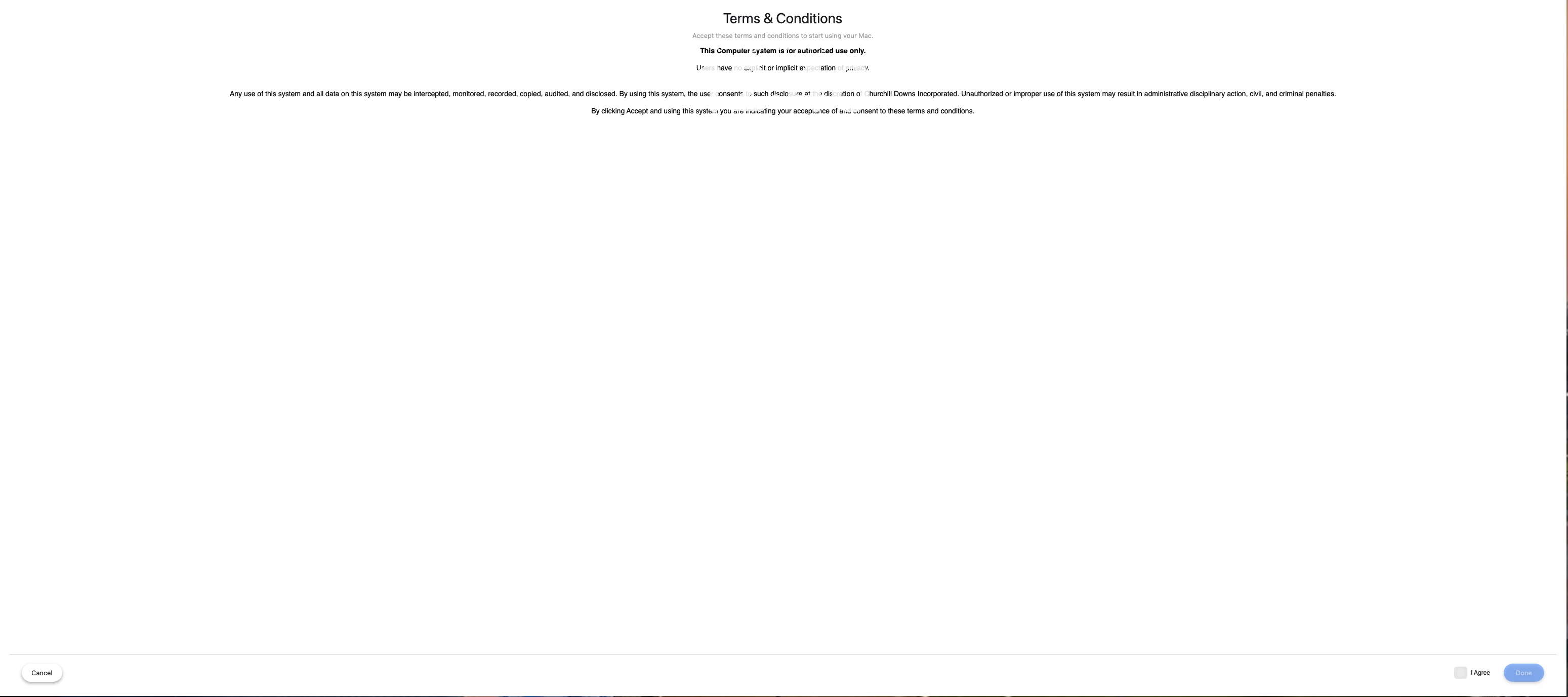
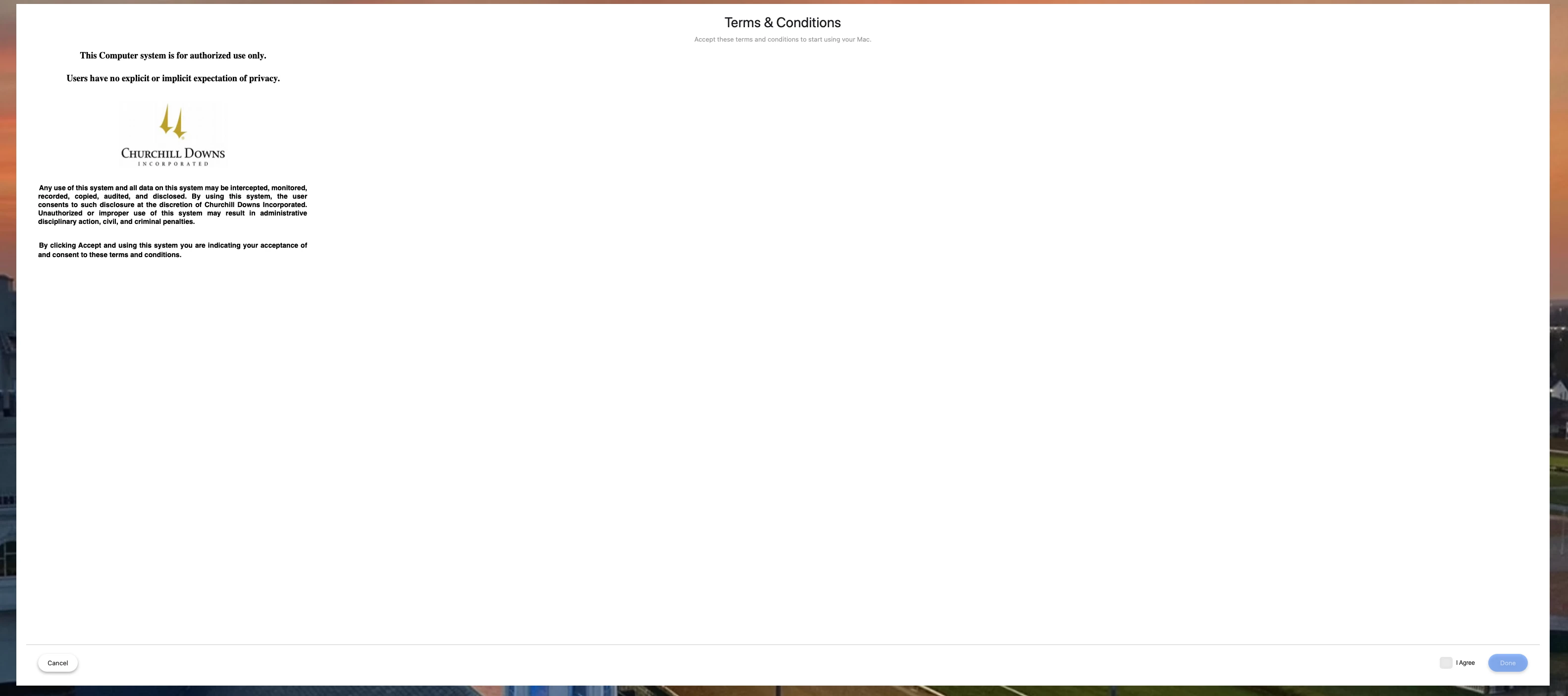
We have had a PolicyBanner installed on our fleet for several years.  We have not had an issue with it until users upgraded to 26.  When the banner pops after user login, the window is stretched to almost full screen, regardless of screen size or resolution.  Screenshot attached of my large screen monitor.

I have tried editing the RTF file a few ways to change margins and it will change the text but does not affect how the window sizes.

I have also tried changing Desktop & Dock > Windows to Prefer tabs to Always instead of Full Screen


This screenshot shows after trying to change margin and text.  I can share another with all the txt centered and nothing on the right of the txt but empty white space.   Thoughts?


Here is the original screen 
 

3 replies

gmihailo
Forum|alt.badge.img+4
  • Contributor
  • February 15, 2026

What version of com.jamf.connect.login are you targeting with a configuration profile?

if you use Login Window Size to ‘compact’ the issue should resolve. 


Forum|alt.badge.img+4
  • Author
  • New Contributor
  • February 17, 2026

I’m using Jamf Connect 3.4.0.  I can add this to troubleshoot for sure.  My question would be however, does the Login Window Size affect this policy that is outside the Jamf Connect Login policy?  This policy is being installed separately.


Forum|alt.badge.img+4
  • Author
  • New Contributor
  • February 18, 2026

The LoginWindowSize did not affect the Policy rtf file.  I did try putting all the text inside the plist for Jamf Login and set the window to MAX and only the first line and logo showed.


<key>LoginLogo</key> <string>/usr/local/jamfconnect/logo.png</string> <key>LoginWindowSize</key> <string>MAX</string> <key>LoginWindowText</key> <string>Sign in with your Churchill Downs account. Contact IT for assistance. This Computer system is for authorized use only. Users have no explicit or implicit expectation of privacy. Any use of this system and all data on this system may be intercepted, monitored, recorded, copied, audited, and disclosed. By using this system, the user consents to such disclosure at the discretion of Churchill Downs Incorporated. Unauthorized or improper use of this system may result in administrative disciplinary action, civil, and criminal penalties.</string>