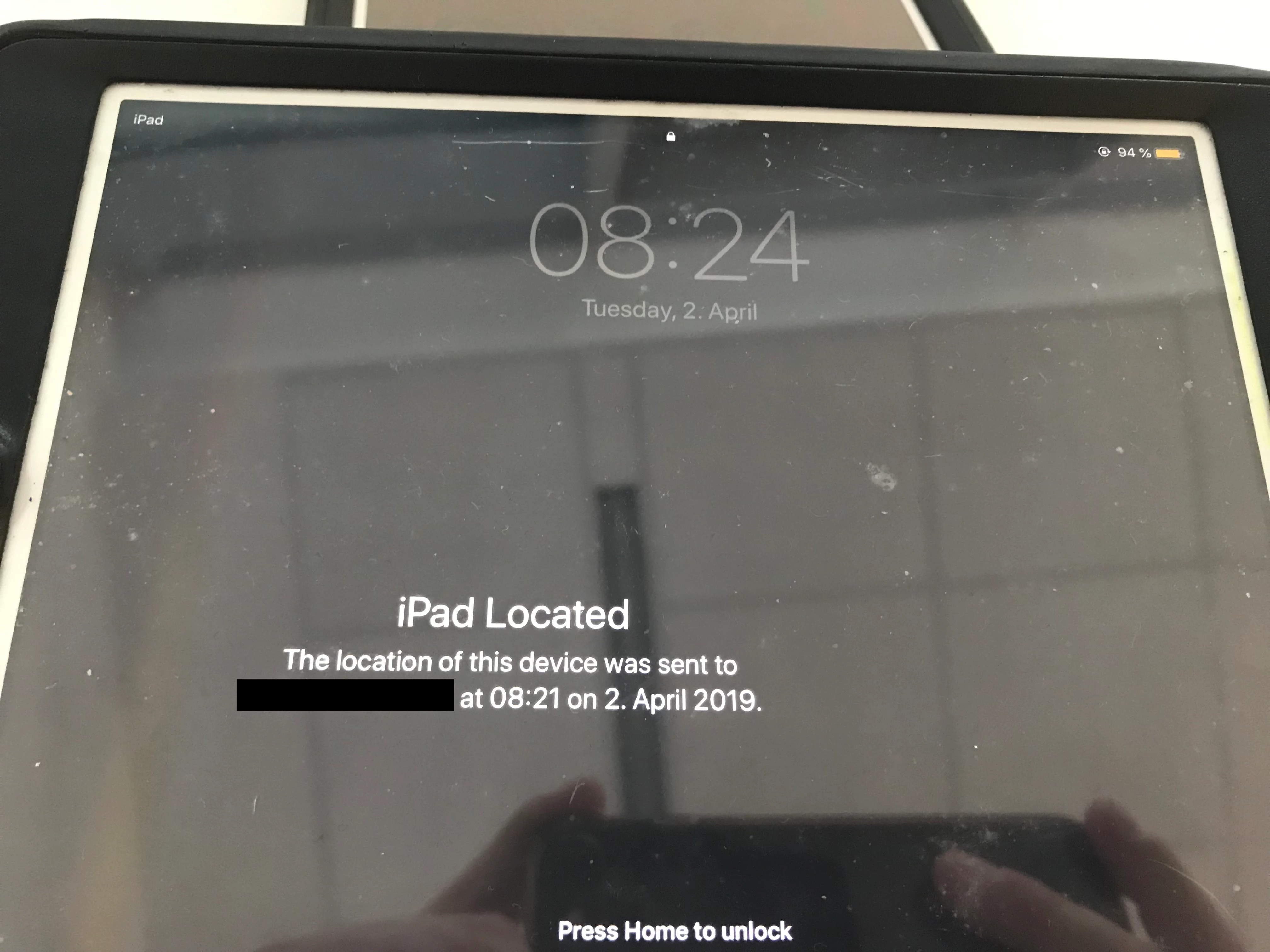
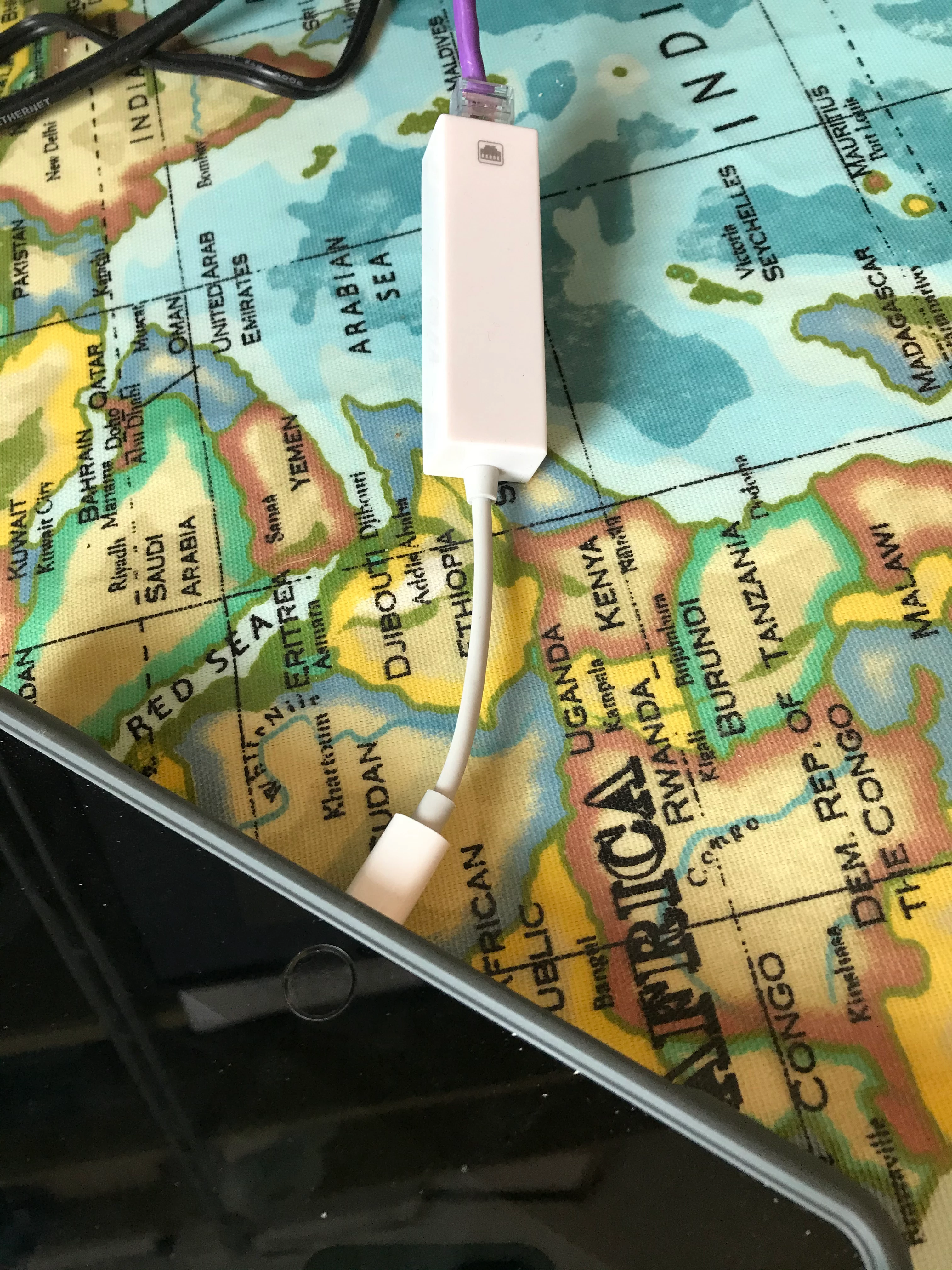
Hi everyone,
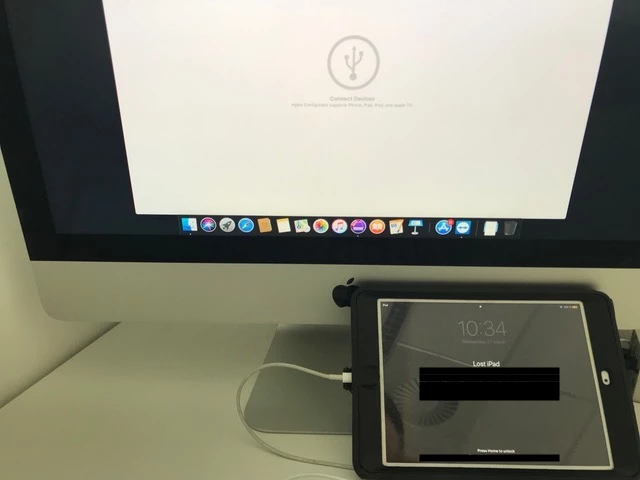
Once again, we find ourselves having to restore two student iPads because the Ethernet connection isn’t working when in Lost Mode. Two students lost their iPads, so we located them by triggering Lost Mode on both devices. They were brought in, and as they didn’t have Wi-Fi connectivity, I connected them to our Ethernet hub solution in order for them to receive the disable Lost Mode command; however, the iPads didn’t seem to be able to establish any connection via its Lightning ports, not to the Ethernet hub, neither to the Apple Configurator hub (displayed on the photo attached). I connected a test iPad that was unlocked and functioning normally, to the Ethernet hub, and that one worked instantly. So there is something in iOS or its Lost Mode that’s preventing it to connect to external devices. I know about the restricted USB access, and these two devices have it off, as we turned that off as soon as we learned about it; so it's not that.
How can we make this work, so that we don’t have to put these devices in DFU/restore mode and lose all student’s data, any ideas?