Solved

mac app store apps and smart groups as target

  • Nov 25, 2024 2:25 PM UTC
  • 5 replies
  • 157 views

Forum|alt.badge.img+11

Just wondering if I missed something ...

Could it be that Apps from the Mac App Store do not work with Smart Groups in Jamf Pro 11.11 ?

Since changing the target for some MS Office Apps to a Smart Group, those Apps do not receive any Updates on the Macs in the scope of the Smart Group.

The MDM Management history looks like this:

  

Best answer by JevermannNG

It turned out that it was a mix up of the Target Smart Group and the Site.

After setting the Site to "None" it worked again ...

Thanks for the quick response.

View original

5 replies

AJPinto
Forum|alt.badge.img+26
  • Legendary Contributor
  • Nov 25, 2024 2:32 PM UTC

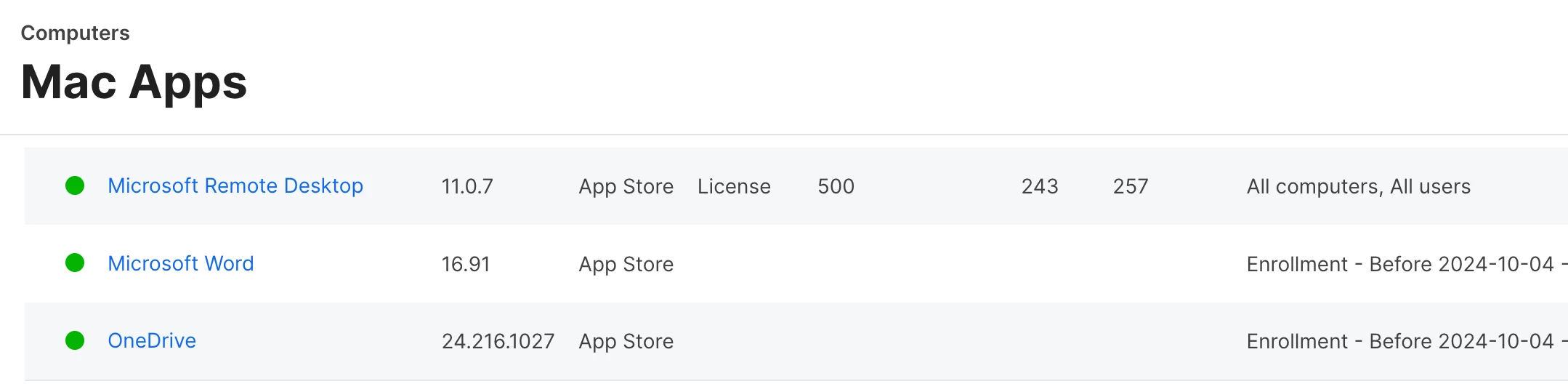
Free apps still need licenses. I see that you have 500 licenses for Remote Desktop but OneDrive which you are having issues with does not look to have assigned licenses.


Shyamsundar
Forum|alt.badge.img+14
  • Jamf Heroes
  • Nov 25, 2024 2:41 PM UTC

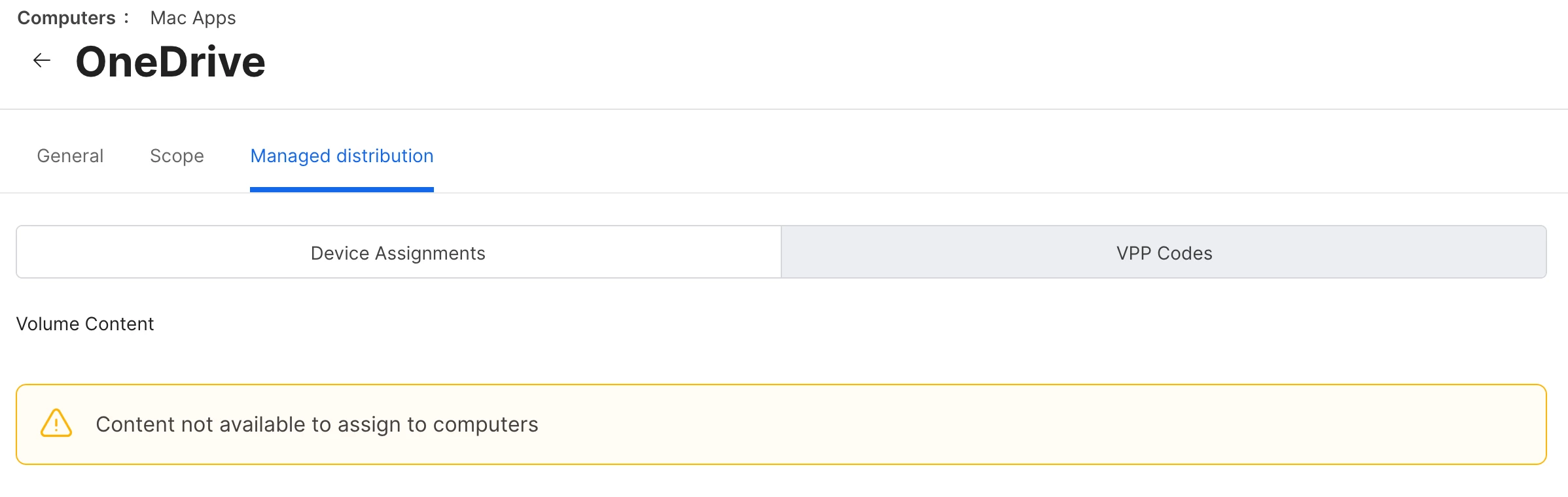
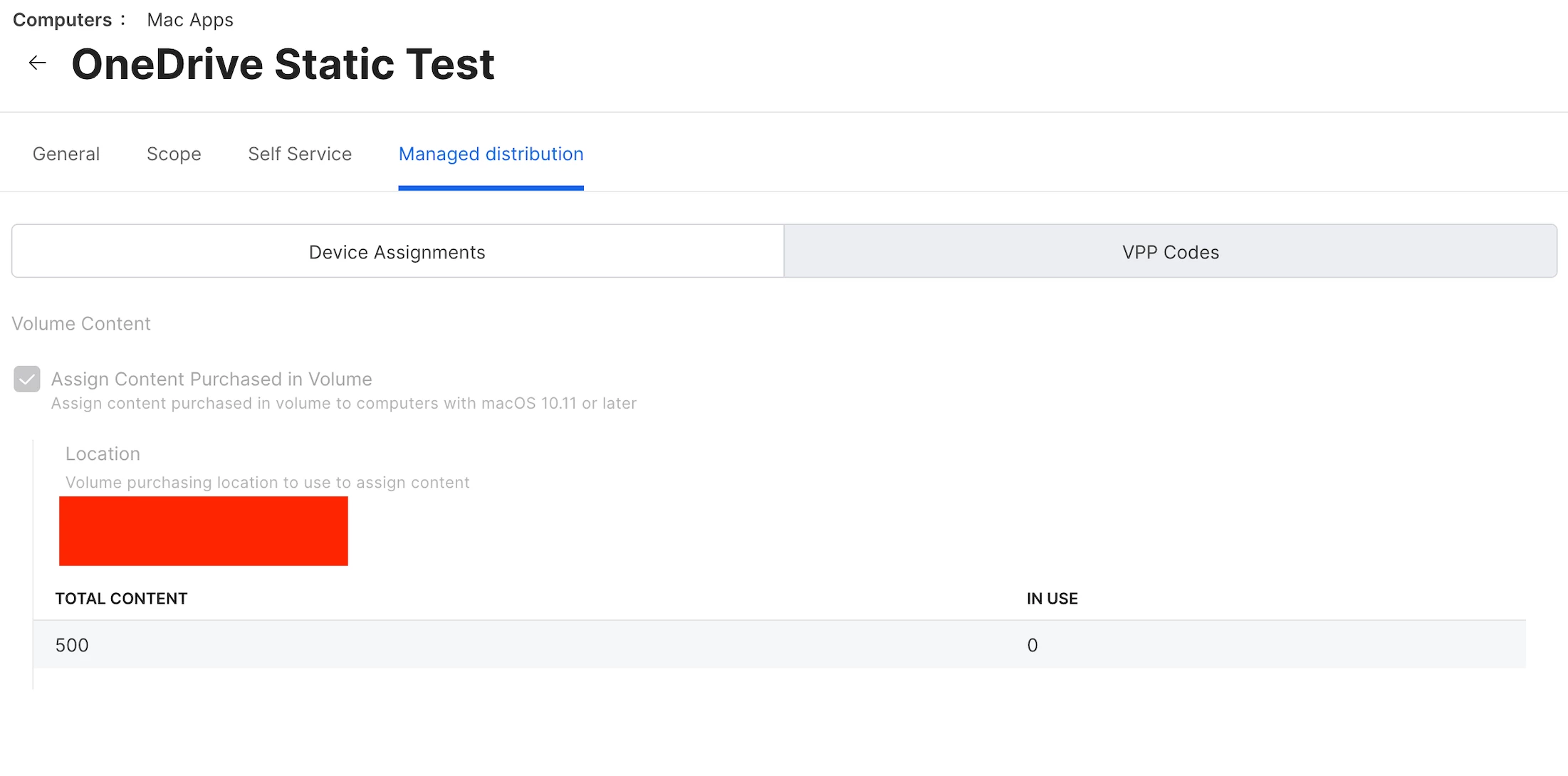
Check Assign Content Purchased in Volume Check box is Selected at Managed Distribution tab


Forum|alt.badge.img+11
  • Author
  • Valued Contributor
  • Nov 25, 2024 2:42 PM UTC

I have also 500 licenses for those Apps, but since switching to a smart groups as target, the licenses do not show up in Jamf:


Forum|alt.badge.img+11
  • Author
  • Valued Contributor
  • Nov 25, 2024 2:54 PM UTC

Check Assign Content Purchased in Volume Check box is Selected at Managed Distribution tab


The Licenses were assigned before switching the Targets to a Smart Group, but it looks like that they got lost now ...

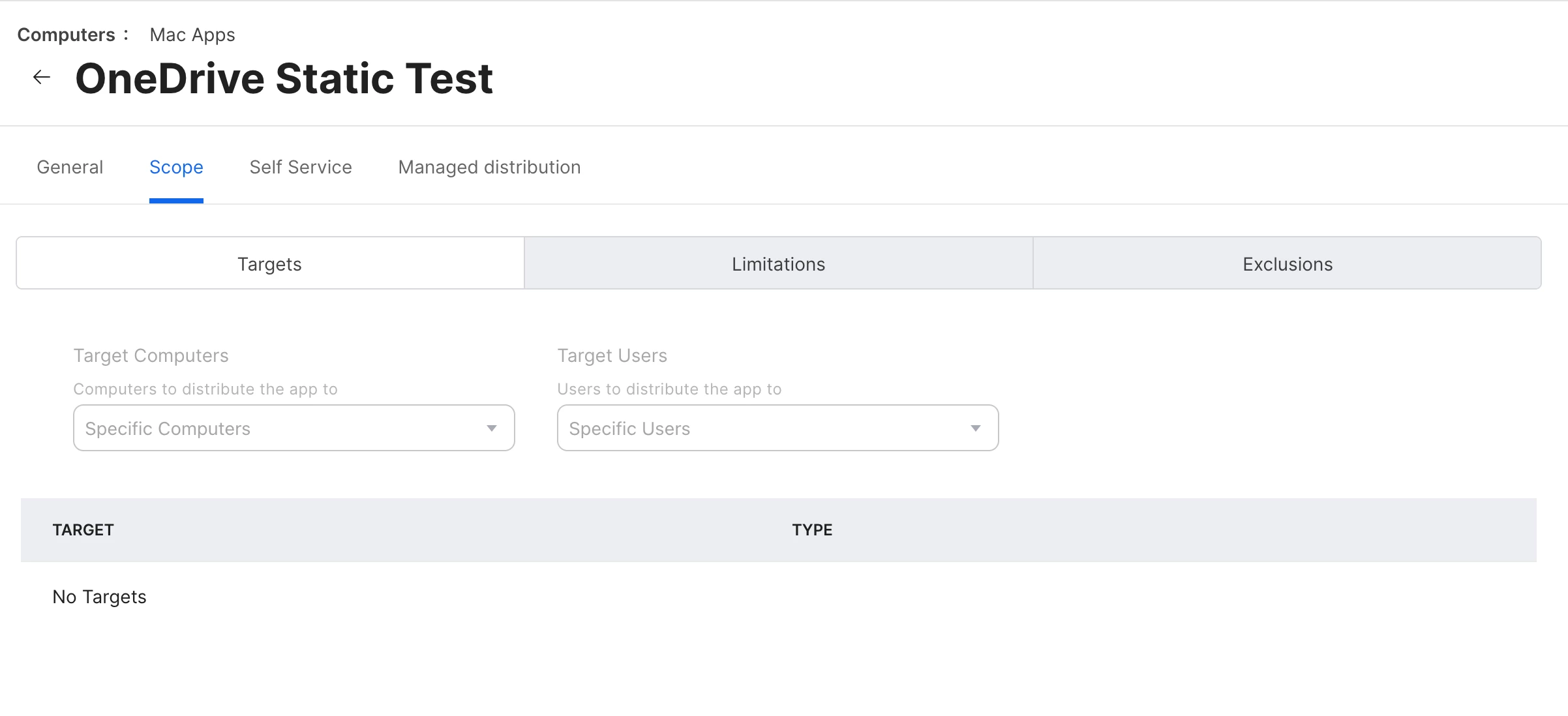
I just created a new OneDrive Mac App Store Distribution in Jamf with no target at all, the result is like expected:


Forum|alt.badge.img+11
  • Author
  • Valued Contributor
  • Answer
  • Nov 29, 2024 7:37 AM UTC

It turned out that it was a mix up of the Target Smart Group and the Site.

After setting the Site to "None" it worked again ...

Thanks for the quick response.