Question

Management Commands section disappeared from the Computer Inventory Record >> Management Tab

  • Oct 19, 2026 6:05 PM UTC
  • 9 replies
  • 146 views

Forum|alt.badge.img+5

Hello everyone!


I didn’t want to open a new topic and was looking for the similar one, but could not find it. Before I open a support ticket, I would like to hear from the community, if it’s a know issue… or it’s just my MDM-Fleet member, who faced this issue.

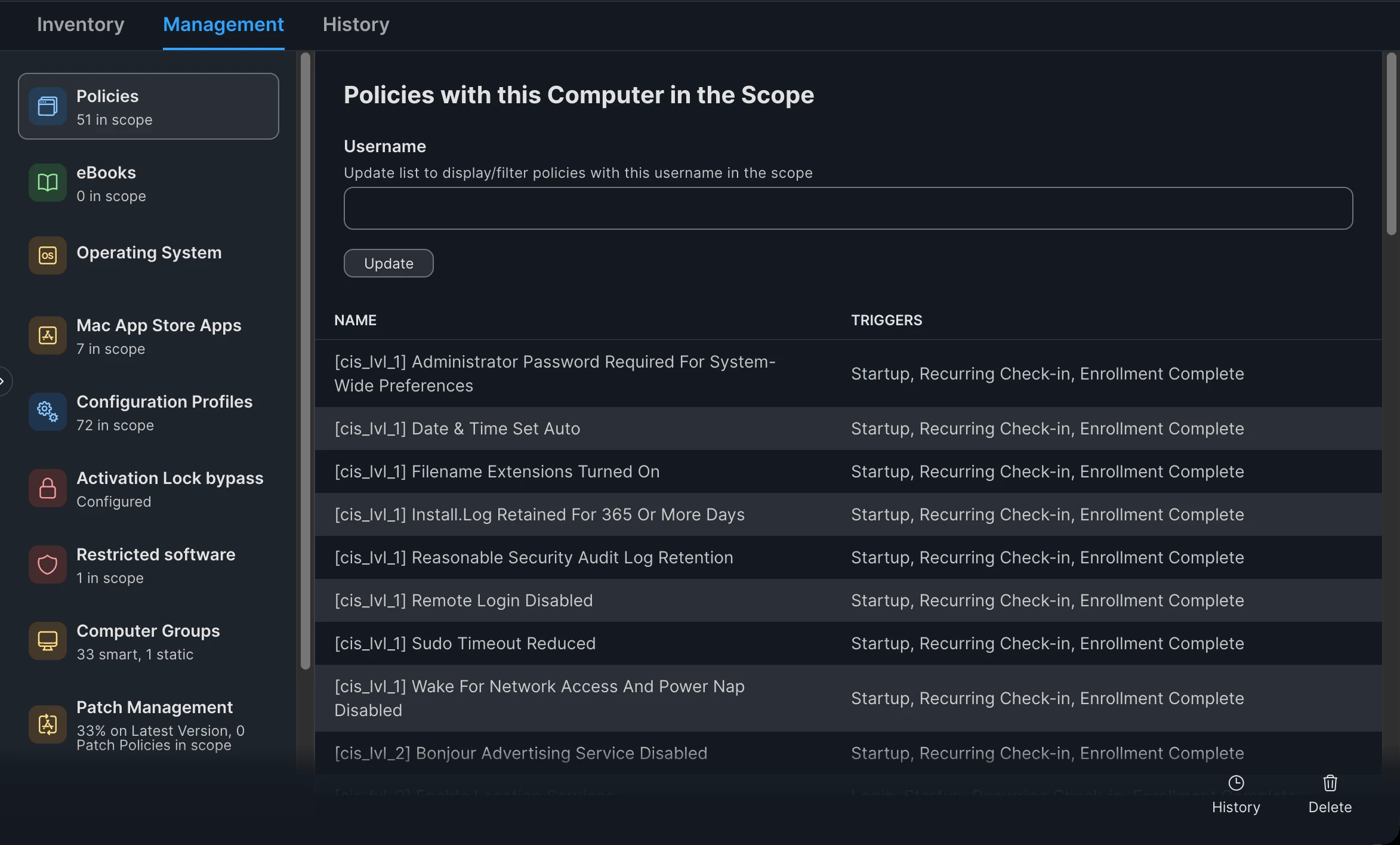
‘Management Commands’ disappeared from one of my MacBook’s Inventory Record (Management Tab). I was not able to get it back. Tried to redeploy the Jamf Management Framework for enrolled device (*.jamfcloud.com/api interface), but it didn’t help. The laptop seems to be synchronized with Jamf, but the problem is that if I want to wipe this exact laptop, I don’t have Management Commands section, where I click ‘Wipe Computer’ command. Does anyone of you face this issue before?

By the way, this laptop is in another country, so the only possibility to wipe it, is to physically get it in my hands.

Thanks a lot for your attention
 

9 replies

Forum|alt.badge.img+12
  • Valued Contributor
  • Oct 20, 2026 12:55 AM UTC

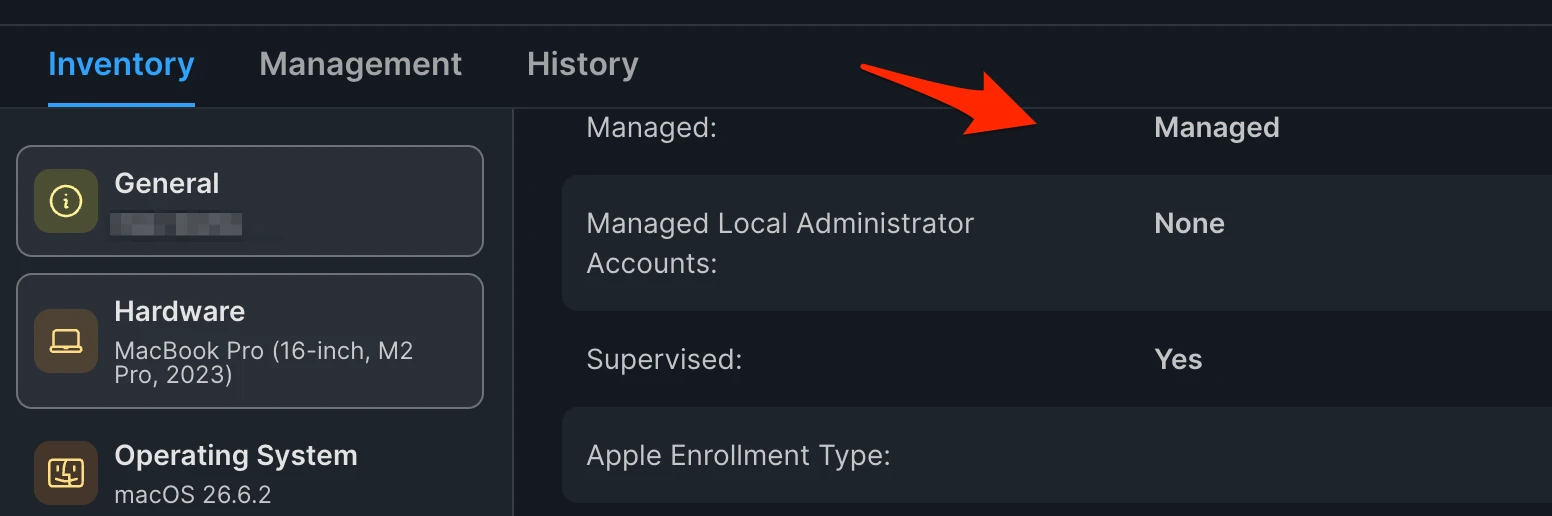
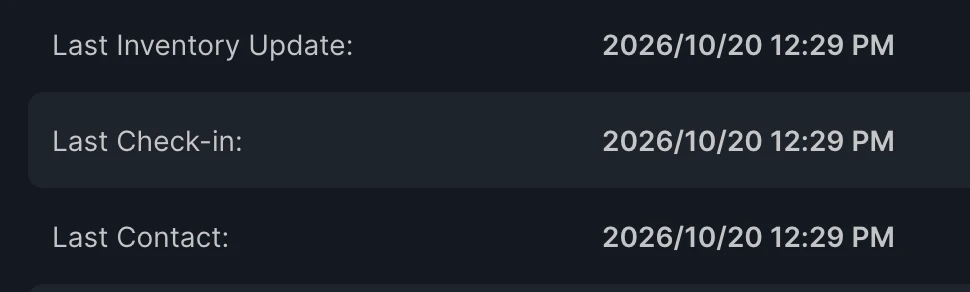
 Is it still showing ‘managed’ with a recent checkin?

Inventory Managed


Forum|alt.badge.img+5
  • Author
  • Contributor
  • Oct 20, 2026 8:38 AM UTC
​@k3vmo 
 

Yes, it’s still shows ‘Managed’ (I have intentionally removed the username from this screenshot, under ‘User and Location’ section)


Forum|alt.badge.img+12
  • Valued Contributor
  • Oct 20, 2026 1:13 PM UTC

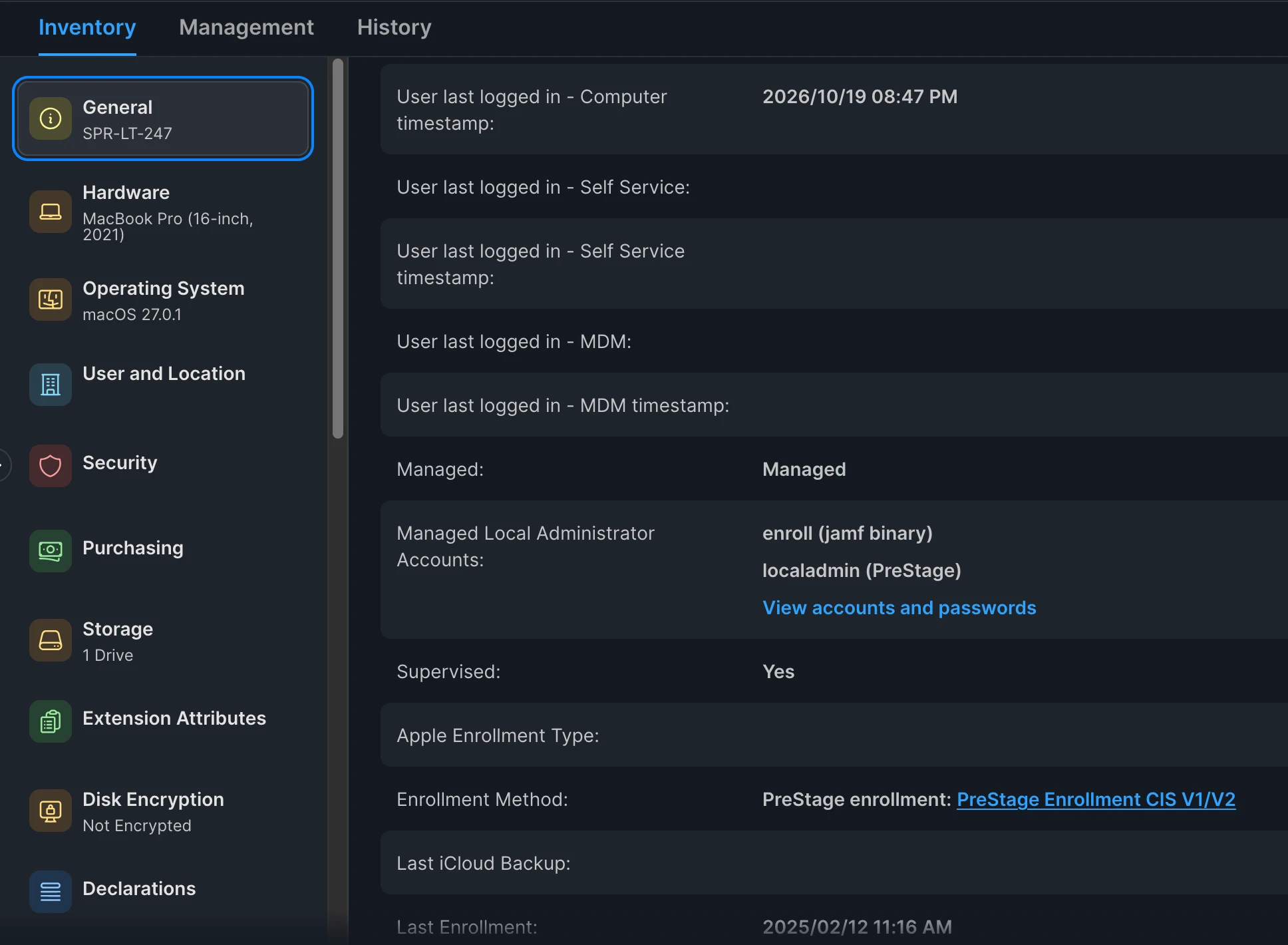
So you’ve got one of the two, the jamf binary - - I’d investigate whether the device lost the MDM profile

On the Inventory tab, under General, look for MDM capable.  Does it say yes?

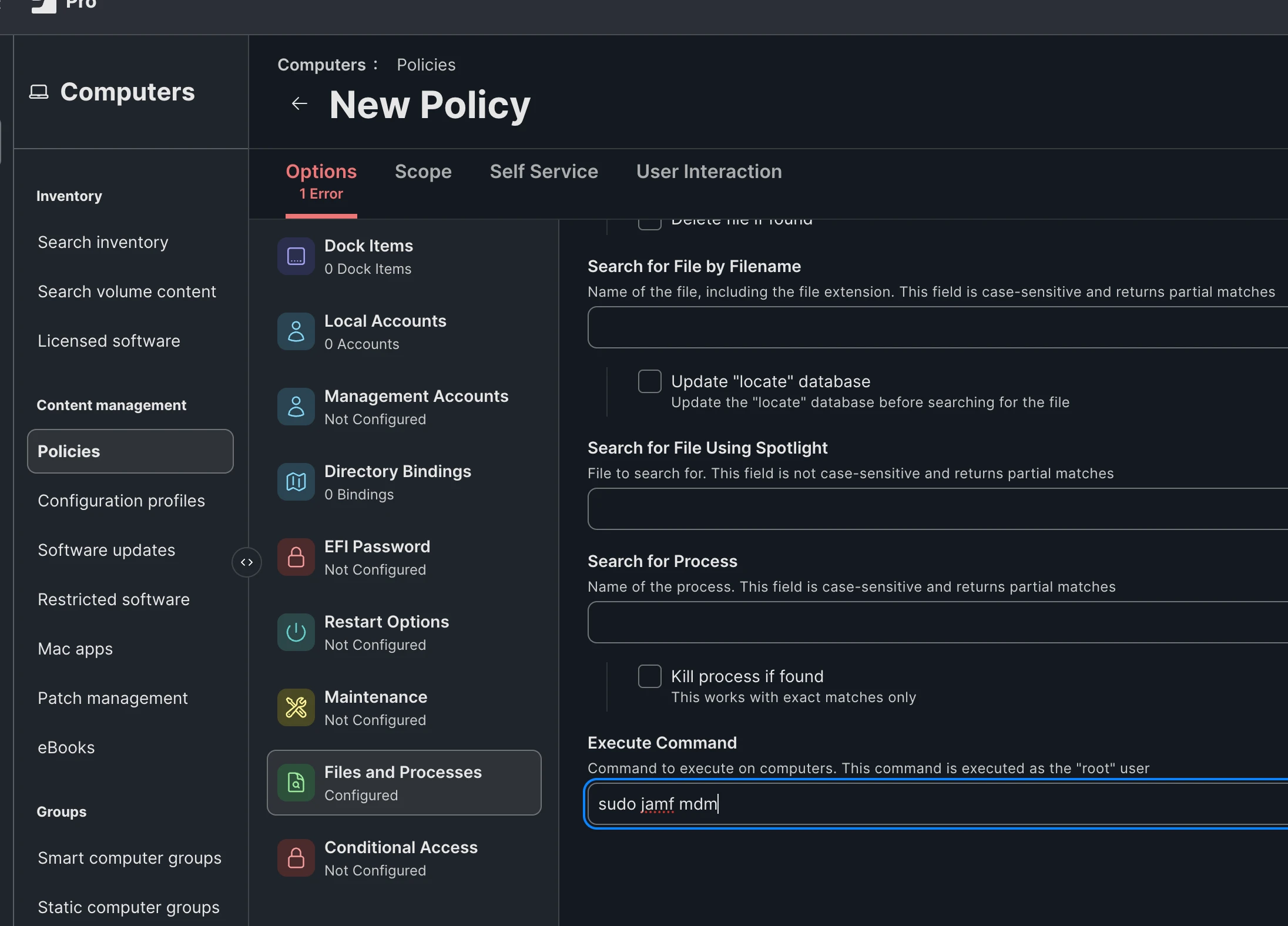
If not, you could try jamf mdm (entered in the Files and Processes > Execute Command field).


If that fails, re-enroll.


Forum|alt.badge.img+5
  • Author
  • Contributor
  • Oct 20, 2026 3:25 PM UTC

​@k3vmo 
MDM Capability shows ‘No’  :(

I have prepared a new policy, scoped to this exact MacBook and waiting for the results.

As for the re-Enrollment, the problem is that I can’t Wipe this certain MacBook, because there is no ‘Wipe computer’ button in the Management tab. Without it, I would be unable to re-enroll the computer

Update: ‘jamf mdm’ command didn’t help. Do I have to put just ‘jamf mdm’ in the command field, or it’s necessary to put a full path as well?


Forum|alt.badge.img+12
  • Valued Contributor
  • Oct 20, 2026 4:21 PM UTC

The thing is - it still requires user interaction if this goes through.  They’ll see a notification and have to go into Settings - General - Management - and approve the profile.


If that doesn’t work, the only other thing you could try as a recurring process is to run profiles renew -type enrollment in that  ‘Execute command’ field.   The user is going to see a notice they need to re-enroll so make sure they’re aware


Forum|alt.badge.img+5
  • Author
  • Contributor
  • Oct 20, 2026 5:09 PM UTC

​@k3vmo 
I will try to re-enroll. Just run this command from the Terminal (using a Remote Session), logged into the Terminal with the admin account… Accepted the warning about Enrollment and the laptop started to receive Configuration Profiles from the beginning (these profiles were not lost, anyway). Now it says that the laptop will restart in 30 minutes to finish the installation of Rosetta 2. I will check the Jamf Inventory record after the laptop restarts. If the Management Command section does not appear again, then this laptop should be replaced by another one for sure… Thanks a lot for your time and help!


Forum|alt.badge.img+12
  • Valued Contributor
  • Oct 20, 2026 5:21 PM UTC

If it was missing the MDM profile, I’ve seen the behavior before.   Once the enrollment is complete, if the MDM says YES and it still shows as managed - but there are no controls- I’d check with Jamf Support.

I’m assuming with all this, your Jamf account has the correct privileges, and it was isolated to the one computer.


Forum|alt.badge.img+5
  • Author
  • Contributor
  • Oct 20, 2026 5:30 PM UTC

​@k3vmo 
Yes, I’m a Jamf Admin. There are some small issues with couple of other MacBooks, but this is the only case, were I’m unable to run the Wipe computer command remotely.


Forum|alt.badge.img+5
  • Author
  • Contributor
  • Oct 21, 2026 11:21 AM UTC

Is there any script, which is able to Wipe the MacBook remotely?