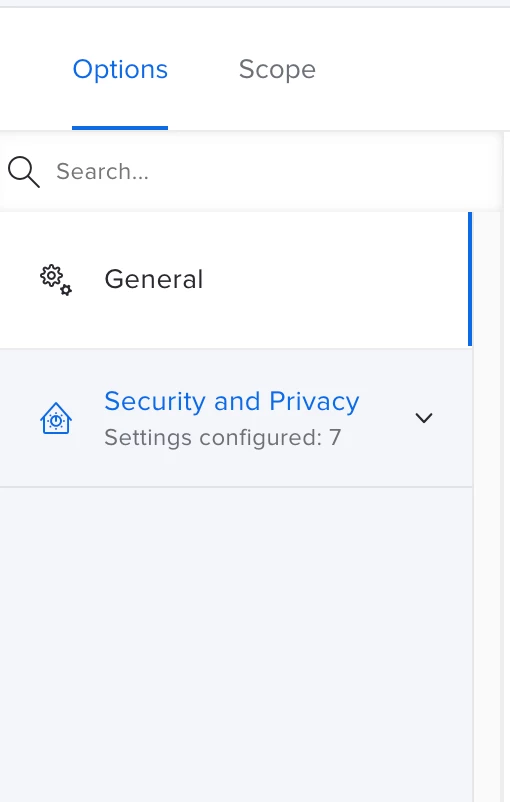
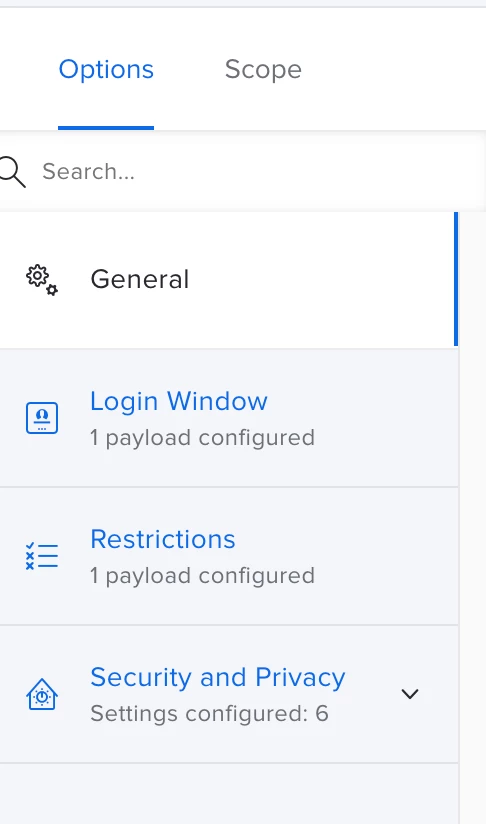
Opened up a case with Jamf support, they are seeing this pop up .
Check your devices, especially any new device enrolled into your Tenant.
I have tried all the previous possible commands to fix and none of them worked.


 +7
+7Opened up a case with Jamf support, they are seeing this pop up .
Check your devices, especially any new device enrolled into your Tenant.
I have tried all the previous possible commands to fix and none of them worked.
Best answer by TheITGuy69
So I ended up finding out that our 802.1x Config profile had expired ndes certs which was causing all the issues. once replaced everything started working again.
Enter your E-mail address. We'll send you an e-mail with instructions to reset your password.