
New Fortinet customer here. We are testing always-on IPSec VPN (split tunnel) on macOS 26 Tahoe.
I have all the Fortinet recommended MDM profile payloads deployed to my test Macs (SEXTs, TCC/PPPC, Notifications, Content Filters, Login Items, etc). But Im still seeing a couple issue, including these 2:
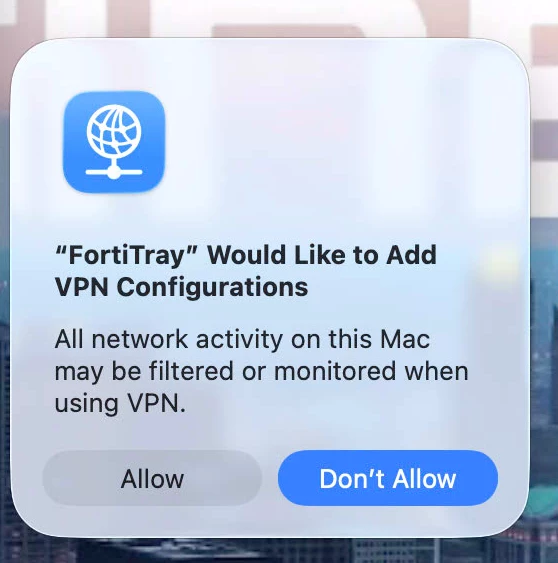
1 How do I suppress this user-facing pop-up:
"FortiTray" Would Like to Add VPN Configurations All network activity on this Mac may be filtered or monitored when using VPN.
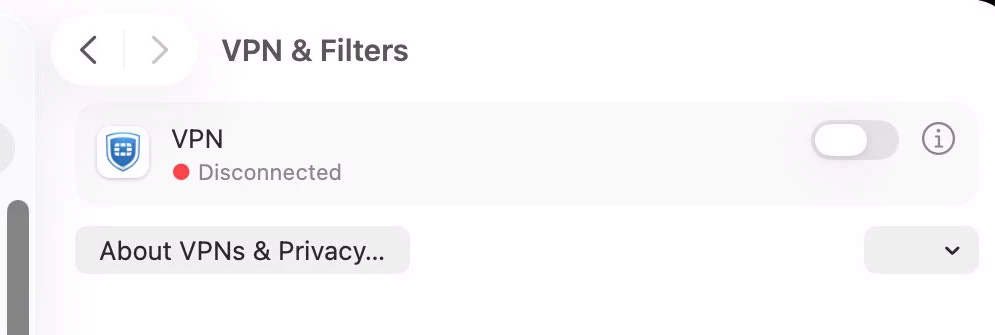
2 Once approved (which is required for some reason), a virtual ‘VPN’ interface is INSTANTLY created in macOS Network Settings. Yet this interface is literally unusable, and never becomes active. And users are able to remove it manually if they so desire (i.e. it’s not locked). If a user does NOT allow this VPN, this pop-up will appear persistently until action is taken.
How can I remove this pop-up and related interface? I dont want end-users to see this in the UI since it isnt ‘real’ and will just lead to confusion and frustration.
See (2) images.