I just setup a new Jamf Pro server running on Ubuntu Server 18.0.4 LTS. I followed the steps outlined in this article. I typed everything exactly as written. These steps worked seven months ago when I deployed another Jamf Pro server, so I'm confused why it's not working now. I can use Connect to Server... to mount the CasperShare, but it also mounts as read-only despite my using an account that should have read/write access. Has anyone else run into this? Does anyone have any ideas that may help?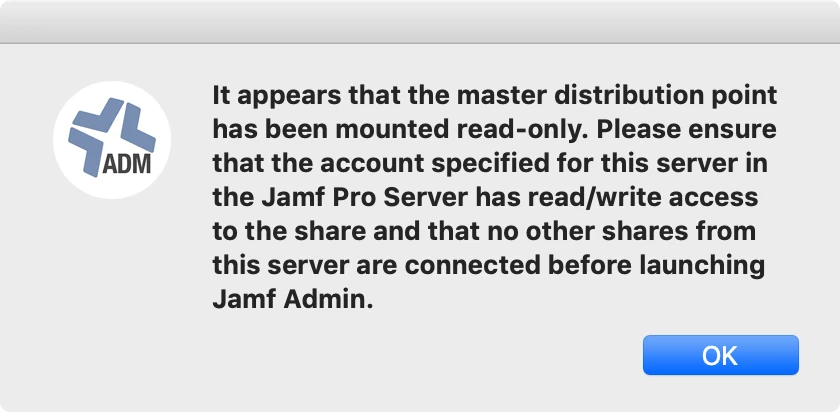

Solved
Master distribution point mounted as read-only

 +24
+24Best answer by howie_isaacks
OK. I just figured this out. I think. The best I can think of is that I must have fat fingered one of these commands:
sudo chown casperadmin /srv/samba/CasperShare/
or
sudo chmod 755 /srv/samba/CasperShare/
I re-ran both of them again, and now my master distribution point mounts. I guess the key here is to not rush through something even if you have done it before 😁
Enter your E-mail address. We'll send you an e-mail with instructions to reset your password.