Question

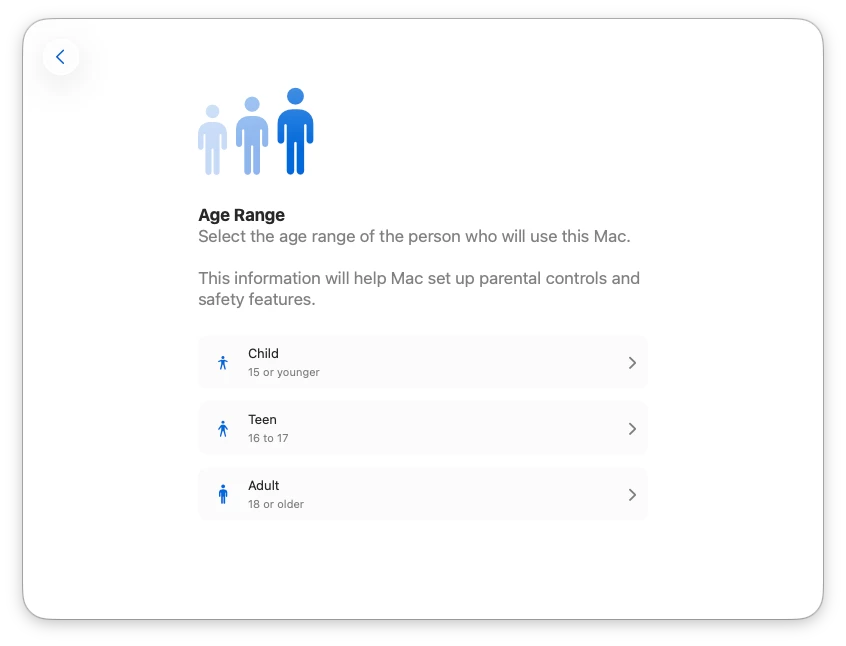
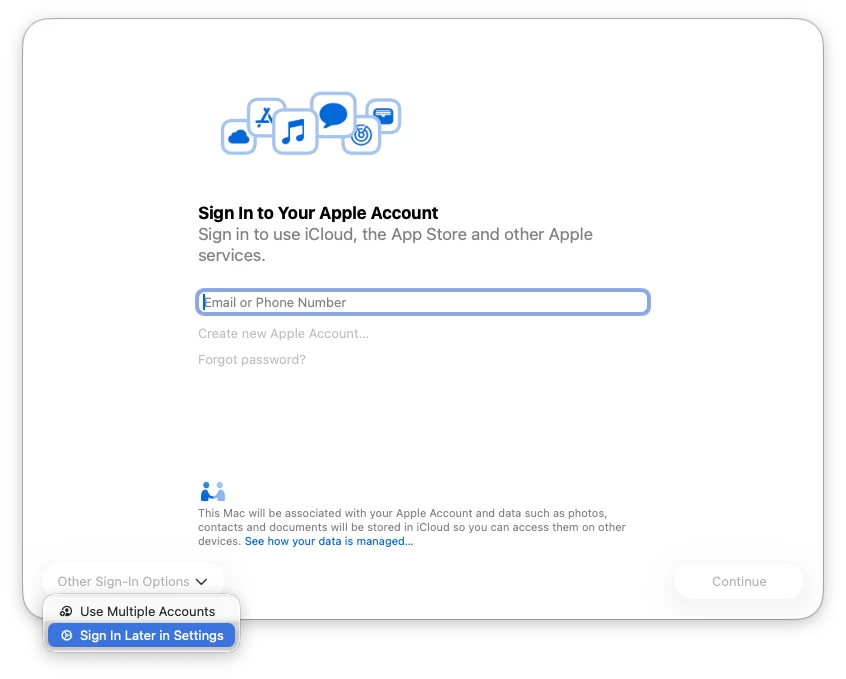
Message Sign in to Your Apple Account and Age Range at login new user

  • April 2, 2026
  • 1 reply
  • 34 views

PE14_2
Forum|alt.badge.img+7

Hi All,

AD bound Mac’s with macOS Tahoe 26.4. When a new user login I got “Sign in to Your Apple Account” and “Age Range” message , any idea how do disable these?

thanks


1 reply

Forum|alt.badge.img+2
  • New Contributor
  • April 2, 2026

I’ve usually handled those in the ADE / Setup Assistant profile rather than trying to suppress them after first login.

If these Macs are coming through Automated Device Enrollment, check the skip keys for Apple ID and the other Setup Assistant panes there — that’s what hides the “Sign in to Your Apple Account” and follow-on setup screens for new users.

This walkthrough is the clearest step-by-step I’ve found: Manage Setup Assistant for Apple devices.

If the Macs were enrolled some other way (or the ADE profile changed after enrollment), those prompts can still show because Setup Assistant wasn’t skipped during the original device setup.