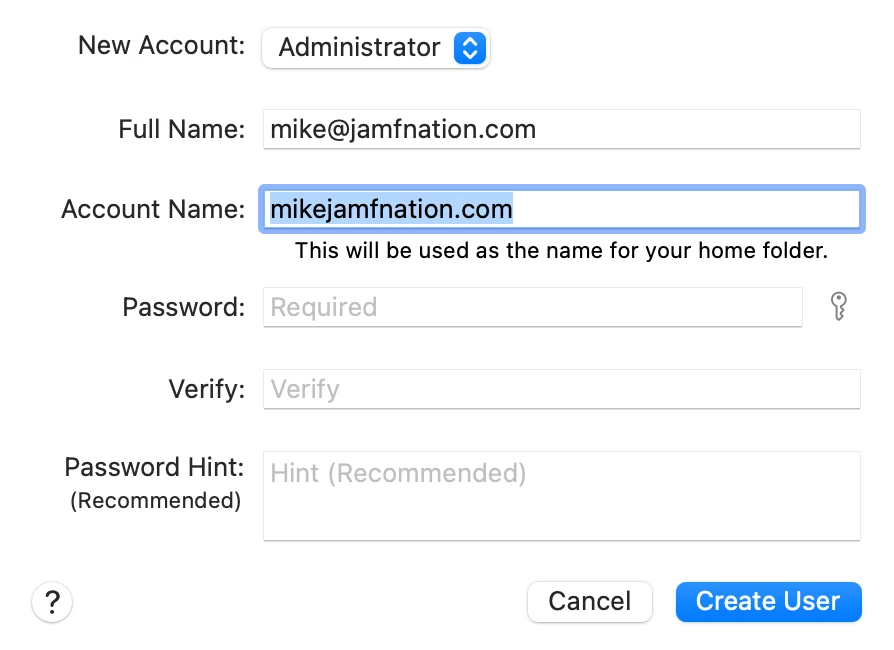
After a clean install of Monterey, I enrolled an M1 MacBook Air that is apart of our prestage environment within Apple Business Manager. During the initial account setup we are trying to utilize email address for the account name and on previous versions of MacOS have not had any issues. Whenever I try to edit the account name field the @ disappears and any attempt to replace it yield the same results. I am curious if anyone else has experienced this behavior as well.

Solved
Monterey - Account Name During Setup doesn't allow for @ character

 +11
+11Best answer by Sdwick
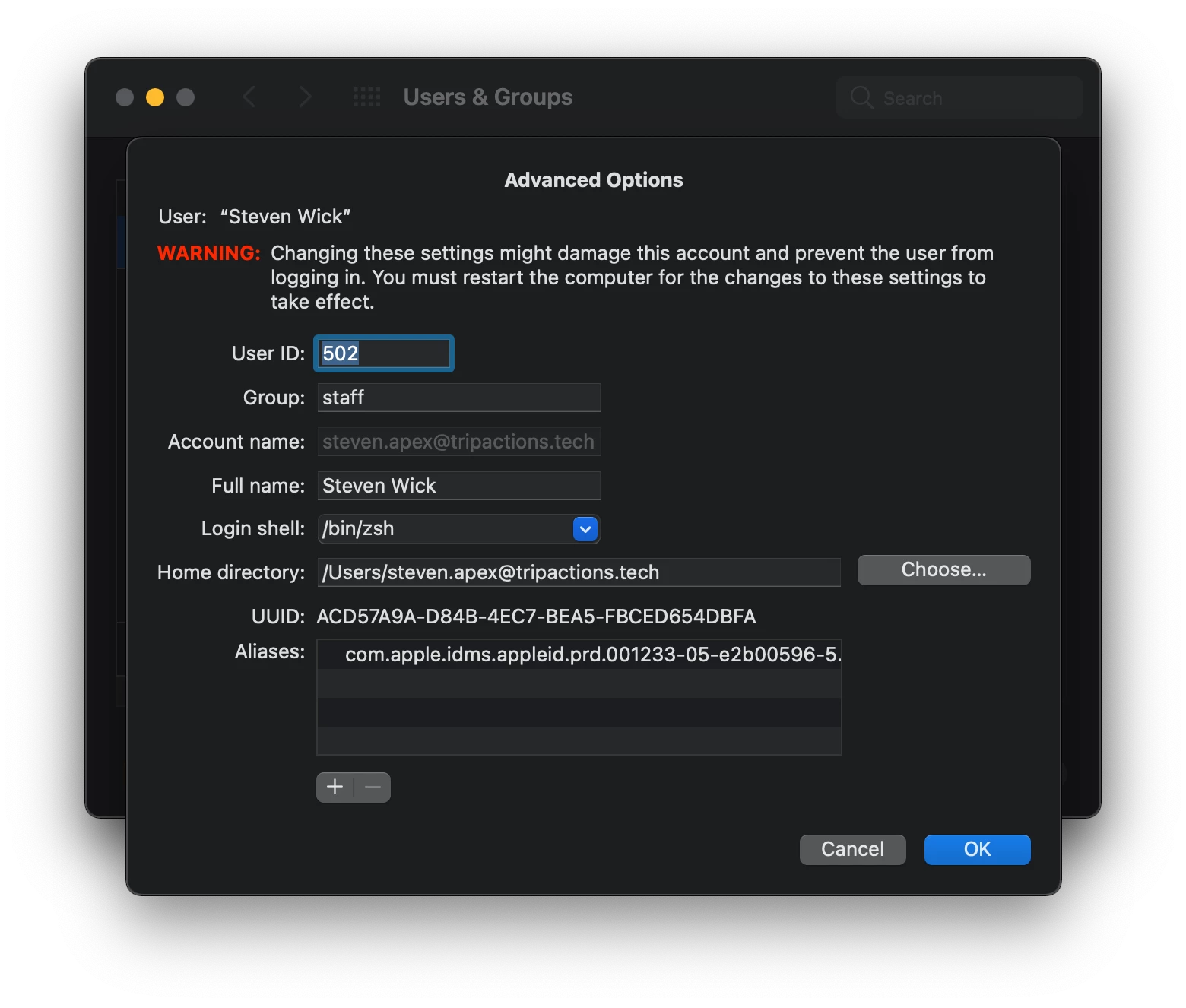
Issue seams to now be resolved I have been able to create users accounts including the @. Apple must have resolved the issue.


Enter your E-mail address. We'll send you an e-mail with instructions to reset your password.