I have the following error and no idea where to look to fix: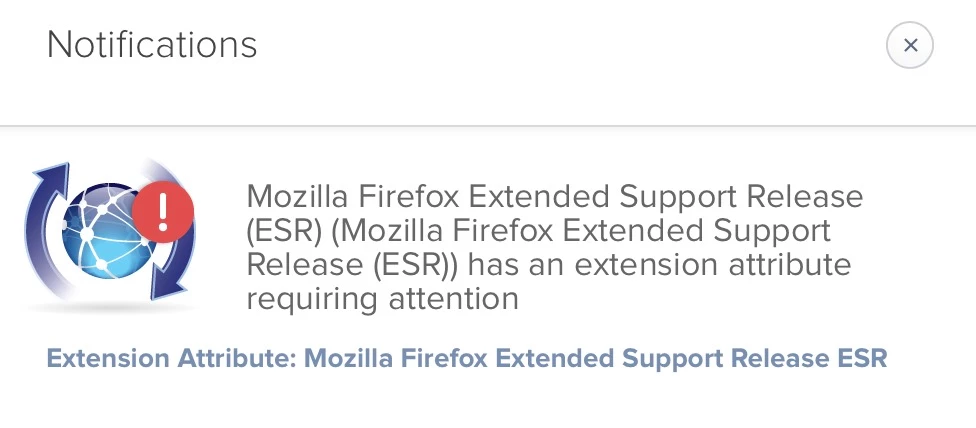
When I click on the link, I get: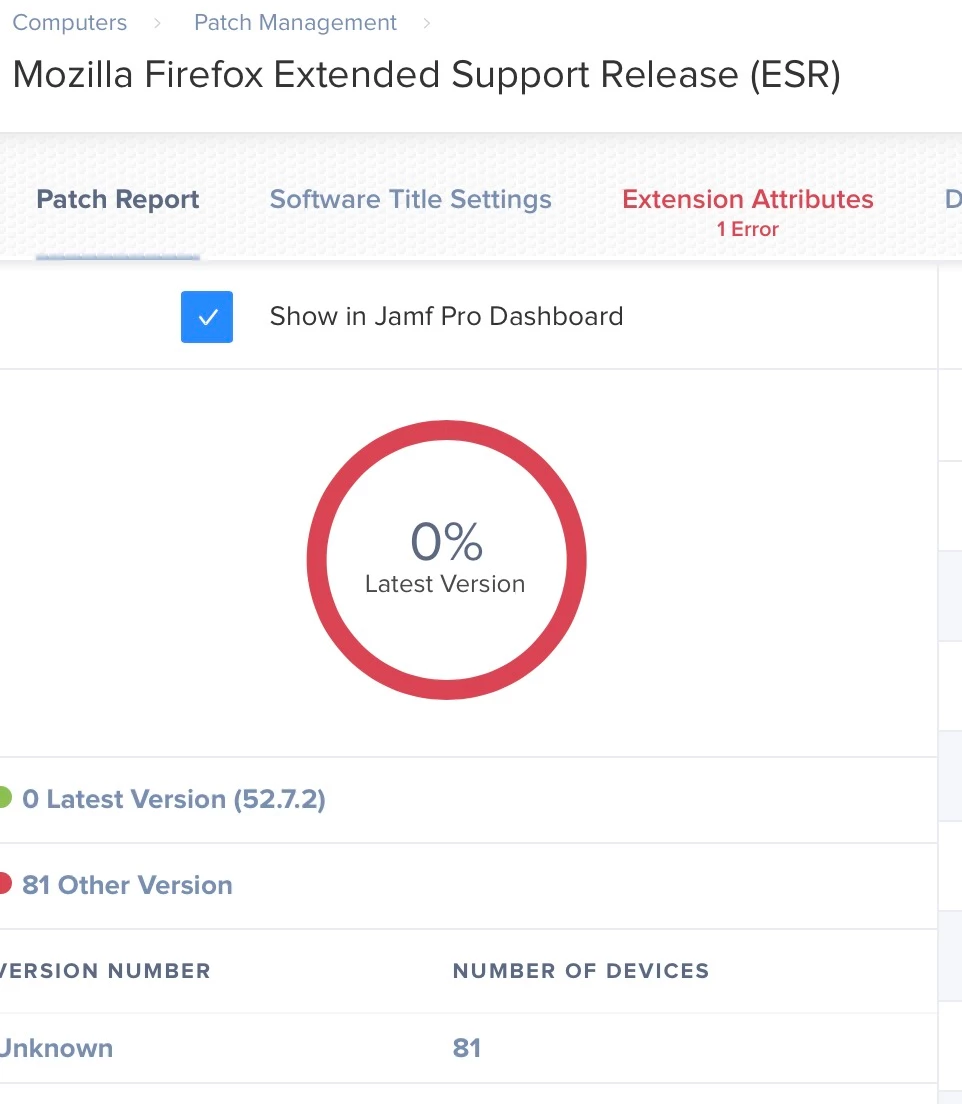
I havent changed anything as far as I know.
Any help is greatly appreciated.

 +12
+12I have the following error and no idea where to look to fix:
When I click on the link, I get:
I havent changed anything as far as I know.
Any help is greatly appreciated.
Best answer by unknown_err
Click on the Extension Attributes tab (where you see it in red in that screenshot), then click edit, then you should see an "Accept" button. Click that and save and it should be fixed. I think they changed the script in a couple of the patch management EAs and you need to review and accept the changes before they'll work again.
Enter your E-mail address. We'll send you an e-mail with instructions to reset your password.