Question

MS Teams audio driver install issue

  • October 19, 2022
  • 4 replies
  • 56 views

Forum|alt.badge.img+13

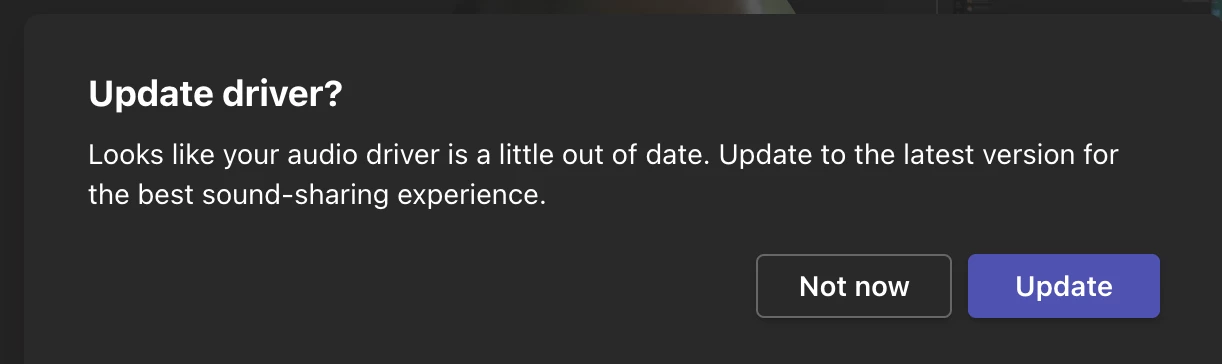
A couple users upgraded to Monterey and got a notice that updated audio drivers were available in Teams. In other Office testing, I grabbed the standalone Teams installer and noticed this when running:
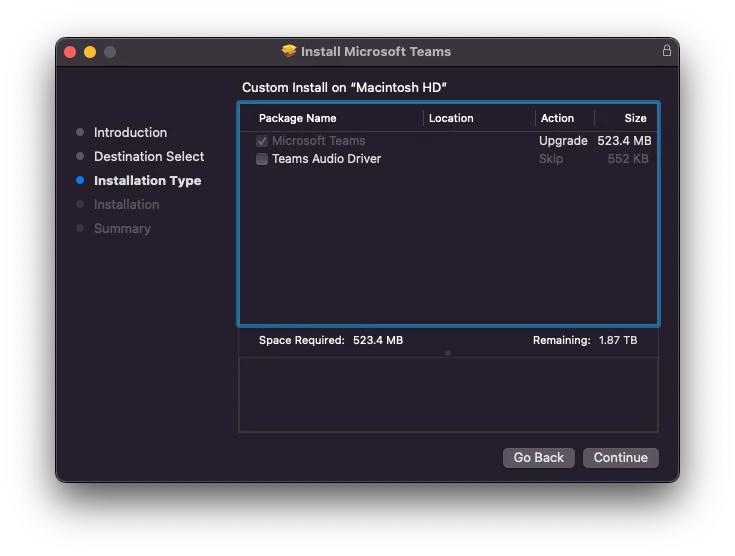
Has anyone gotten an updated Distribution file working after expanding/flattening the package? Alternatively, the command line to use with the installer would help too.

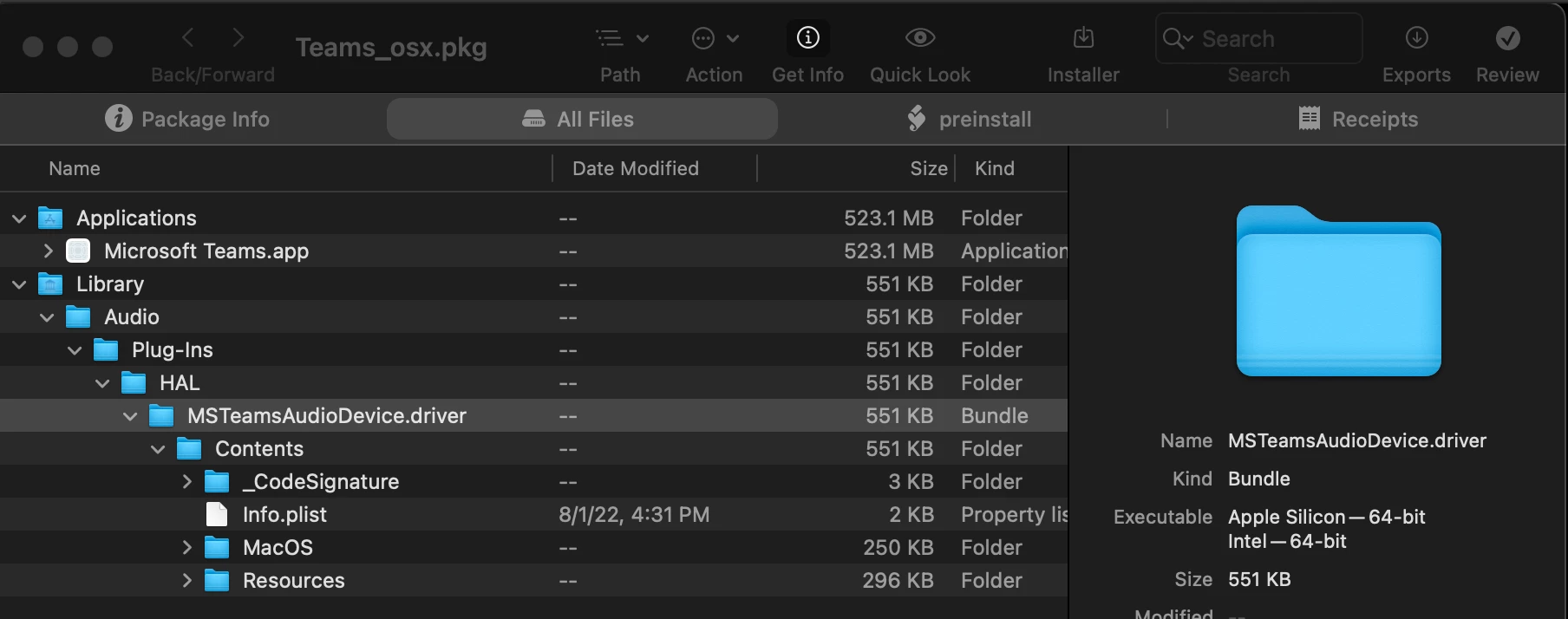
The audio driver is a separate package when I expand the main .pkg, but I'd like to avoid having separate packages in Jamf.


4 replies

pete_c
Forum|alt.badge.img+16
  • Honored Contributor
  • October 19, 2022

I have not found it necessary to repackage Teams and have had no problems using the original MS .pkgs.


mvu
Forum|alt.badge.img+20
  • Jamf Heroes
  • October 19, 2022

Just saw the notice in Teams when I tried to share my screen. Little annoying. 

I packaged the Audio Driver separately after installing the Teams and Audio Driver update locally. Going to test this, but users might get confused and when you click Update, nothing happens.

Let me know if Microsoft has a separate package available for the Audio Driver.


Forum|alt.badge.img+16
  • Contributor
  • October 19, 2022

Check out the man page for the installer command in terminal. You can apply a custom choices xml that enables those optional installs. 

Check out this thread for more info.


CSCC-JS
Forum|alt.badge.img+8
  • Valued Contributor
  • November 21, 2022

An alternate would be to grab the signed / notarized audio driver pkg file and re-distribute it with the teams installer?

"/Applications/Microsoft\\ Teams.app/Contents/SharedSupport/MSTeamsAudioDevice.pkg"

This is assuming it doesn't get installed with the native installer.