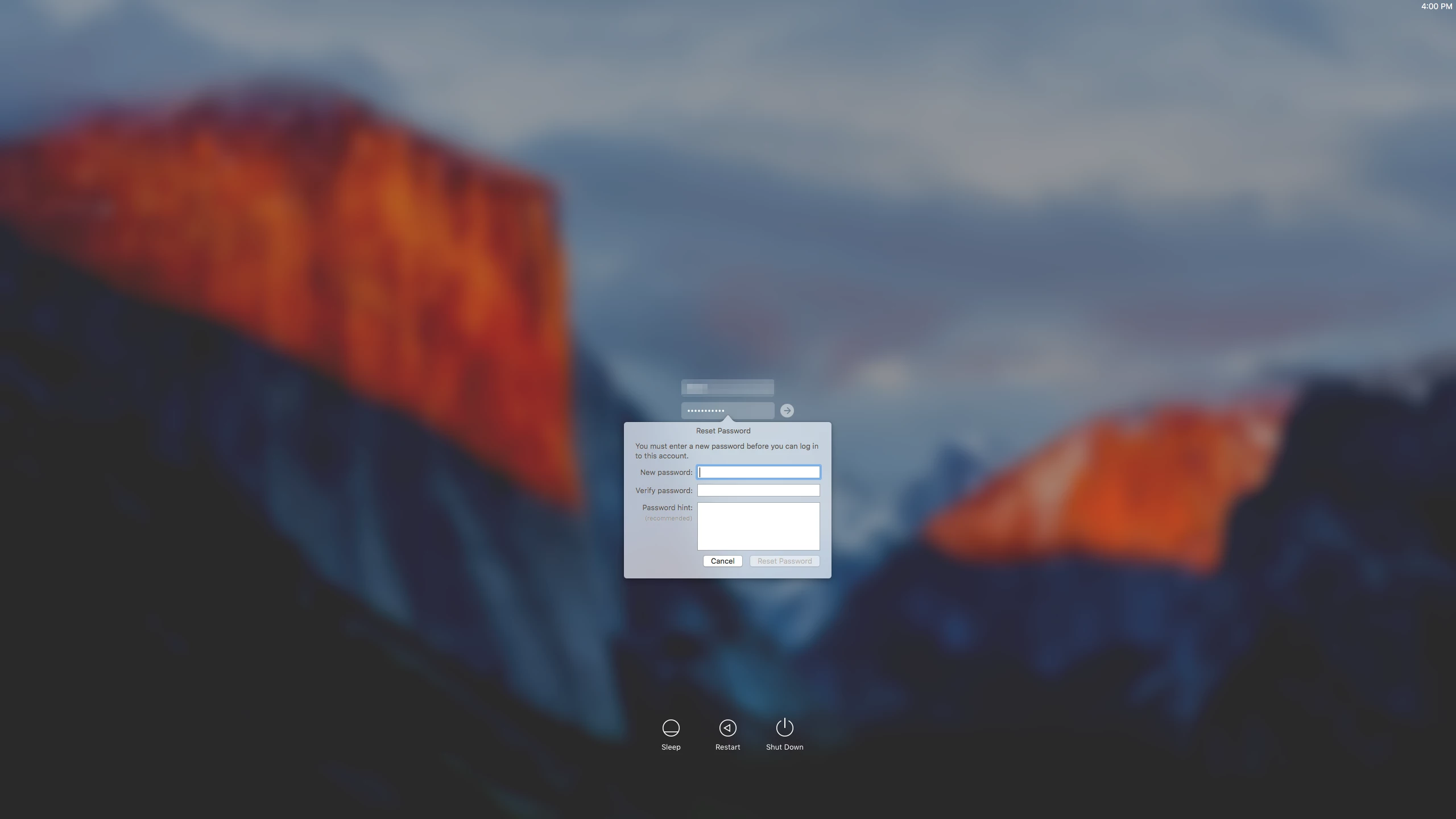
I updated an late 2013 Mac Pro with one Thunderbolt and one 30 inch Apple monitor form OS X El Capitan 10.11.0 to OS X El Capitan 10.11.1 got a black screen with mouse cursor. Option Command p + r NVRAM reset does not seem to make a difference. Typing in username and password does not seem to make a difference either. The below mention policy banner issue does not seem to make a difference either.
Any ideas?
An update on a MacBook went without a hitch.
Note: In OS X Yosemite there was an issue when there was a policy banner installed at /Library/Security/PolicyBanner.txt that with a thunderbolt monitor that banner was presented but not viewable on Thunderbolt monitors so I have removed any banners but it does not seem to be the issue.