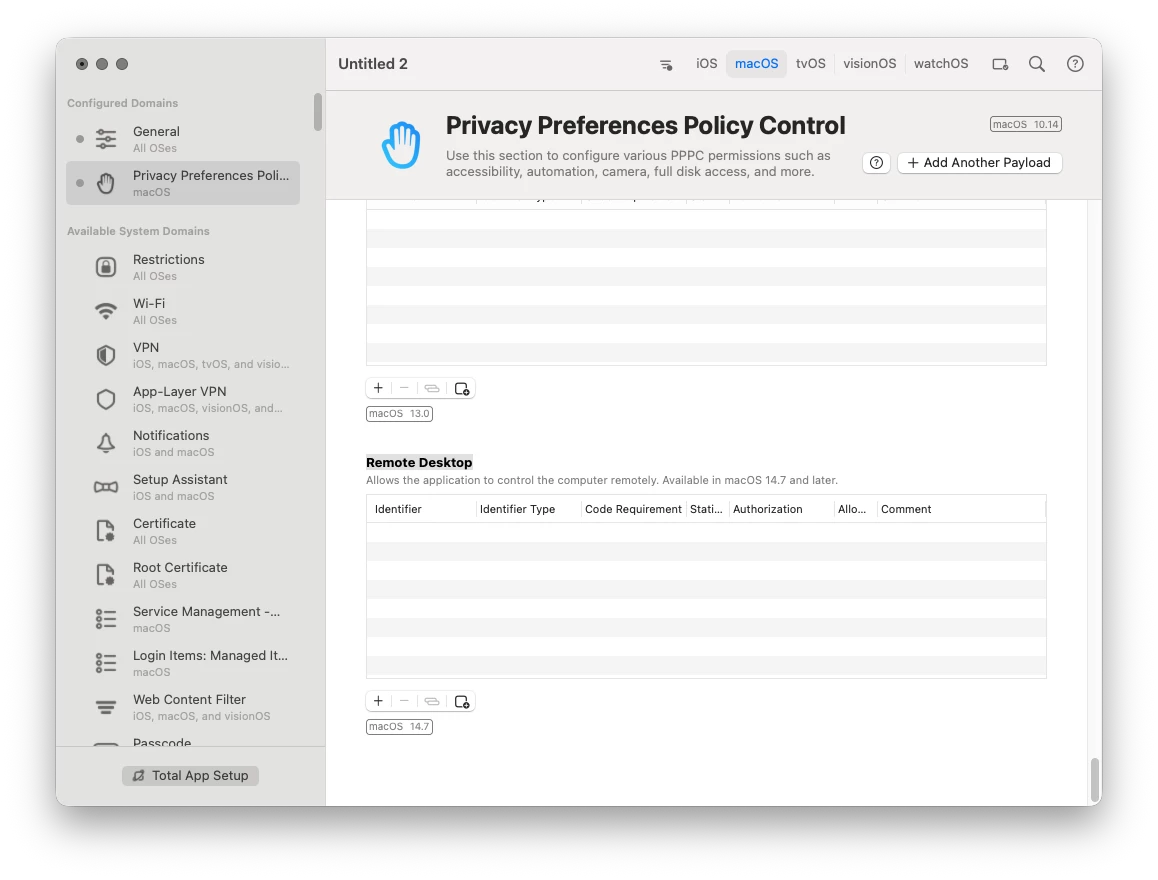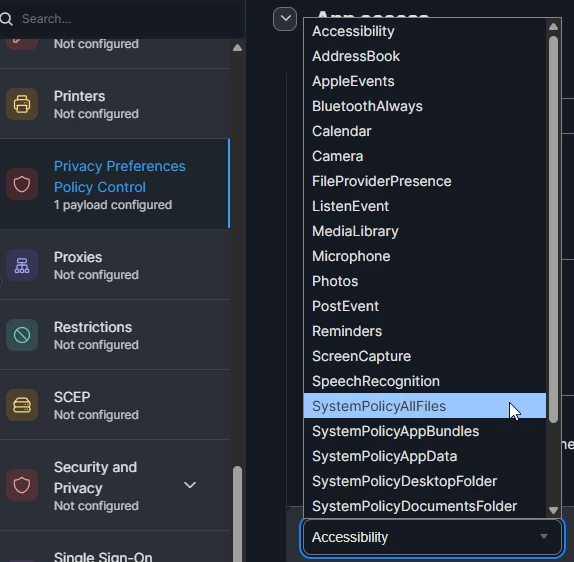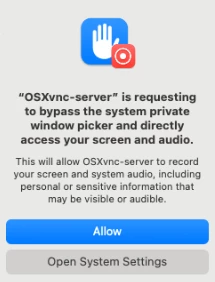
Anyone else come across this pop up? Our teachers are getting it, if we click on Open System Settings, it doesn’t provide an option to allow or deny OSXvnc-server. I am trying to find a way to block the pop up completely.

Anyone else come across this pop up? Our teachers are getting it, if we click on Open System Settings, it doesn’t provide an option to allow or deny OSXvnc-server. I am trying to find a way to block the pop up completely.
Enter your E-mail address. We'll send you an e-mail with instructions to reset your password.