
Hello everyone!
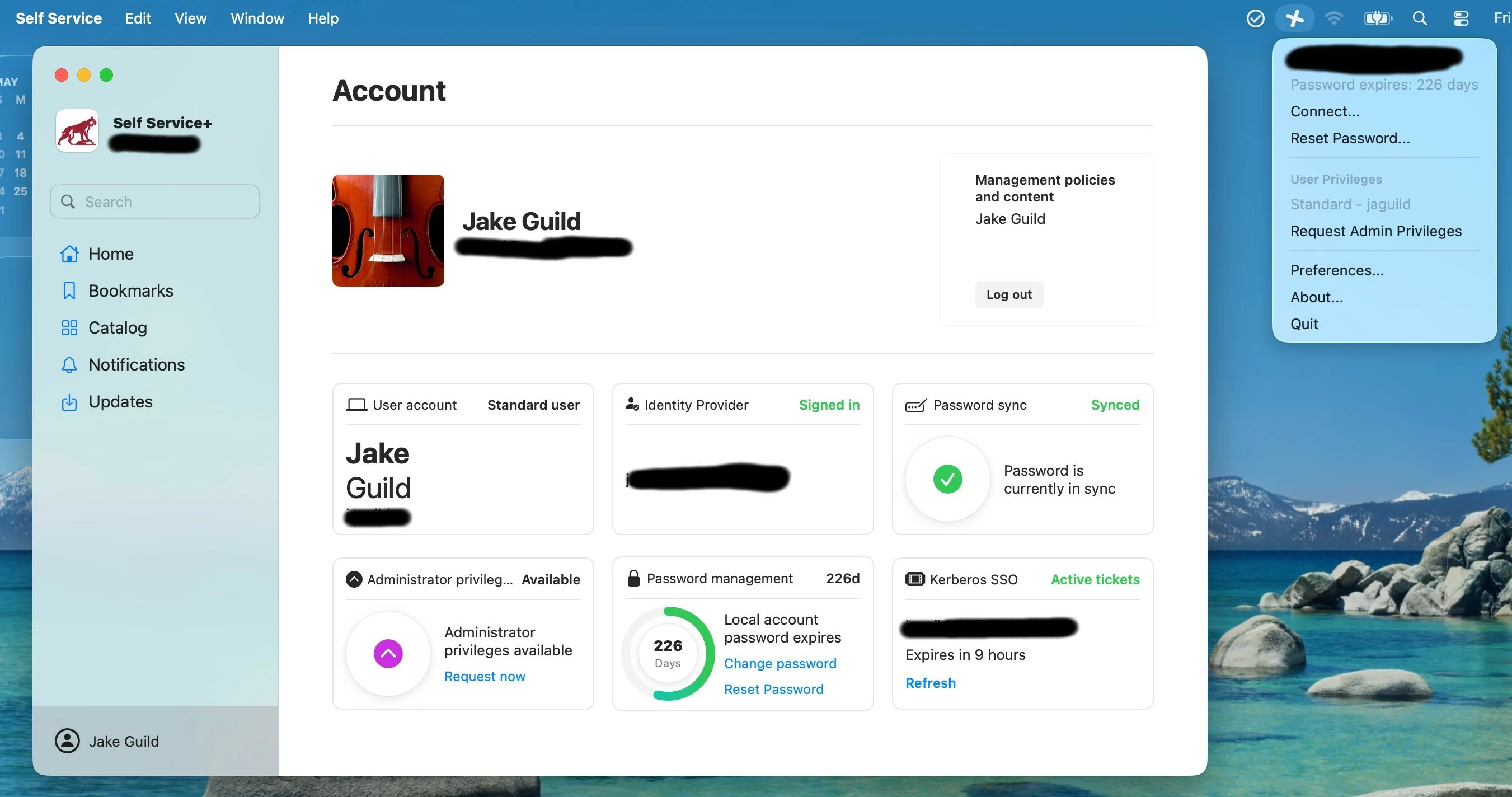
On every mac using JC3 / SS+, the “Local Account Password Expires” counter never shows a correct days number, no matter what I try.
-Kerberos is valid.
-Signed out and back into SS+.
-Changing the PW using the integrated workflow WILL change the password, but the counter never changes. The new PW will be accepted with SS+ and JC.
-New-to-that-computer users who login will show a seemingly “random” date that does not match the idP
Thanks for any help y’all have!
PS: Sorry if this is a common fix, I searched all sorts of threads but didn’t find anything that helped.