Hello All,
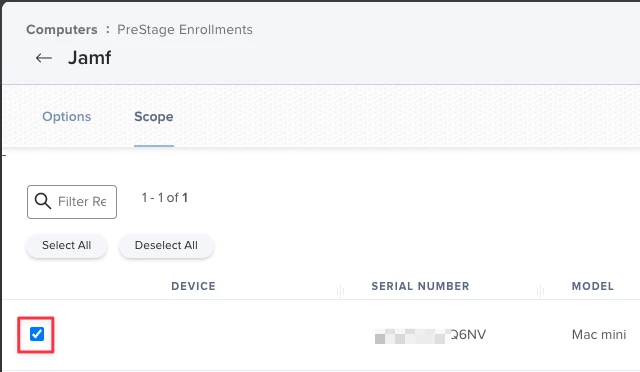
We are new in our setup of Jamf Pro and had to remove the Prestage Enrollments config so we could get a computer to our current config to test enrolls. After removing the Prestage Enrollment config and readding the computers we are testing with will not re-enroll using this https://learn.jamf.com/bundle/jamf-now-documentation/page/Re-enrolling_a_Computer_Using_Automated_Device_Enrollment.html as well as a newly wiped machine that is being activated is not going through the pre-enroll process that is configured. Also we are seeing a pop-up now which was not seen before the removing and readding of the Prestage enroll config which states "Confirm Prestage Account Settings Creastion, Prestage account settings creation may take extended time to save. Do not refresh." Click save and it goes through just fine
We ran through a user driven enroll on the computer in hopes it would fix the pre-stage and re-enroll issues we are seeing, it did not. After user enroll initiated a wipe through Jamf and it had us run through the recovery process to reload the OS… We are at a loss on how to get this issue resolved.
Any Ideas would be much appreciated.