I'm setting up a new batch of iPads for incoming 1st graders. I am enrolling them using a "first grade" pre-stage enrollment profile like I did last year (only my 2nd year with Casper Suite). However, what I want to do is not have to use an Apple ID at all. Is there a way to do that and still get these devices enrolled in the JSS? Right now I get the message on the iPad that says I have to log into iTunes with an Apple ID in order to have JAMF manage the device and assign apps. Is there a way around that?

Solved
Pre-stage enrollments and Apple IDs
 +7
+7Best answer by lizmowens
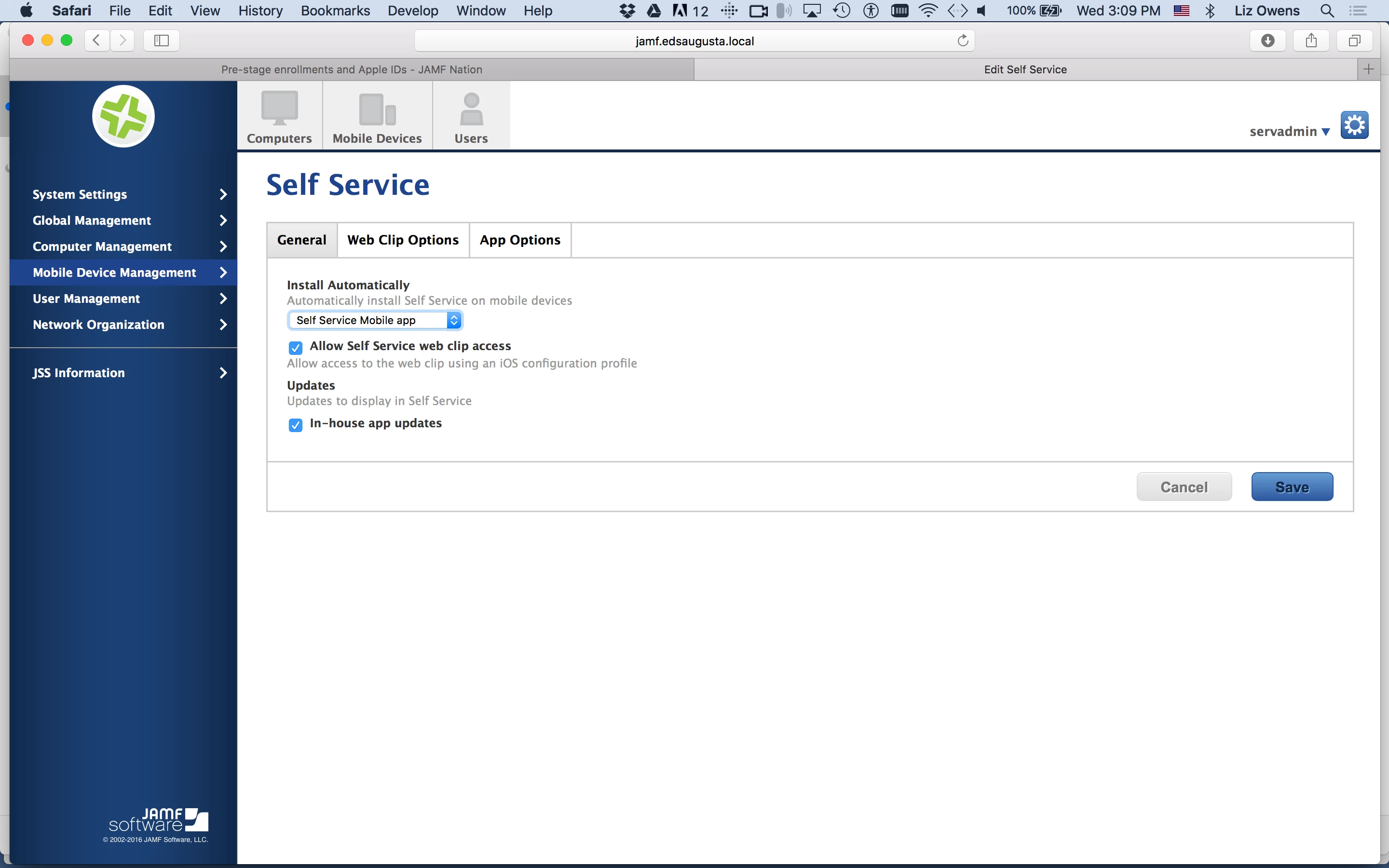
Thanks to a great call with JAMF support, the issue is now officially resolved. Had left out the script in the App Configuration pane that directed Self Service to communicate with my JSS.
Thanks again to everyone who helped this relative newbie get this resolved. Not having to deal with Apple IDs will make my life SO much easier!




Enter your E-mail address. We'll send you an e-mail with instructions to reset your password.