Question

Printer does not show up in system settings (OSX 15.7) but it is there in print dialog

  • September 25, 2025
  • 3 replies
  • 91 views

Forum|alt.badge.img+7

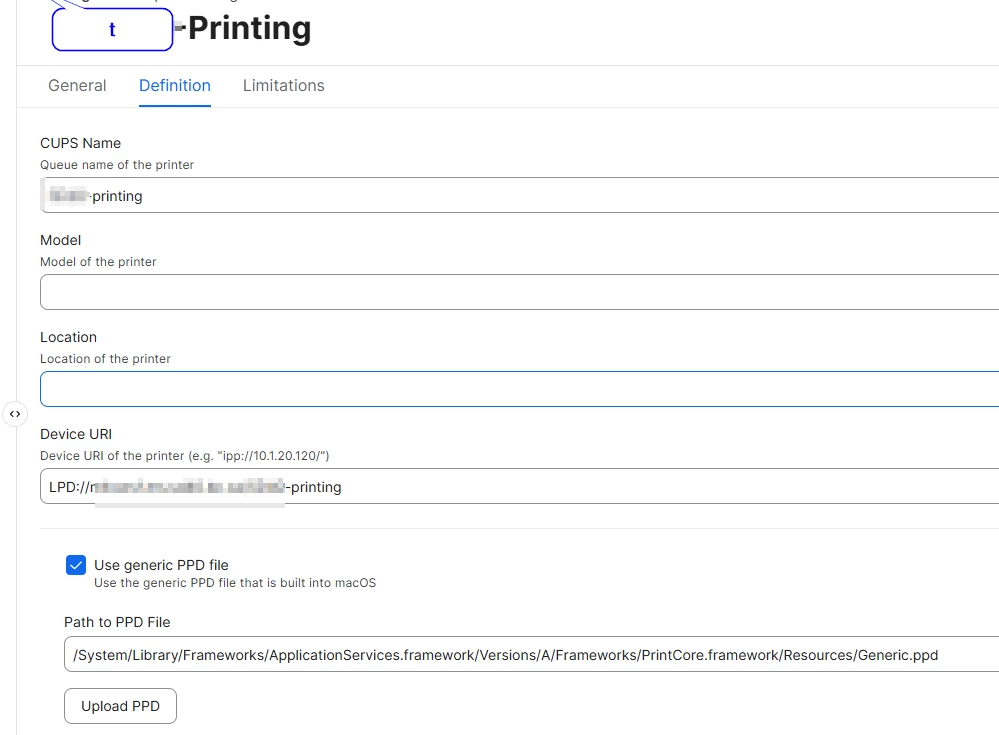
Not sure when this would have occured, but i have verified on several devices. We are pushing out a printer using jamf and if you go into the “printers and scanners” section of system settings control panel, it says “no printers”. However if you go into an application, you can see the printer there. I can also see it when i run lpstat -p.


Nothing has changed with this printer, we have been deploying it for years. So much be a new osx update that caused this. 
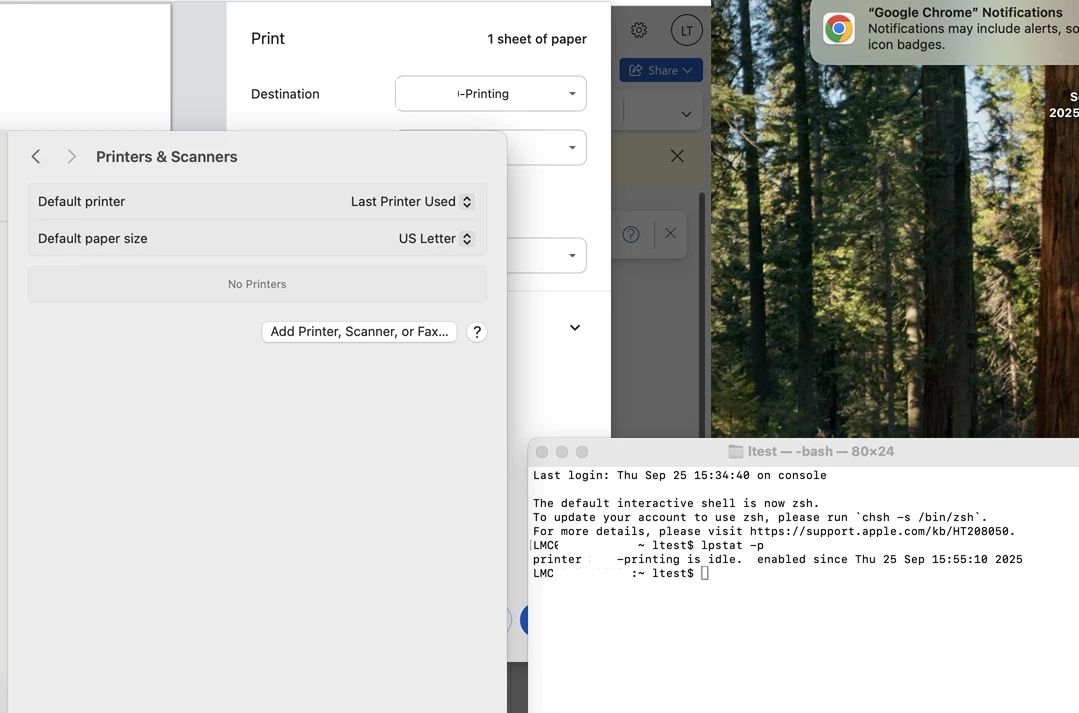


any ideas? Its a bit of an oddity that i found while trying to diagnose a separate print quality problem for a user. Then i found that multiple macs in our environment do this. Perhaps someone has seen it before.


Also when did jamf forums search start sucking. I cant even sort by date of the post… yikes.

3 replies

wchan
Forum|alt.badge.img
  • New Contributor
  • January 19, 2026

Hi,

I am also facing the same issue. Can I check if you managed to resolve this?


I did a pkg using Composer, the PPD install in /private/etcs/cups/ppd

when I issued the command lpstat -p it creates another ppd named mcx_0.ppd


The system settings still don’t shows the printer.


Forum|alt.badge.img+7
  • Author
  • Valued Contributor
  • January 19, 2026

i did not. We dont have many mac users, just a handful. So i guess people are managing as i havent had any more tickets about it. I just found it strange. probably the only one who would go into the print management would be me anyway, so likely the users just didnt notice this.


wchan
Forum|alt.badge.img
  • New Contributor
  • January 20, 2026

Just to confirm, when you run the command lpstat -p, do you see mcx_0.ppd listed?

We would like to check whether the behaviour is the same on your end.

Thank you.