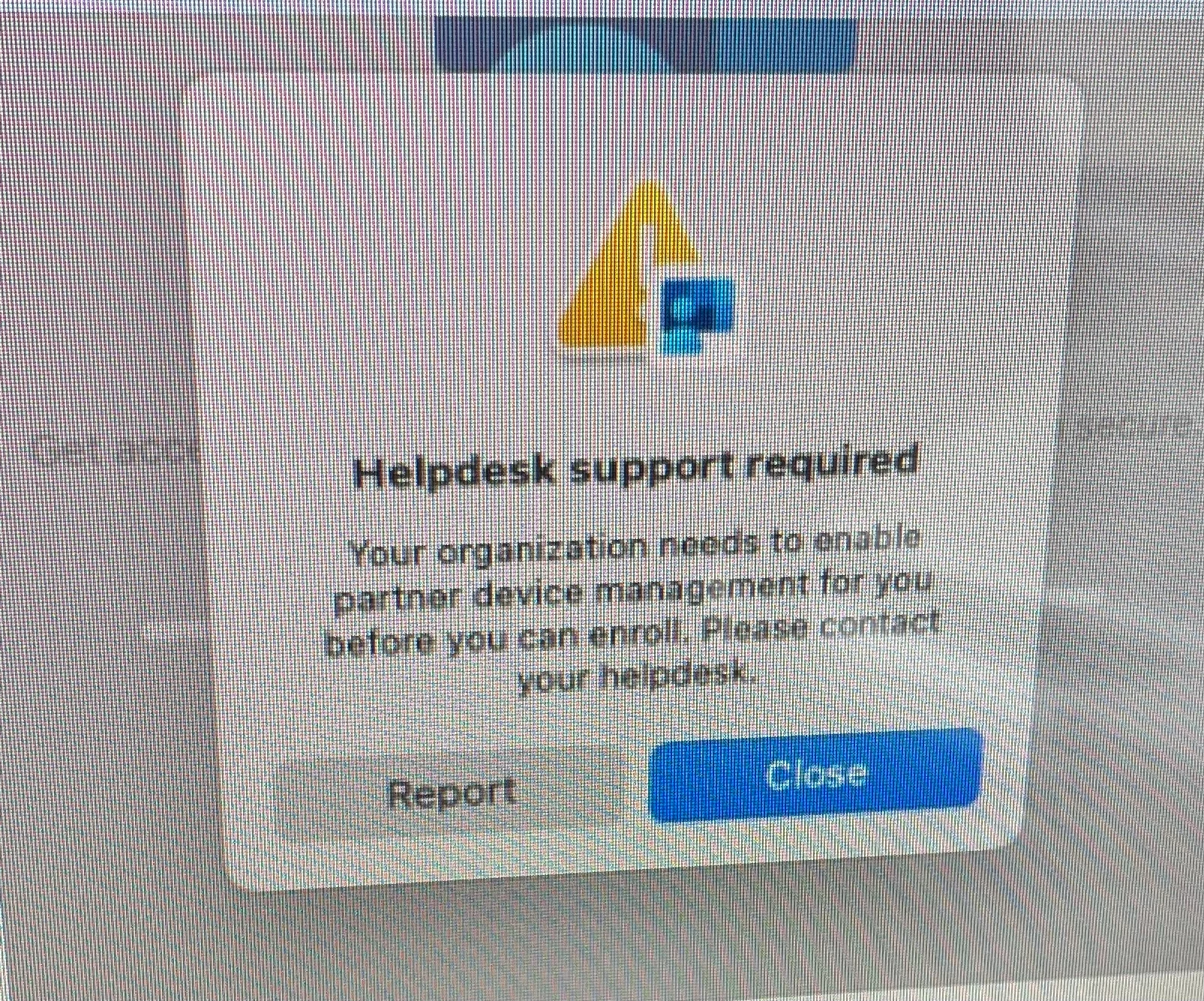
I’m having an issue trying to get a machine to register to my intune. This issue is only happening to one computer and all of the others are working fine which leads me to believe that the issue is within Intune. Please kindly share your thoughts on this issue on where to check in intune or Jamf. (See screenshot) Thanks.
Best answer by darko_didak
I usually get this error if the user does not have a proper license assigned (E3/E5) or he is not part of a member group here Home > Tenant admin > Connectors and tokens > Connectors and tokens > Jamf Device Compliance > Properties > Included groups (user must be a member of that group in Azure AD)
I usually get this error if the user does not have a proper license assigned (E3/E5) or he is not part of a member group here Home > Tenant admin > Connectors and tokens > Connectors and tokens > Jamf Device Compliance > Properties > Included groups (user must be a member of that group in Azure AD)
I usually get this error if the user does not have a proper license assigned (E3/E5) or he is not part of a member group here Home > Tenant admin > Connectors and tokens > Connectors and tokens > Jamf Device Compliance > Properties > Included groups (user must be a member of that group in Azure AD)
Yes, thank you for these steps. We were able to determine a "Group Sync" error which was causing the problem. Once that was resolved, the error disappeared.
I usually get this error if the user does not have a proper license assigned (E3/E5) or he is not part of a member group here Home > Tenant admin > Connectors and tokens > Connectors and tokens > Jamf Device Compliance > Properties > Included groups (user must be a member of that group in Azure AD)
Thanks for this. I spent waaaay too much time trying to diagnose this and assigning to users was the key that wasn't mentioned in documentation.