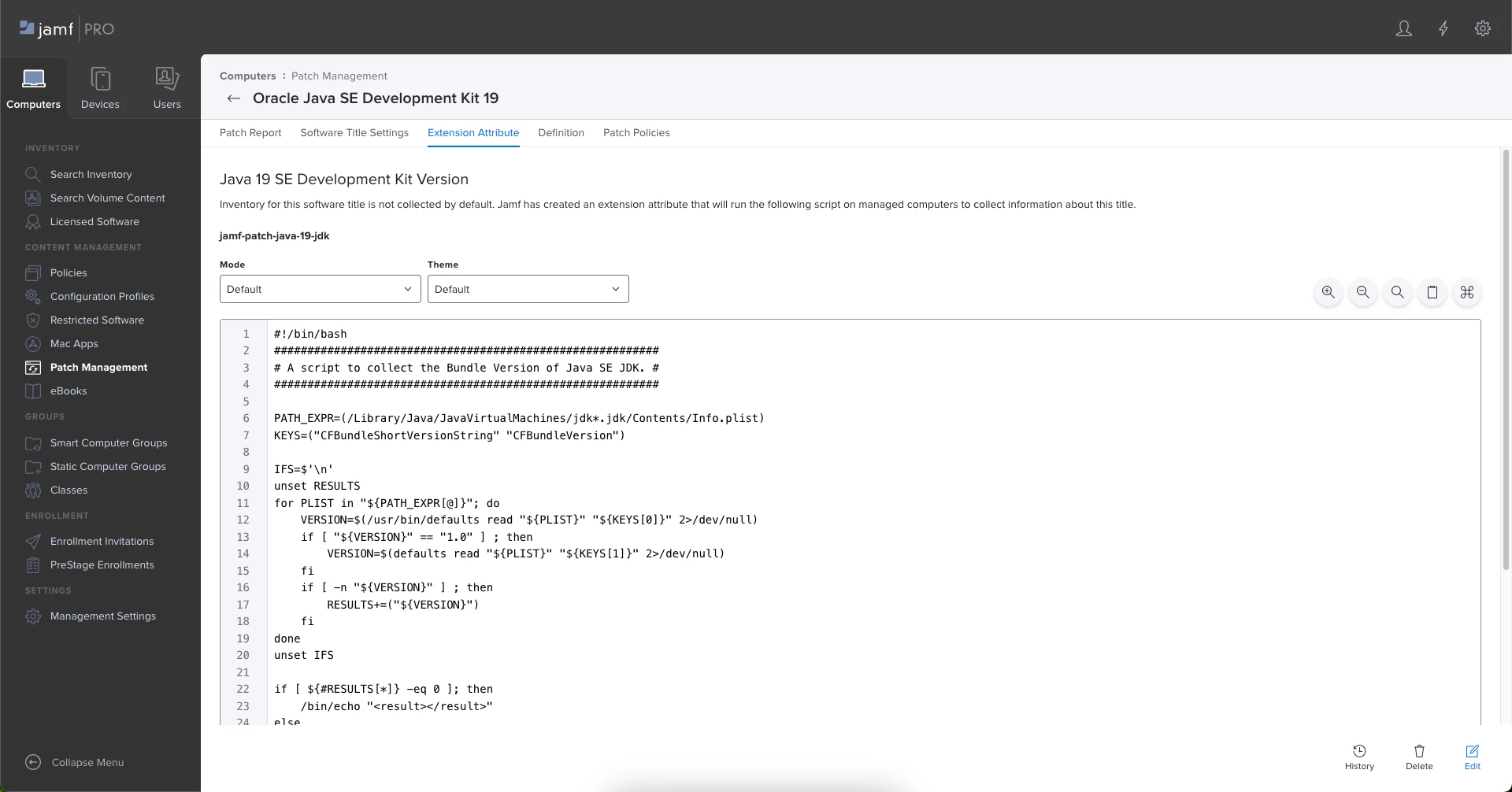
How can one remove an Extension Attribute that was created from a "Patch Management Extension Attribute" template?
I do not see how in the official Jamf Pro admin guide instructions.
Admin Guide Link - Creating a Computer Extension Attribute from a Template
Creating a Computer Extension Attribute from a Template
Jamf Pro has built-in templates for many commonly used extension attributes.
- Log in to Jamf Pro.
- In the top-right corner of the page, click Settings
- Click Computer Management.
- In the ”Computer Management–Management Framework” section, click Extension Attributes
- Click New From Template.
- Click the extension attribute template you want to use.
- (Optional) Make changes to the settings as needed.
- Click Save
.