My organization restricts certain software in Casper (torrenting programs for example) however when I added entries for new software to restrict, I am still able to open the programs on my test machine. I'm not sure why the older software restrictions are being enforced but not the ones I added last week. Any thoughts would be appreciated.

Solved
Restricted software not working?
 +7
+7Best answer by mm2270
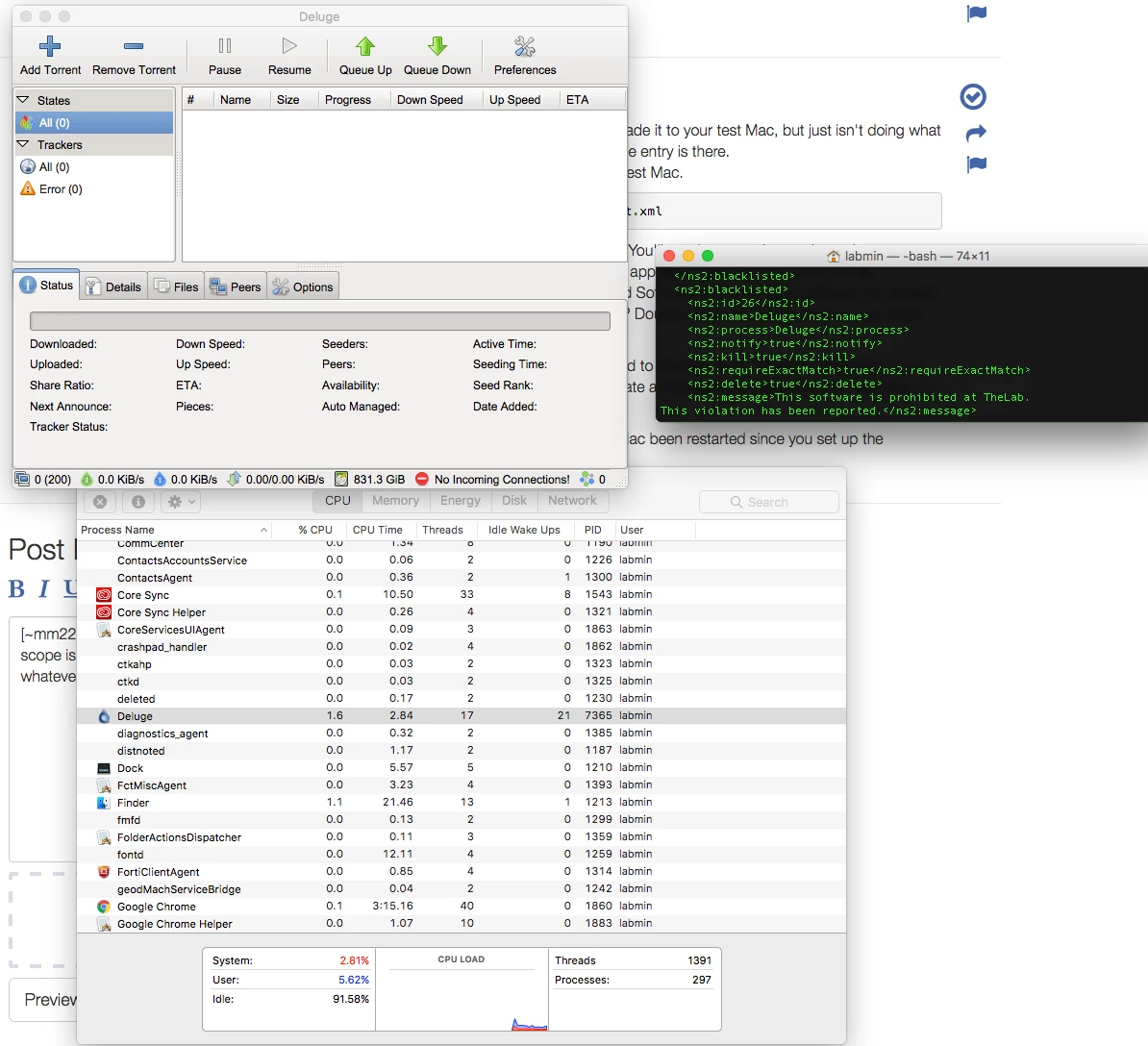
Hmm, ok, so next step will be to see if the restricted software setting made it to your test Mac, but just isn't doing what its supposed to. You can examine the actual blacklist.xml file to see if the entry is there.
Run this command in Terminal to see the entries in the xml file on your test Mac.
xmllint --format /Library/Application Support/JAMF/.blacklist.xmlThat should print out a formatted list of the Restricted Software entries. You'll need to scan the results or throw a grep on at the end to look for the item or items you added that aren't getting applied to see if they're in the xml file.
If they are, then you might have to go back and examine your Restricted Software entries to see if perhaps you added them in incorrectly. Like maybe they aren't looking for the right process? Double check the Scope while in it to make sure your test Mac is in scope.
OTOH, if they aren't there, then it means the setting's not getting applied to the Mac at all, despite running the sudo jamf manage command, which should bring it down. That might indicate a management issue with your test Mac, or it could be a problem with your JSS or something.
Another thing, silly, but since I didn't see you mention it, has your test Mac been restarted since you set up the Restricted Software entries?





Enter your E-mail address. We'll send you an e-mail with instructions to reset your password.