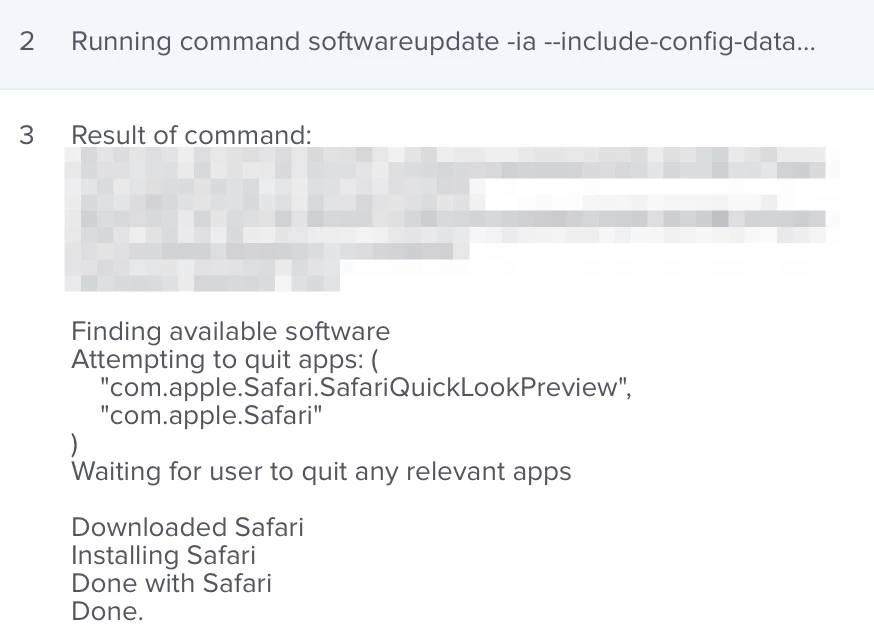
For anyone that prefers to make Safari updates available via Self Service, here are the standalone installer download links extracted from Apple's Software Update Server catalog for what Apple's Security update bulletins published today are calling Safari 16.3.1. Unfortunately what Apple actually released today were new builds of Safari 16.3 with updated Build numbers. This means you'll have to use an EA to extract the CFBundleVersion string from the Safari app bundle to figure out exactly what version of Safari you have installed (also posted below).
Safari "16.3.1" for macOS Big Sur: http://swcdn.apple.com/content/downloads/30/47/032-38743-A_CT6YB7IU0E/etlliehrvoqmlrb8mso9d2lh8vtnb59e0o/Safari16.3BigSurAuto.pkg
Safari "16.3.1" for macOS Monterey: https://swcdn.apple.com/content/downloads/61/07/032-38754-A_I6L5FGHO4W/6vezgtgkabm4112wd26y1moii3kak18ykb/Safari16.3MontereyAuto.pkg
EA to report Safari CFBundleVersion:
#!/bin/sh

# EA - Get Safari CFBundleVersion

result="Not Installed"
PListToCheck="/Applications/Safari.app/Contents/Info.plist"

if [ -f "$PListToCheck" ] ; then
	result=$( /usr/bin/defaults read "$PListToCheck" CFBundleVersion )
fi

echo "<result>$result</result>"