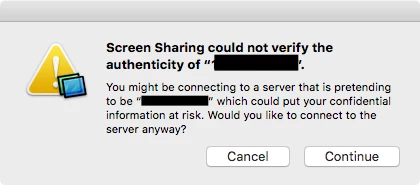
Is there a way to suppress these annoying Screen Sharing dialog boxes.
No, Screen Sharing, we don't have FQDN set up for many thousands Macs.
#makeItStop


 +36
+36Is there a way to suppress these annoying Screen Sharing dialog boxes.
No, Screen Sharing, we don't have FQDN set up for many thousands Macs.
#makeItStop
Enter your E-mail address. We'll send you an e-mail with instructions to reset your password.


